My WordPress Site Is Down: What to Check First
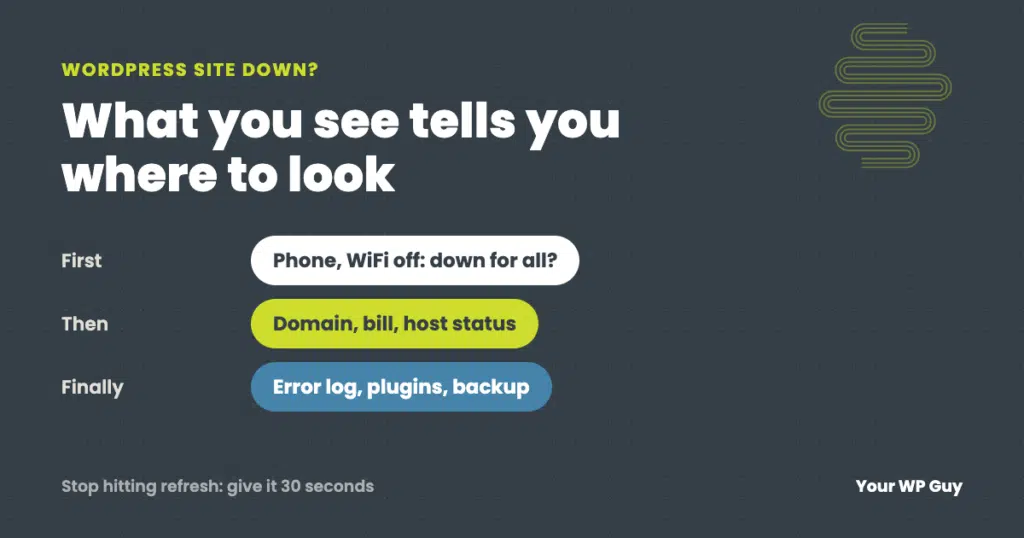
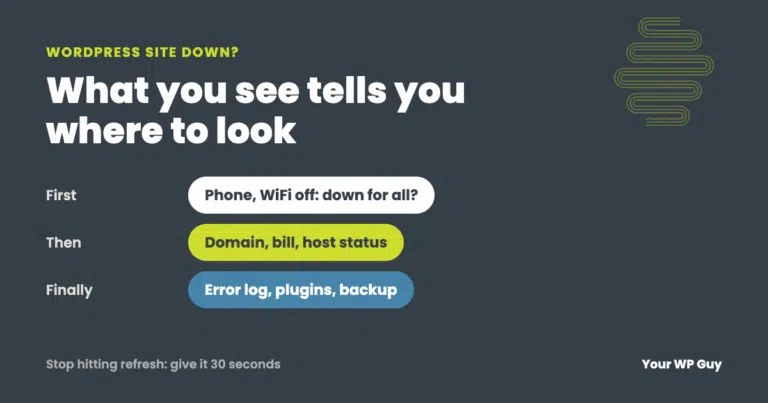
First, check whether the site is down for everyone: try it on your phone with WiFi turned off. Then match what you see to its cause. “Can’t be reached” usually means the domain or DNS, a timeout means the server, “Account suspended” means the host, and error messages or codes point to WordPress or the server. Check the boring things first: domain renewal, hosting bill and your host’s status page. If you need it back fast, our one-time WordPress fix starts at $199, and most fixes are done the same business day.
Your website is down. Customers are emailing, the phone is quiet, and you do not know where to start. Take a breath: most outages come down to a short list of causes, and the error you are looking at tells you which one.
Handling outages is part of our job. This guide is the order we work through, starting with the checks that take seconds.
Is it down for everyone, or just you?
Before anything else, rule out your own connection.
- Try it on your phone with WiFi turned off, so it uses mobile data instead of your office network.
- Use a website status checker such as downforeveryoneorjustme.com, which checks from outside your network.
- Ask someone somewhere else to open it.
If it works everywhere except one network, the site is fine and something on that network is blocking it. Some business and public WiFi networks use security filters that wrongly flag sites. Our case study on a site that could not be reached on WiFi shows how we cleared one.
And stop hitting refresh. A struggling server needs a moment to recover, and constant reloading, from you and everyone else trying the site, makes it worse. Give it 30 seconds between tries.
What you see, and what it means
| What you see | What it usually means | Where to start |
|---|---|---|
| “This site can’t be reached” or a DNS error | The domain expired, or its DNS records changed or broke | Your domain registrar and DNS provider |
| “Connection timed out” or the page never loads | The server is down, overloaded or blocking you | Your host’s status page and support |
| “Account suspended” | The host switched the account off: billing, overuse or malware | Your hosting account and email |
| “There has been a critical error on this website” or a white screen | A plugin, theme or PHP problem | White screen and critical error guide |
| 500 Internal Server Error | The server hit an error running the site | 500 error guide |
| 502, 503 or 504 | The server is overloaded, out of resources or in maintenance | The 503 section below |
| “Briefly unavailable for scheduled maintenance” | An update stopped partway | Stuck maintenance mode guide |
| “Error establishing a database connection” | The database server is down or the login details changed | Your host first |
| A Cloudflare error page (521, 522, 525, 526) | Cloudflare is up, but it cannot reach your server properly | Your host, then the Cloudflare SSL setting |
| “Your connection is not private” | The security certificate expired or is wrong | Not Secure guide |
Check the boring things first
Some outages are not technical at all, and these take minutes to check.
- Did the domain expire? Look up the renewal date at your registrar. An expired domain takes the website and email down together.
- Did a hosting payment fail? Check the card on file and search your email for messages from your host, including spam.
- Is your host having an outage? Most hosts have a status page. If it is their problem, there is nothing to fix on your side but waiting and keeping your customers posted.
- What changed recently? Plugin or theme updates, a new plugin, a DNS change or a PHP upgrade in the last day are the first suspects.
If you can get into your hosting
- Read the error log in your hosting control panel. It often names the plugin or file at fault. Our guide to the WordPress debug log shows how to read it.
- Check disk space and resource limits. A full disk or a maxed-out account can take every page down.
- Turn off plugins from outside WordPress by renaming the plugins folder, if the error points to WordPress. Our guide to finding the plugin breaking your site walks through it.
- Restore a backup from before the problem started, if you know when that was and nothing else works.
A full disk can take a whole site down with no warning. On one site we look after, every page started returning a server error while still showing content. The cause took some digging: the backup plugin had a second, forgotten cloud storage account that was full. Backups could not finish uploading there, so the plugin never cleared its local copies, and they piled up until the server’s disk was full.
Need it back up now?
Outages are everyday work for us. Most fixes are done the same business day.
- Talk to a WordPress expertTell us what you see and when it started.
- We find the causeDomain, host, server or WordPress, in that order.
- We fix it and check itEvery page, form and checkout, on phone and desktop.
If you see a 503 Service Unavailable error
A 503 means the server is running but cannot handle the request right now. The usual causes:
- Too many visitors or bots at once, more than the hosting plan can handle.
- All of the server’s PHP workers are busy, often because one slow plugin is holding them up.
- Maintenance on the server, by your host.
- A firewall or rate limit blocking traffic that looks like an attack.
Start by waiting a minute and trying again, without hammering refresh. If it keeps happening, ask your host what is using the resources, check for a bot flood in your traffic or firewall logs, and look at what changed. If it happens every day at the same busy time, the site has outgrown its hosting or something on it is too slow.
A 503 is also the right answer for planned downtime. Search engines treat it as “come back later”, so a short 503 does not hurt your rankings.
When the site looks up but is not working
The hardest outages are the ones where the homepage loads fine. A saved copy of the homepage can hide a site where every other page is blank, and a basic uptime monitor will call it “up” the whole time. Our case study on the invisible WordPress outage every monitor missed shows one that lasted 33 hours.
So when someone says the site is down and it looks fine to you, check more than the homepage: a few inner pages, the contact form, the login page and the checkout.
Three days down, and every monitor said “up”
One site we look after was down for three days before anyone knew. The client paid their host directly, and the host suspended the account. Visitors saw an “Account Suspended” page instead of the website.
The uptime monitor never complained. The suspended page loaded with a normal “200 OK” status, the same signal a healthy page sends, so the monitor read it as up the whole time. We moved the site to new hosting the same day we found it, then changed our monitoring to check that each page actually shows the website’s content, not just that something answers.
Once it is back up
- Check the important pages, forms and checkout, not just the homepage, with the cache cleared.
- Find the cause, so it does not happen again tomorrow.
- Set up monitoring that checks content, not just whether the server answers.
- Turn on auto-renew for your domain and keep the payment card current with your registrar and host.
- Make sure you have recent backups stored off the server. Our guide to backing up WordPress covers how.
Back up, but not sure what else is wrong? Our free Uh Oh Score checks your site and shows what to fix first, with no sales call required.
Get my Uh Oh ScoreQuestions people ask
Why is my WordPress site down?
The most common causes are an expired domain or DNS problem, a host outage or suspension, an overloaded server, or a plugin, theme or PHP error. The message you see, from “can’t be reached” to “critical error”, tells you which one.
How do I check if my website is down for everyone?
Open it on your phone with WiFi turned off, or use a status checker like downforeveryoneorjustme.com. If it only fails on one network, the site is fine and that network is blocking it.
What does 503 Service Unavailable mean?
The server is running but cannot handle the request right now, usually because of too much traffic, busy PHP workers, server maintenance or a firewall limit. Wait a minute, then check with your host if it continues.
Should I call my host first?
Check their status page first. If the error points to the server, the database or a suspension, yes, call them. If it points to WordPress, like a critical error, the host usually will not fix it for you.
Will I lose my content?
Rarely. Most outages leave your content safe on the server. If the server’s data is lost, a recent backup stored somewhere else is what gets it back.
Why does my site look fine to me but customers say it is down?
You may be seeing a saved copy in your browser or a cache, or their network may be blocking the site. Check inner pages, forms and checkout, and test on your phone with WiFi turned off.
Does downtime hurt my Google rankings?
A short outage, especially one that returns a 503, usually does not. Downtime that lasts days can, and every hour down costs you visitors and sales.
Sources
- MDN Web Docs, 503 Service Unavailable.
- Google Search Central, How HTTP status codes and network errors affect Google Search.
- WordPress Developer Resources, Debugging in WordPress.
Get your site back, and find out why it went down
We fix the outage, check every page that makes you money, and tell you what caused it so it does not happen again.

Jonathan Wofford is the founder of Your WP Guy, a WordPress care and maintenance service supporting 105+ active client sites. He and his team keep WordPress sites fast, secure, and running, so business owners can stay focused on their business instead of their website.