
Best WordPress Migration Plugins: What We Use and When Each Fits
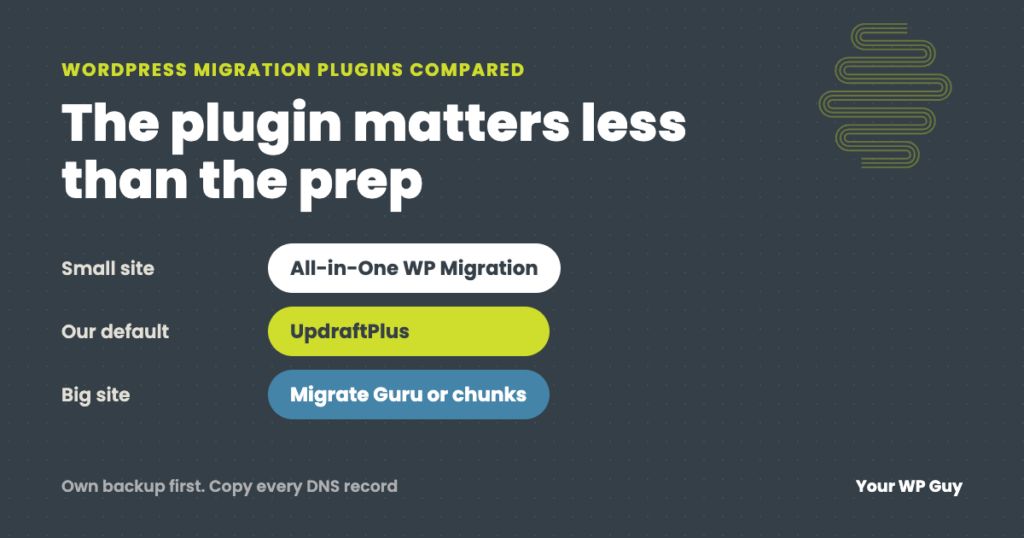
The short answer For most sites, use a backup plugin you already trust, and test the move before you switch. We have used all six plugins below on client moves, and UpdraftPlus is our default because it works most consistently. All-in-One WP Migration is simplest for small sites, Duplicator suits moves to an empty server,…
Read MoreHow to Clean Up and Optimize Your WordPress Database (Safely)
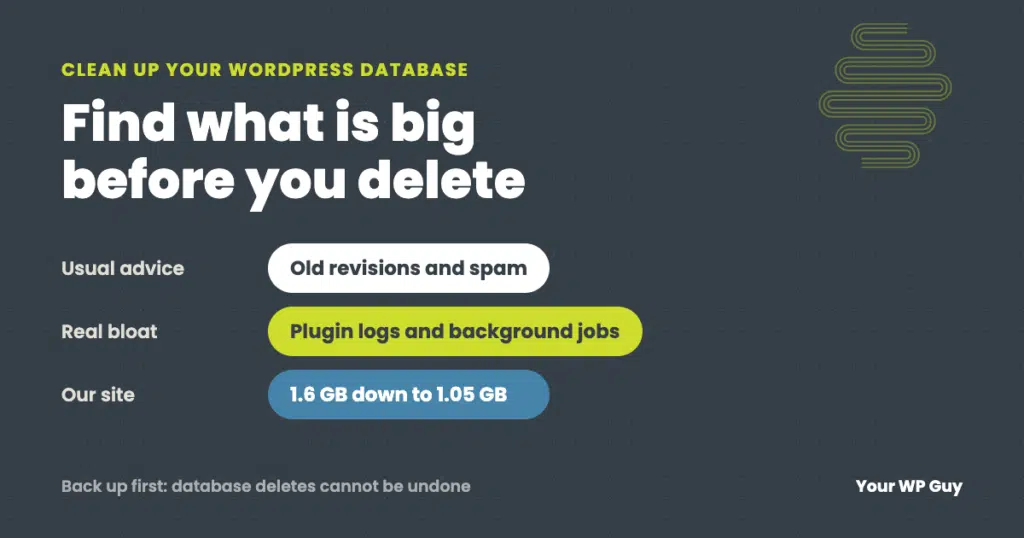
The short answer Back up the database first. Then find which tables are actually big before deleting anything, because the real bloat is rarely just old revisions. Clear the routine clutter (revisions, spam, expired temporary data), trim the settings WordPress loads on every page, cap runaway plugin logs, and remove tables left by deleted plugins.…
Read MoreHow to Update PHP on WordPress (Without Breaking Your Site)
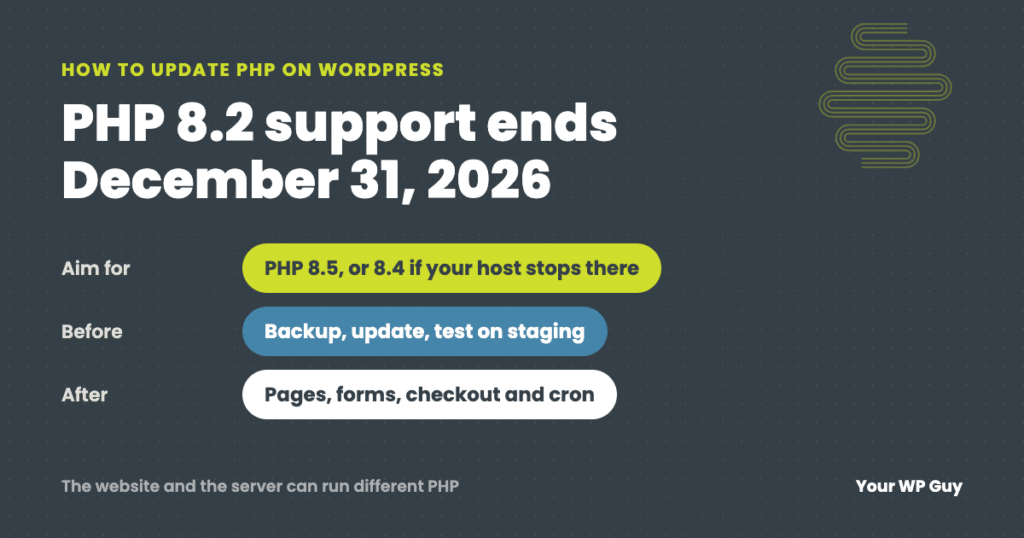
The short answer Move to PHP 8.5 if your host offers it, or 8.4 if it does not. PHP 8.2 stops getting security fixes on December 31, 2026. Back up, update everything and test on a staging copy first. Then change the version in your hosting control panel and check your pages, forms, checkout and…
Read MoreHow to Find Which Plugin Is Breaking Your WordPress Site
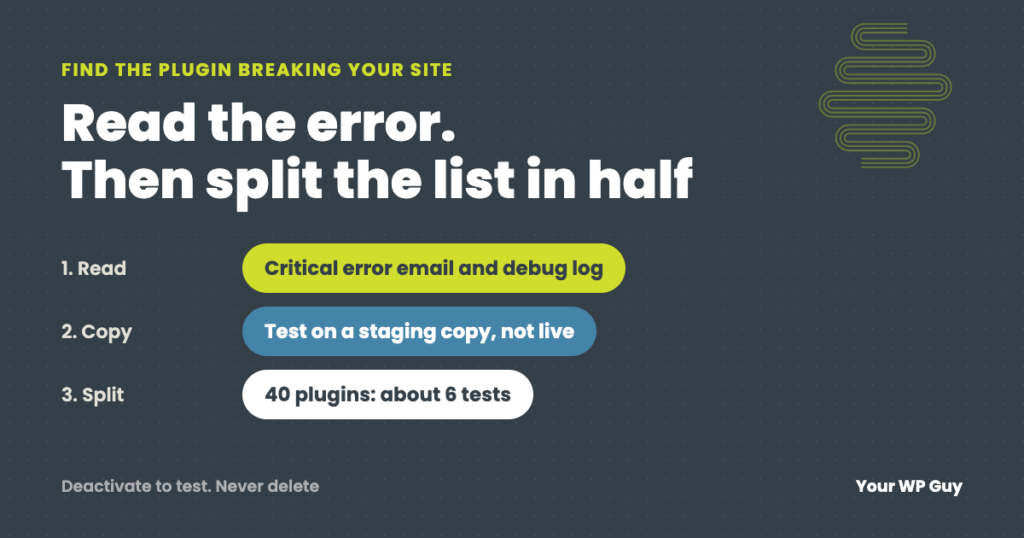
The short answer Read the error before you start switching plugins off. WordPress’s “critical error” email and your debug log often name the plugin that failed. If there is no error, copy the site to a staging site, turn off half the plugins, and check if the problem goes away. Keep halving the suspect group…
Read MoreHow to Accept Zelle, Venmo and Cash App on WooCommerce
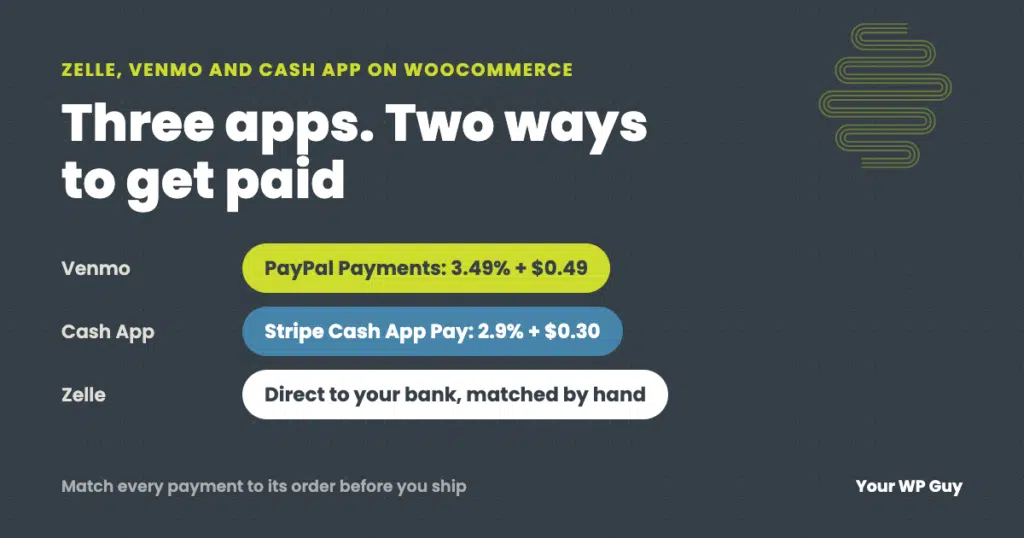
The short answer WooCommerce has no built-in Zelle, Venmo or Cash App option, but you can add all three. Venmo comes through the free PayPal Payments plugin, and Cash App Pay comes through Stripe. Both are automatic, but you pay card-level fees. Zelle has no checkout connection for stores, so it is always manual: the…
Read MoreHow to Back Up a WordPress Site (the Way We Do It for Clients)
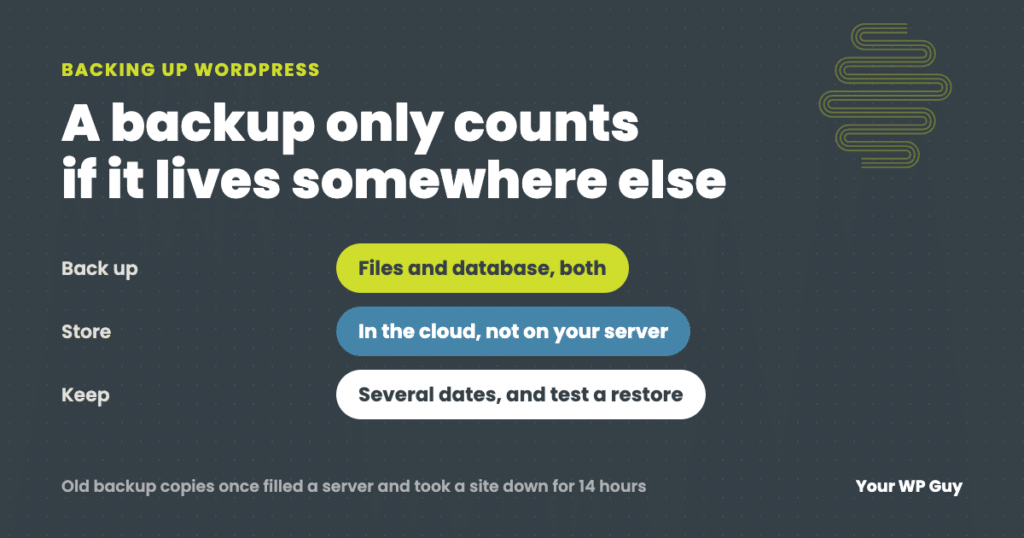
The short answer A WordPress backup has two parts: your files (themes, plugins and uploads) and your database (posts, pages, settings and orders). The easiest way to back up both is a plugin. We run UpdraftPlus Premium on client sites, and the free version of UpdraftPlus covers what most sites need. Install it, schedule automatic…
Read MoreHow to Export WooCommerce Orders (for Your Accountant, Taxes or Analysis)
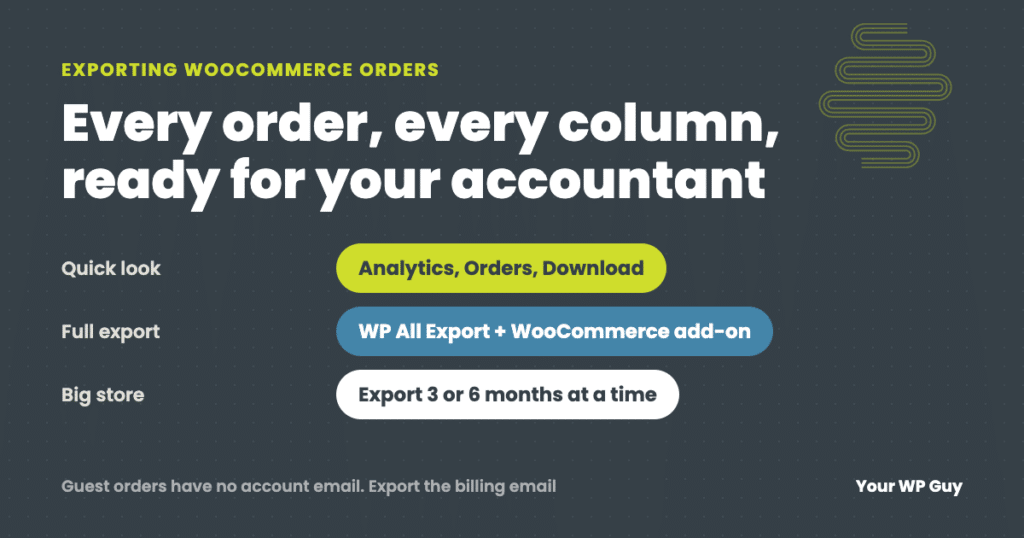
The short answer WooCommerce does not have a full order export built in. For a quick summary, go to Analytics, then Orders, choose your dates and click Download to get a CSV file. For a complete export with customer details, line items, taxes and fees, use an export plugin. We use WP All Export with…
Read MoreHow to Restore WordPress From a Backup (and What to Do When It Fails)
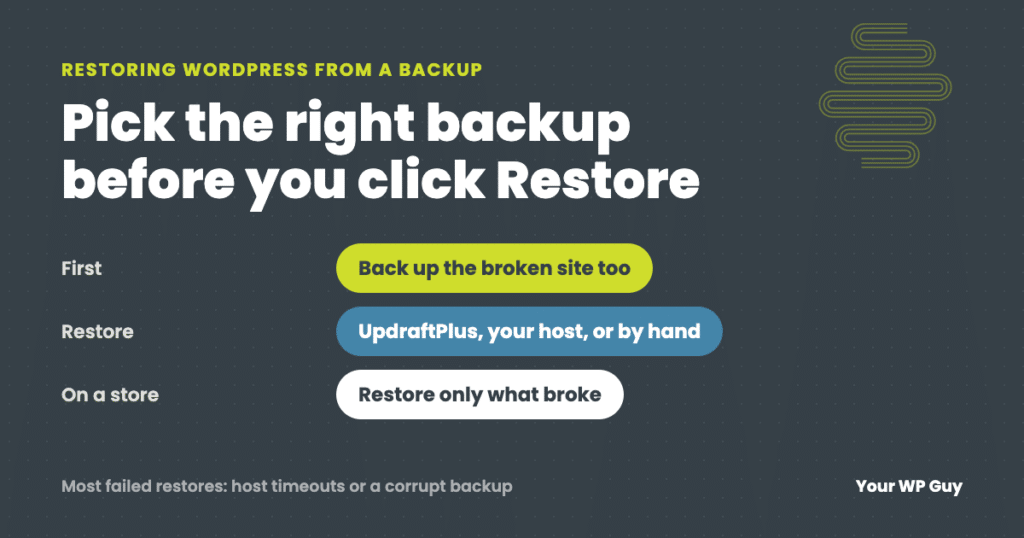
The short answer To restore WordPress from a backup, first pick the right backup: the last one from before the problem started. Then restore it with whatever made it. In UpdraftPlus, go to Settings, then UpdraftPlus Backups, find the backup and click Restore. Other backup plugins work much the same way. Hosting backups are restored…
Read MoreWordPress Debug Log: How to Turn It On Safely and Read Your Error Log
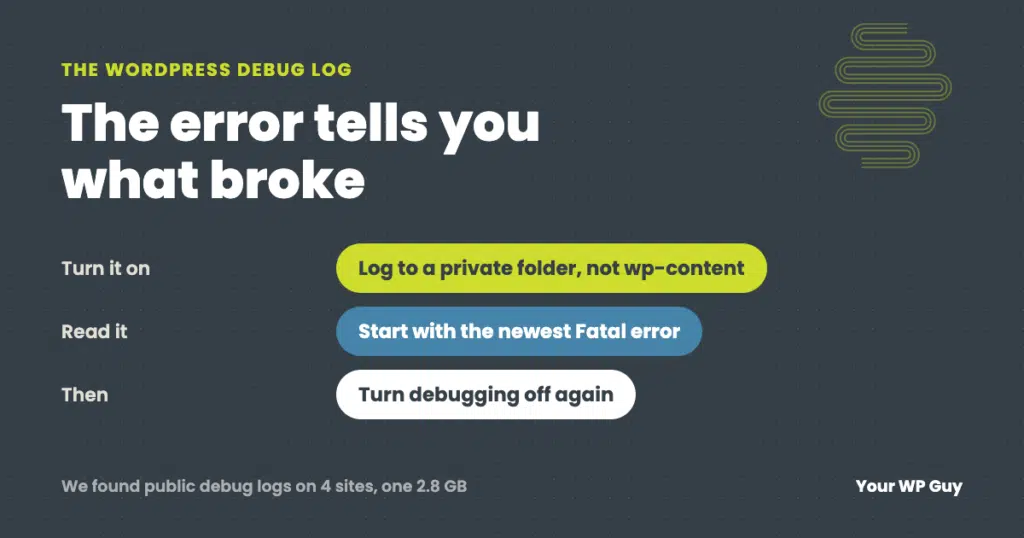
The short answer To turn on the WordPress debug log, add WP_DEBUG and WP_DEBUG_LOG to your wp-config.php file, and point the log at a private folder outside your website’s public files. Set WP_DEBUG_DISPLAY to false so visitors never see the errors. Then repeat whatever breaks, download the log, and read the newest lines. An AI…
Read MoreHow to Change Your WordPress Domain (Without Losing Traffic or Email)
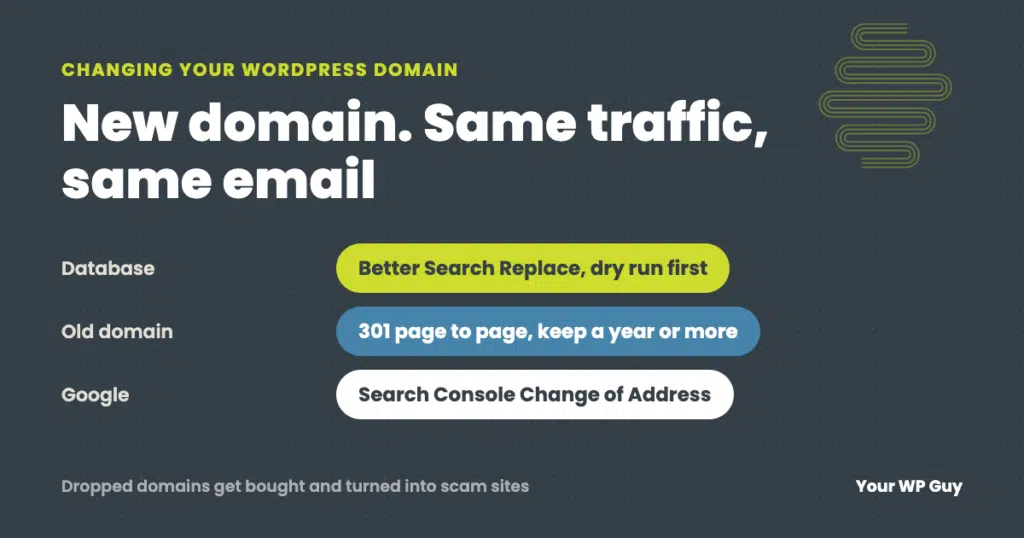
The short answer To change a WordPress site’s domain, add the new domain to your hosting with an SSL certificate, back up the site, then use the Better Search Replace plugin to replace the old address with the new one throughout the database. Check that Settings, then General, shows the new address in both fields,…
Read More