
Troubleshooting
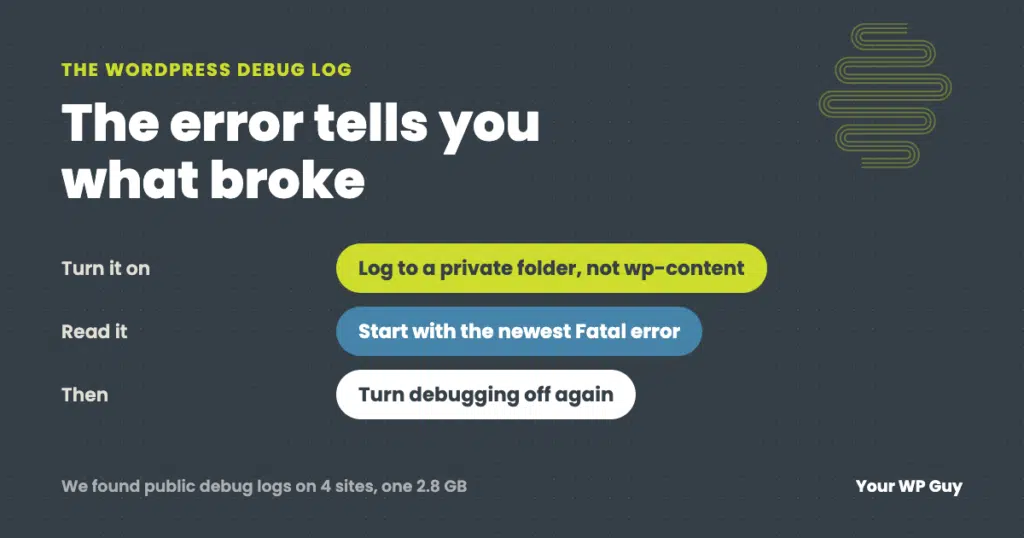
WordPress Debug Log: How to Turn It On Safely and Read Your Error Log
The short answer To turn on the WordPress debug log, add WP_DEBUG and WP_DEBUG_LOG to your wp-config.php file, and point the log at a private folder outside your website’s public files. Set WP_DEBUG_DISPLAY to false so visitors never see the errors. Then repeat whatever breaks, download the log, and read the newest lines. An AI…

Locked Out? Understanding WordPress Login Error Messages
We all know the frustration of trying to access your website only to be met with an error message. As a WordPress website owner, encountering a login error can be incredibly annoying. You want to make changes to your site, write an important blog post, or look at the sales in WooCommerce, but these vague…

The Mysterious Case of Disappearing Content: Troubleshooting Sudden Losses
You probably do it every day: wake up, make your coffee, and log in to your website. But what happens if, when you access your website, you find that key pages, posts, and media files have inexplicably vanished? Your stomach drops. How will you explain this to customers? Situations like this are a real possibility…

How to Quickly Find Your Domain Registrar
Most people who create blogs or websites choose to register a domain name. A domain registrar is responsible for selling and managing domain name registrations. Since the process of registering your domain name is typically completed early in the process of starting your site, it’s easy to forget your domain registrar. Fortunately, there are a…