
Web Hosting
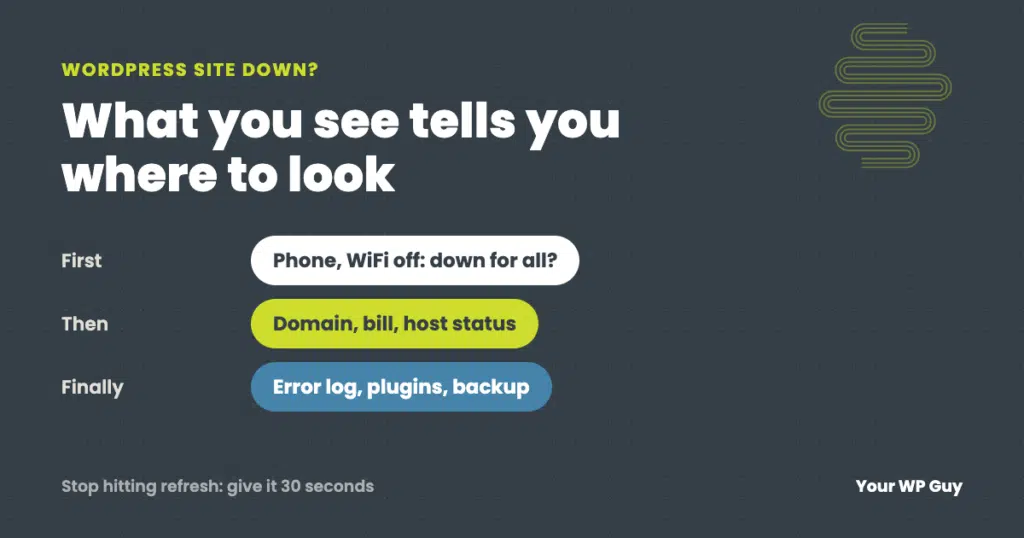
My WordPress Site Is Down: What to Check First
The short answer First, check whether the site is down for everyone: try it on your phone with WiFi turned off. Then match what you see to its cause. “Can’t be reached” usually means the domain or DNS, a timeout means the server, “Account suspended” means the host, and error messages or codes point to…
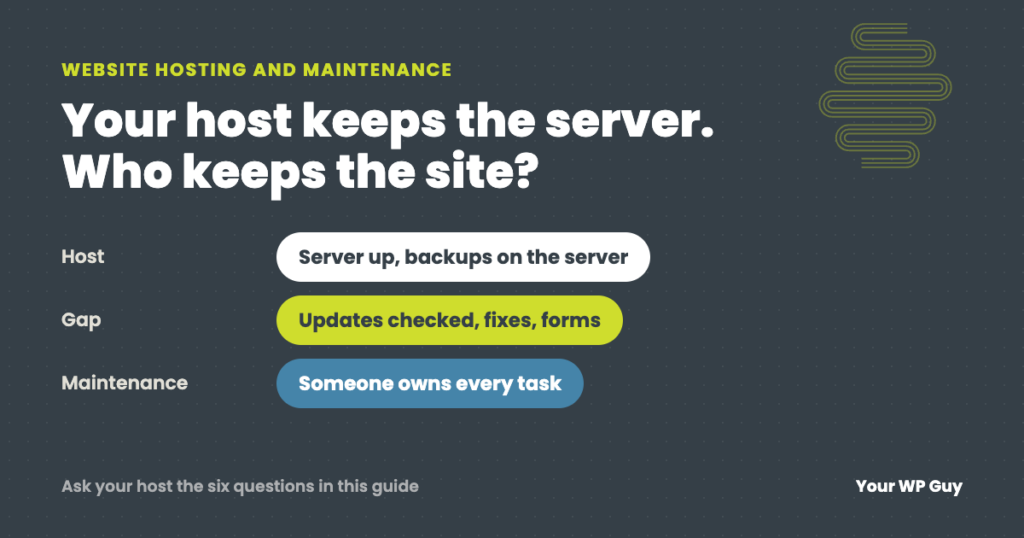
Website Hosting and Maintenance: What Your Host Does (and Doesn’t)
The short answer Website hosting and website maintenance are two different jobs. Your host keeps the server running. Maintenance keeps your WordPress site running: plugin and theme updates, fixing what an update breaks, backups you can actually restore, security cleanup and checking that forms and checkout still work. Most hosts do some of this, very…
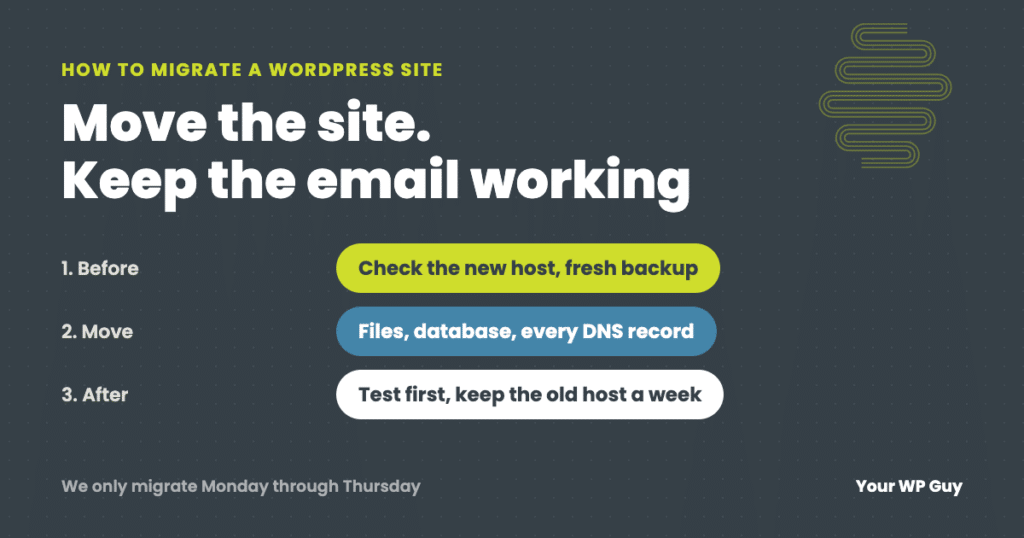
How to Migrate a WordPress Site to a New Host (Without Losing Email or Orders)
The short answer To migrate a WordPress site to a new host, check that the new host can actually run your site, make your own fresh backup, copy your DNS records (including email), move the files and database, and test everything on the new host before you point your domain at it. Keep the old…
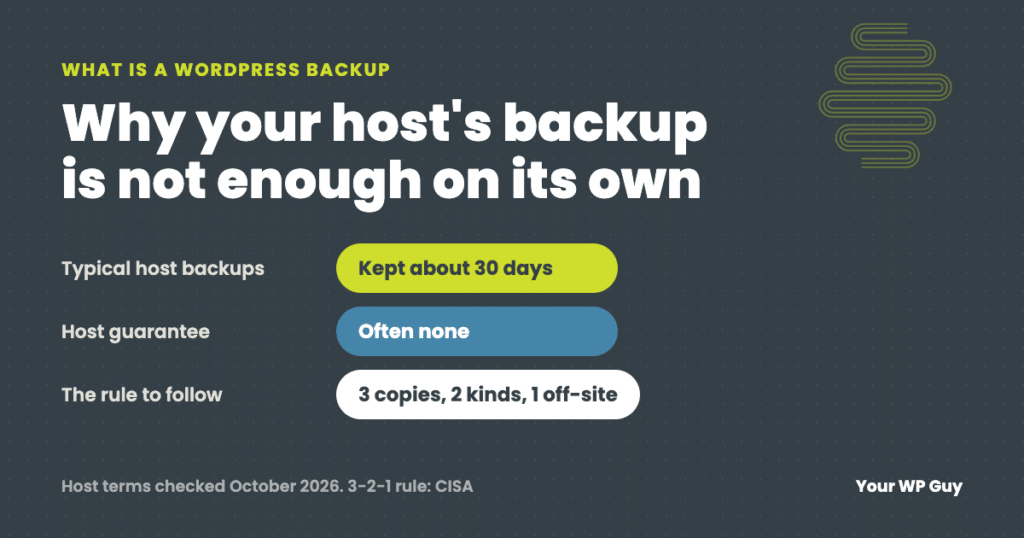
What Is a WordPress Backup? (And Why Your Host’s Is Not Enough)
The short answer A WordPress backup is a complete copy of your website, its files and its database, stored somewhere other than your website’s server. If the site is hacked, broken by an update or changed by mistake, the backup is how you put it back the way it was. Without one, there may be…