
WordPress Updates
WordPress 7 and AI: What Changed and What It Means for Your Site
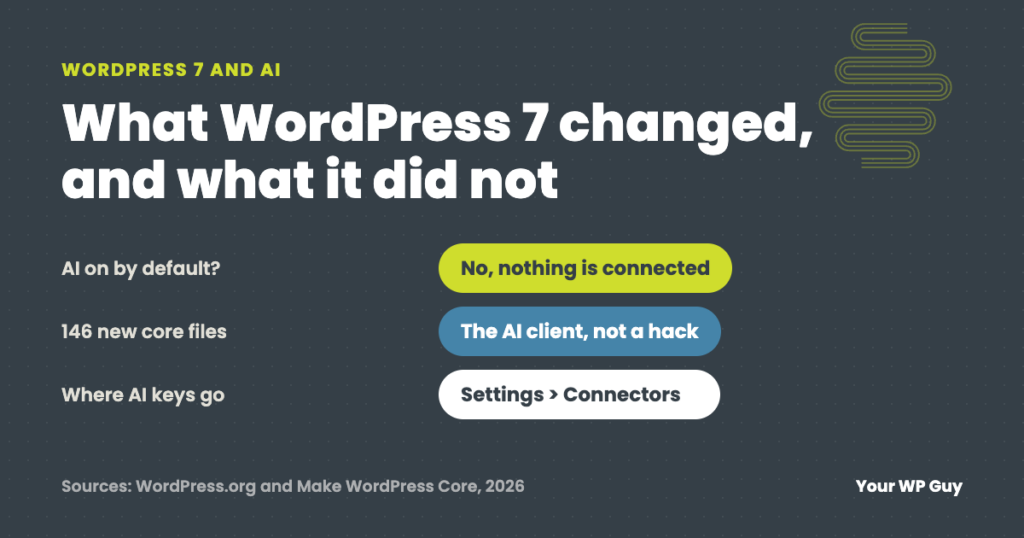
The short answer WordPress 7.0, released May 20, 2026, added a built-in AI client and a Settings > Connectors screen for AI services. It does nothing on its own: no AI service is connected until you add one and a plugin uses it. The update also adds 146 new files, which some security scanners flag…
Website Hosting and Maintenance: What Your Host Does (and Doesn’t)
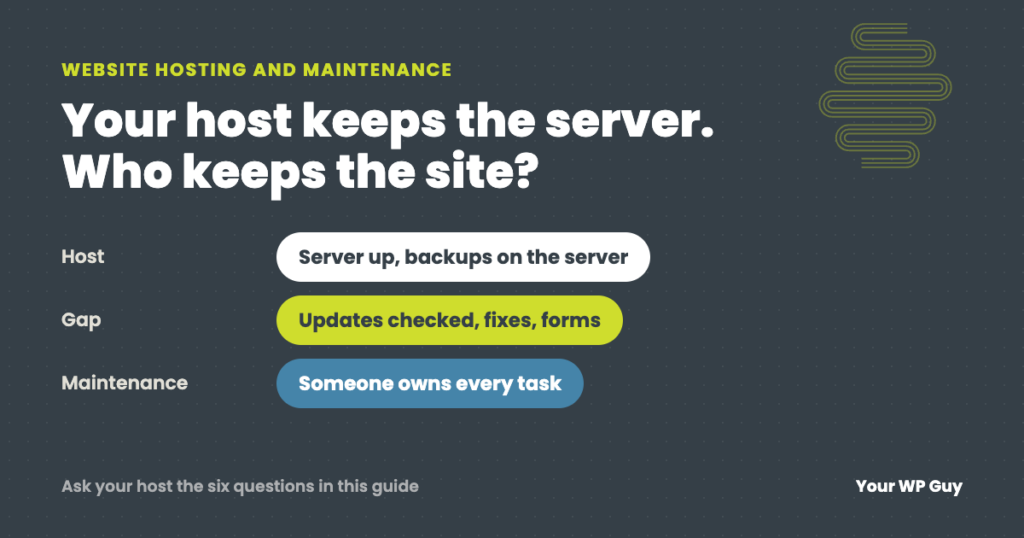
The short answer Website hosting and website maintenance are two different jobs. Your host keeps the server running. Maintenance keeps your WordPress site running: plugin and theme updates, fixing what an update breaks, backups you can actually restore, security cleanup and checking that forms and checkout still work. Most hosts do some of this, very…
How to Update PHP on WordPress (Without Breaking Your Site)
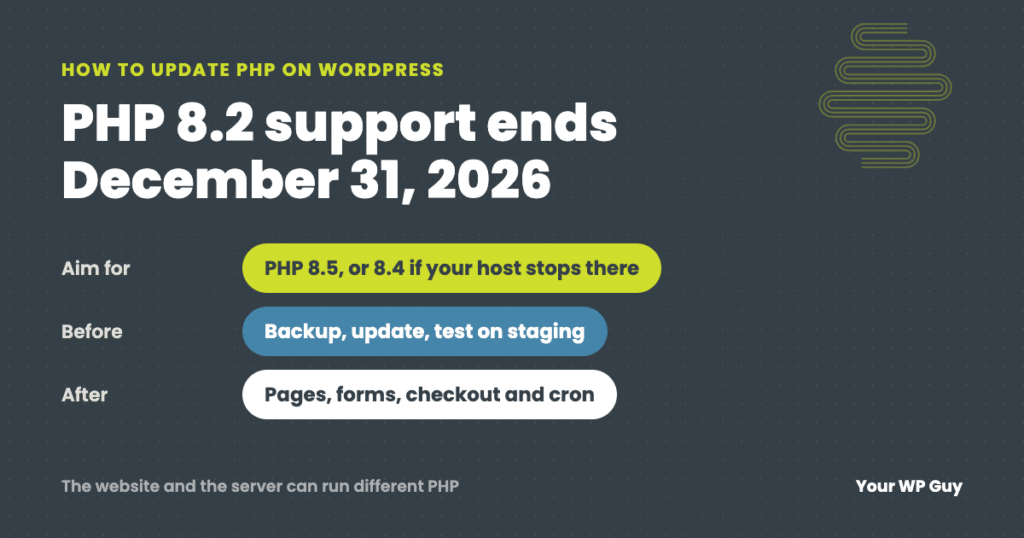
The short answer Move to PHP 8.5 if your host offers it, or 8.4 if it does not. PHP 8.2 stops getting security fixes on December 31, 2026. Back up, update everything and test on a staging copy first. Then change the version in your hosting control panel and check your pages, forms, checkout and…
How to Find Which Plugin Is Breaking Your WordPress Site
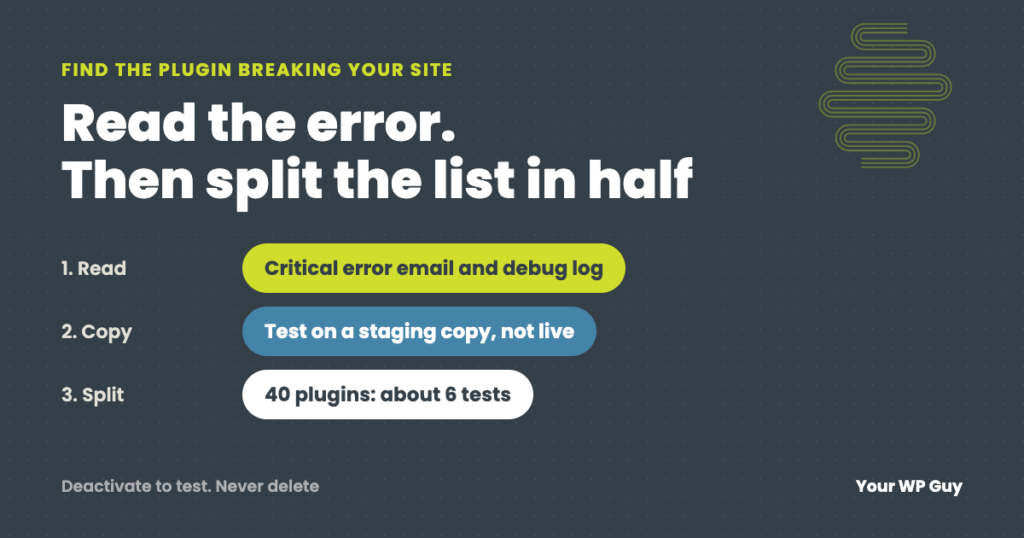
The short answer Read the error before you start switching plugins off. WordPress’s “critical error” email and your debug log often name the plugin that failed. If there is no error, copy the site to a staging site, turn off half the plugins, and check if the problem goes away. Keep halving the suspect group…
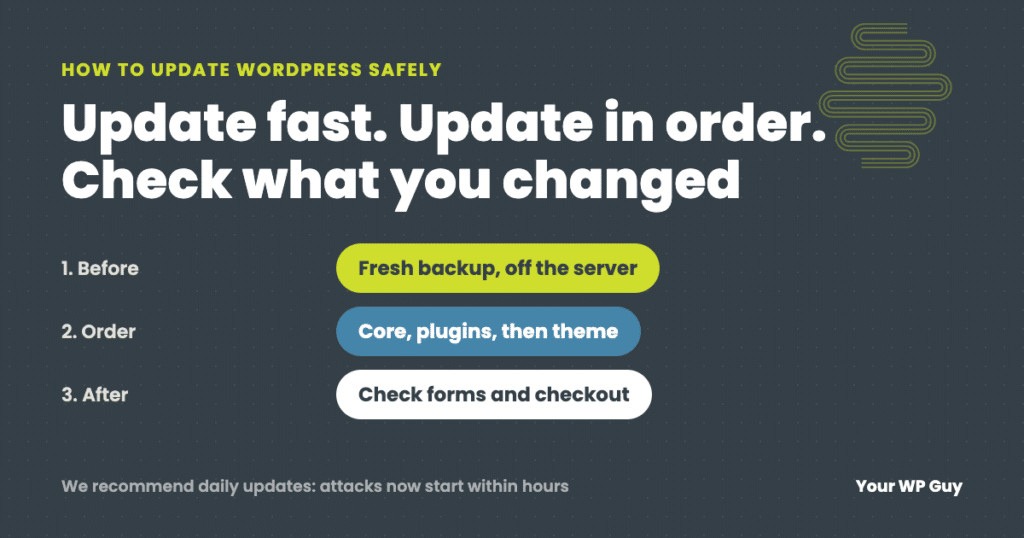
How to Update WordPress Safely (Without Breaking Your Site)
The short answer To update WordPress safely, make a fresh backup, then update in this order: PHP (if needed), WordPress core, plugins a few at a time, then your theme, and check the site after each step, including forms and checkout. We recommend updating daily, because with AI, attacks on a newly published flaw now…
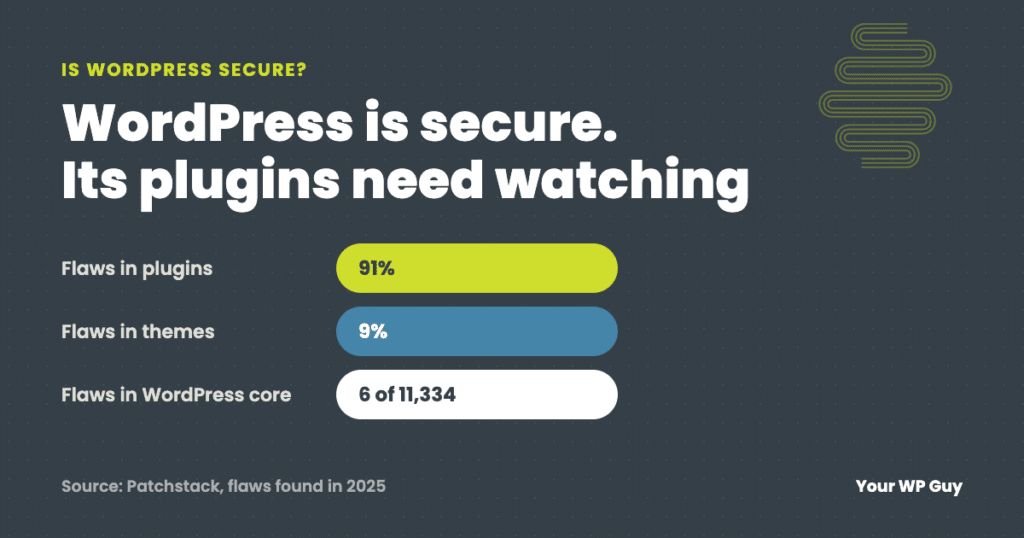
Is WordPress Secure? The Real Security Issues and How Sites Get Hacked
The short answer Yes, WordPress itself is secure: only 6 of the 11,334 WordPress security flaws found in 2025 were in WordPress core, all low priority. The real security issues are plugins (91%) and themes (9%), weak logins, and updates that wait too long, because attacks on a new flaw often start within hours, and…
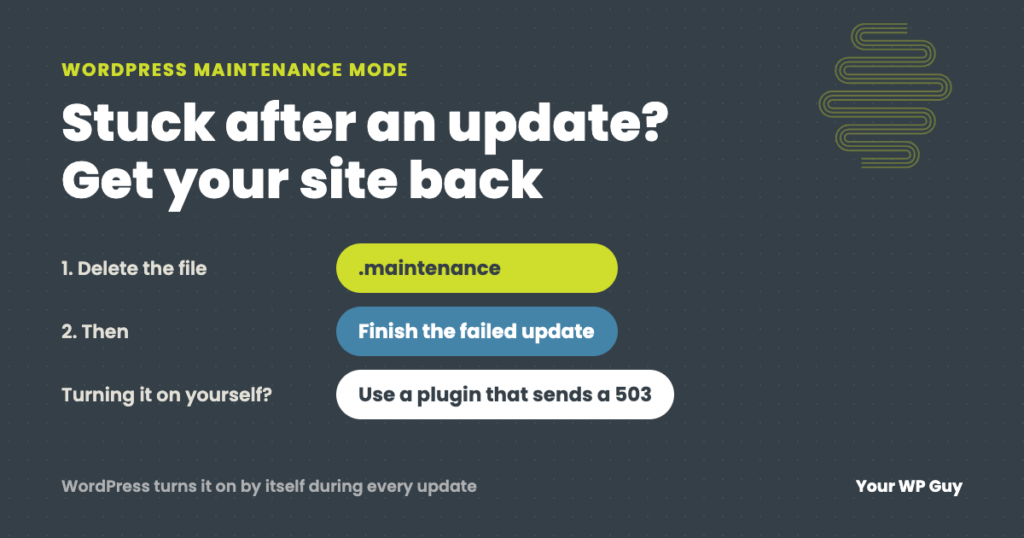
WordPress Maintenance Mode: Fix a Stuck Site or Turn It On Safely
The short answer WordPress puts your site in maintenance mode by itself for a few seconds every time it updates. If an update hangs, the site gets stuck showing “Briefly unavailable for scheduled maintenance. Check back in a minute.” To fix it, delete the .maintenance file in your site’s main folder, then finish the update…
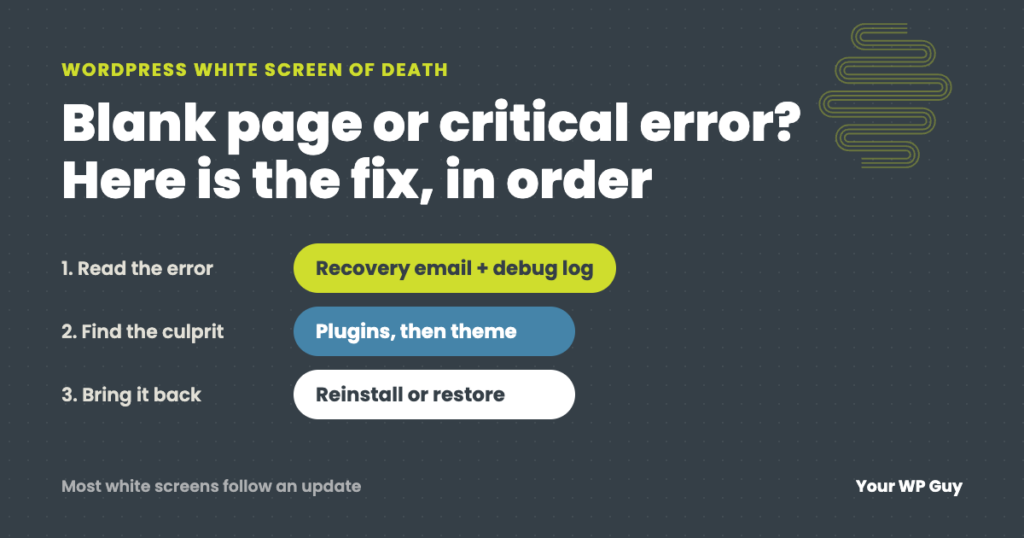
WordPress White Screen of Death (or Critical Error): How to Fix It
The short answer The WordPress white screen of death is a blank page, or the message “There has been a critical error on this website,” shown when PHP hits an error it cannot recover from. A plugin, a theme or a recent update is usually the cause. Check your email for WordPress’s recovery link, then…

The Events Calendar Vulnerability – Missing Authorization to Authenticated (Subscriber+) Data Migration Control – CVE-2025-15043 | WordPress Plugin Vulnerability Report
Plugin Name: The Events Calendar Key Information Software Type: PluginSoftware Slug: the-events-calendarSoftware Status: ActiveSoftware Author: stellarwpSoftware Downloads: 78,686,265Active Installs: 700,000Last Updated: January 22, 2026Patched Versions: 6.15.13.1Affected Versions: ≤ 6.15.13 Vulnerability Details Name: The Events Calendar ≤ 6.15.13 – Missing Authorization to Authenticated Data Migration ControlTitle: Missing Authorization to Authenticated (Subscriber+) Data Migration ControlType: Missing Authorization…
Newsletter – Send awesome emails from WordPress Vulnerability – Cross-Site Request Forgery to Newsletter Unsubscription – CVE-2026-1051 | WordPress Plugin Vulnerability Report
Plugin Name: Newsletter – Send awesome emails from WordPress Key Information Software Type: PluginSoftware Slug: newsletterSoftware Status: ActiveSoftware Author: satolloSoftware Downloads: 32,725,200 Active Installs: 300,000 Last Updated: January 20, 2026 Patched Versions: 9.1.1 Affected Versions: ≤ 9.1.0 Vulnerability Details Name: Newsletter – Send awesome emails from WordPress ≤ 9.1.0 Title: Cross-Site Request Forgery to Newsletter UnsubscriptionType:…