Should You Block AI Crawlers on Your WordPress Site?
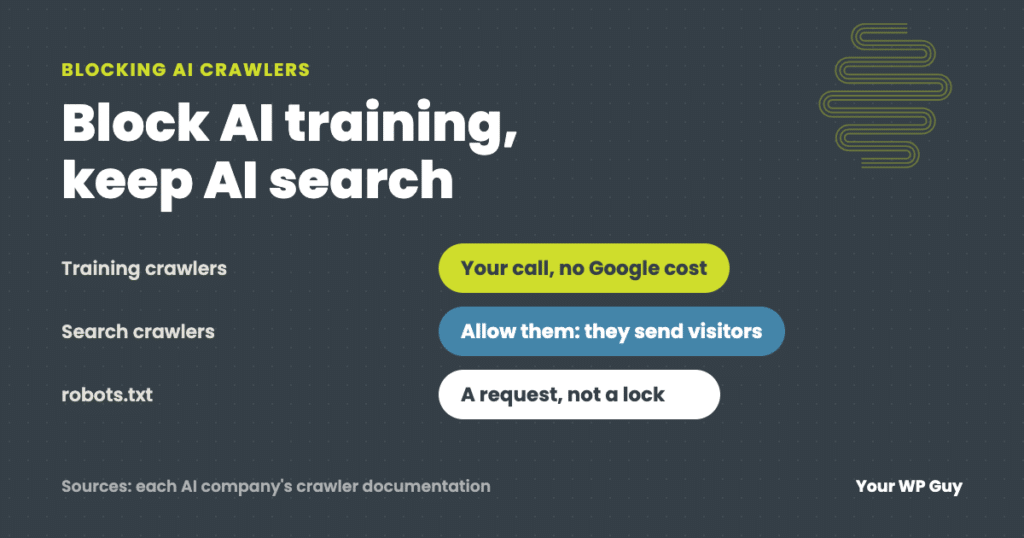
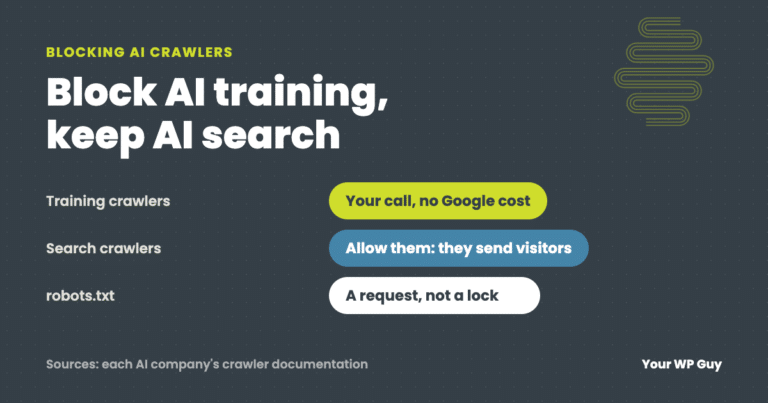
It depends on what you want. Blocking AI training crawlers keeps your content out of future AI models, and Google says it does not affect your Google Search rankings. Blocking AI search crawlers can keep you out of AI answers that send people to your site. Most small businesses should allow search crawlers, decide on training crawlers and check their server logs before blaming bots for a slow site. On our WordPress care plans, we watch bot traffic for you.
You keep hearing that AI companies are scraping websites. Maybe your site feels slower, or you just do not like the idea of your work training someone else’s product.
We look after WordPress sites and read their server logs when something is off. This guide covers the two kinds of AI crawlers, what blocking them does to your search traffic, the exact lines to add and what those lines cannot stop.
What are AI crawlers?
AI crawlers are bots that read websites for AI companies. They come in two kinds, and the difference matters more than anything else in this guide.
- Training crawlers collect pages to train future AI models. Blocking them does not take you out of anything people see today.
- Search crawlers fetch pages so an AI answer can show and link to them. Blocking them can mean fewer visitors from AI answers.
| Company | Training crawler (your call) | Search or answer crawler (allow it to show up) |
|---|---|---|
| OpenAI (ChatGPT) | GPTBot | OAI-SearchBot |
| Anthropic (Claude) | ClaudeBot | Claude-SearchBot and Claude-User |
| Google (Gemini) | Google-Extended | Googlebot (Google Search: never block it) |
| Meta (Llama, Meta AI) | Meta-ExternalAgent | Meta-ExternalFetcher (fetches links people ask about) |
| Apple (Apple Intelligence) | Applebot-Extended | Applebot (Siri and Spotlight) |
| Perplexity | None: Perplexity says PerplexityBot does not train AI models | PerplexityBot |
| Common Crawl (free, open web archive anyone can use) | CCBot | None |
| DeepSeek, xAI (Grok) | No official crawler name published that we could find | No official name published |
From each company’s own crawler documentation, checked November 2026. Crawler names change, so check again before you copy them.
Open models, like DeepSeek’s or Meta’s Llama, are a special case. Anyone can download and run them, so there is no single crawler to block for every copy. What you can control is the crawling you can name: the training crawlers above, and CCBot for the Common Crawl archive. For companies that publish no crawler name, only a firewall rule can stop them.
Will blocking AI crawlers hurt my Google rankings?
Not if you block the right one. Google’s documentation says Google-Extended “does not impact a site’s inclusion in Google Search nor is it used as a ranking signal in Google Search.”
The mistake to avoid is blocking Googlebot itself, or using a plugin that blocks “all bots.” That takes you out of Google Search entirely.
How to block AI training crawlers in WordPress
Add rules to your robots.txt file. Most SEO plugins have a robots.txt editor in their settings. If yours does not, ask your host where the file lives. These lines block the training crawlers from the table and leave search alone:
User-agent: GPTBot
Disallow: /

User-agent: ClaudeBot
Disallow: /

User-agent: Google-Extended
Disallow: /

User-agent: Meta-ExternalAgent
Disallow: /

User-agent: Applebot-Extended
Disallow: /

User-agent: CCBot
Disallow: /
Add them below any rules that are already there, and do not touch the lines for Googlebot or your sitemap. Then open yourdomain.com/robots.txt in a browser to check the new lines show up.
There are WordPress plugins that add a longer list of AI crawlers for you. They are handy, but check that the plugin is kept up to date, because crawler names change.
What robots.txt cannot stop
robots.txt is a request, not a lock. In Google’s words, robots.txt files “cannot enforce crawler behavior to your site; it’s up to the crawler to obey them.” Well-behaved crawlers follow it. Bad ones ignore it.
To actually stop a crawler, you block it before it reaches your site, with a firewall. If your site runs through Cloudflare, it has a setting to block AI crawlers. Cloudflare changed its default to block AI crawlers in July 2025, so check what yours is set to. Whatever you block, test that Googlebot and your own visitors still get through.
Are AI crawlers slowing down my site?
Sometimes, but check before you block. Your host’s access logs show which bots visit and how often. Often the biggest load is not an AI crawler at all.
- Get your access logs. Most hosts show them in the control panel, or will send them on request.
- Count requests by bot. Look at the user agent of each request and add them up for each crawler.
- Look at your own site’s traffic too. Cache preloading and scheduled tasks can make more requests than any bot.
- Fix the biggest source first. Then block or slow down the crawlers you do not want.
Rather have someone read the logs for you?
On a care plan, we watch for bot traffic and slowdowns and fix the cause, not just the symptom.
- Talk to a WordPress expertTell us what you are seeing and what you want AI tools to see.
- We check the logsWhich bots visit, how often, and what is really slowing the site.
- We set the rulesrobots.txt, firewall and caching, tested so Google and your visitors still get in.
What 79 days of logs showed on a busy news site
When a news site we look after went down for about 30 minutes, we read 79 days of its access logs: 2,959,527 requests. Meta’s AI crawler, Meta-ExternalAgent, made 361,950 of them, 12%. Meta says that crawler collects pages for training AI models and improving its products. Two SEO tool crawlers made 186,991 more. But the biggest source, 1,176,276 requests or about 40%, was the site’s own cache preloading, which kept re-reading every page after each cache clear. Blocking bots alone would have missed the main problem.
On an online store we look after, the owner made a different choice: Anthropic’s training crawler, ClaudeBot, is blocked at the firewall, while its search crawler, Claude-SearchBot, is allowed. That is the split this guide recommends.
Not sure what is slowing your site down? Our free Uh Oh Score checks your site and shows what to fix first, with no sales call required.
Get my Uh Oh ScoreQuestions people ask
Can you block AI crawlers?
Yes. robots.txt asks them to stay out, and well-behaved crawlers follow it. A firewall, like Cloudflare’s AI crawler setting, blocks the ones that do not.
Will blocking AI crawlers hurt my Google rankings?
Not if you block Google-Extended rather than Googlebot. Google says Google-Extended does not affect inclusion or ranking in Google Search.
Can I block AI training but still show up in AI search?
Yes, for crawlers that split the two jobs. For example, block GPTBot and ClaudeBot, and allow OAI-SearchBot and Claude-SearchBot. OpenAI and Anthropic both treat their training and search crawlers separately.
Should a small business block AI crawlers?
Most should allow AI search crawlers, since AI answers can send customers. Blocking training crawlers is a personal choice with no Google Search cost.
How do I see which bots visit my site?
Your host’s access logs list every request with its user agent. Some security plugins and Cloudflare’s dashboard also show bot traffic.
I asked ChatGPT to write my robots.txt rules. Isn’t that enough?
It can write the lines. You still need to check them, test that Google gets in and read your logs to see what is really slowing the site. Count your time, too. If an hour of it is worth $75, 2 hours of setup and log reading is $150, more than our $119 Gold plan.
Sources
- Google for Developers, Google’s common crawlers (Google-Extended), checked November 2026.
- Google Search Central, Introduction to robots.txt, checked November 2026.
- OpenAI, Overview of OpenAI crawlers, checked November 2026.
- Anthropic, Does Anthropic crawl data from the web, and how can site owners block the crawler?, checked November 2026.
- Meta for Developers, Meta web crawlers, checked November 2026.
- Apple Support, About Applebot, checked November 2026.
- Perplexity, Perplexity crawlers, checked November 2026.
- Common Crawl, CCBot, checked November 2026.
- Cloudflare, Content Independence Day: no AI crawl without compensation, July 2025.
Decide what AI can read, and keep your site fast.
On a care plan, we watch bot traffic, set the rules and check that Google and your customers still get in.

Jonathan Wofford is the founder of Your WP Guy, a WordPress care and maintenance service supporting 105+ active client sites. He and his team keep WordPress sites fast, secure, and running, so business owners can stay focused on their business instead of their website.