
Small Business
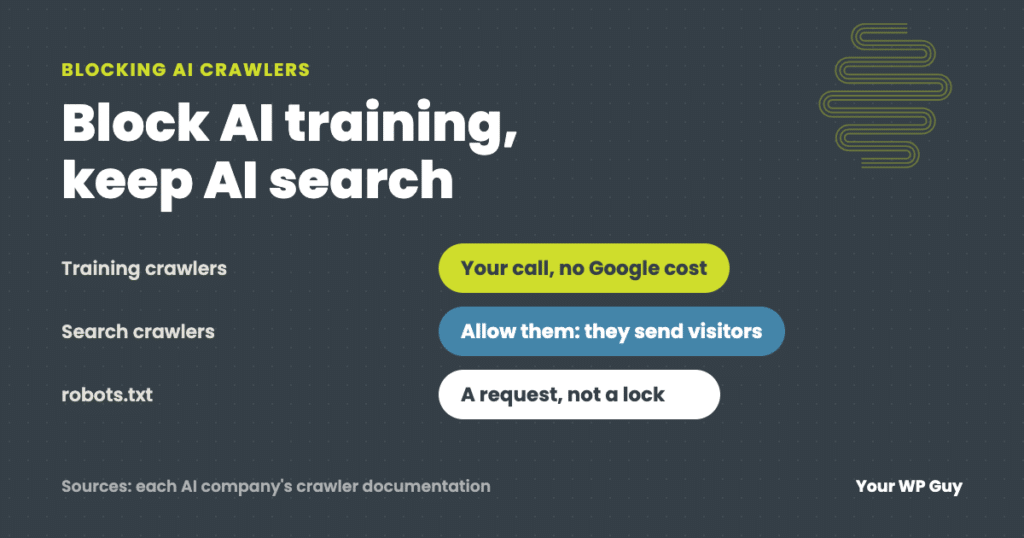
Should You Block AI Crawlers on Your WordPress Site?
The short answer It depends on what you want. Blocking AI training crawlers keeps your content out of future AI models, and Google says it does not affect your Google Search rankings. Blocking AI search crawlers can keep you out of AI answers that send people to your site. Most small businesses should allow search…
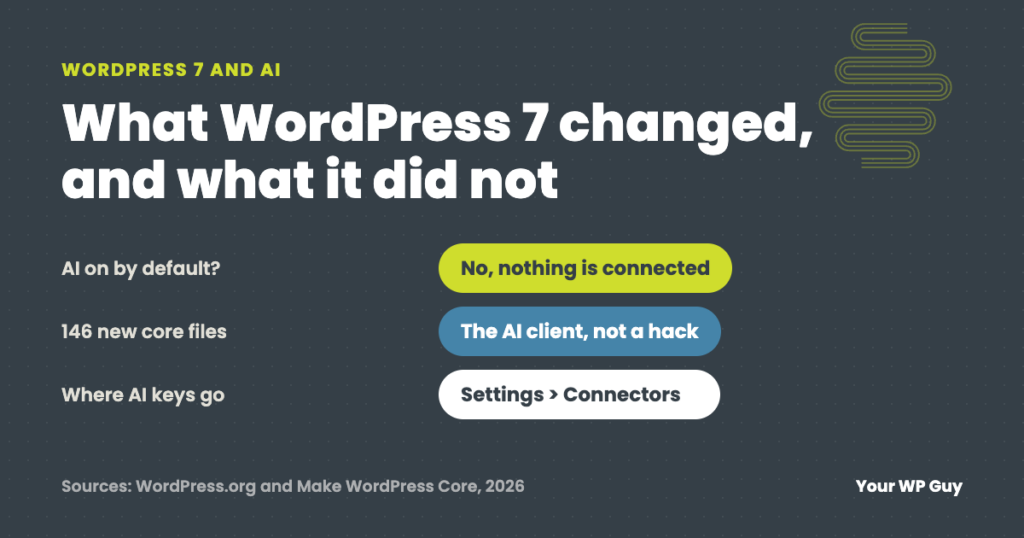
WordPress 7 and AI: What Changed and What It Means for Your Site
The short answer WordPress 7.0, released May 20, 2026, added a built-in AI client and a Settings > Connectors screen for AI services. It does nothing on its own: no AI service is connected until you add one and a plugin uses it. The update also adds 146 new files, which some security scanners flag…
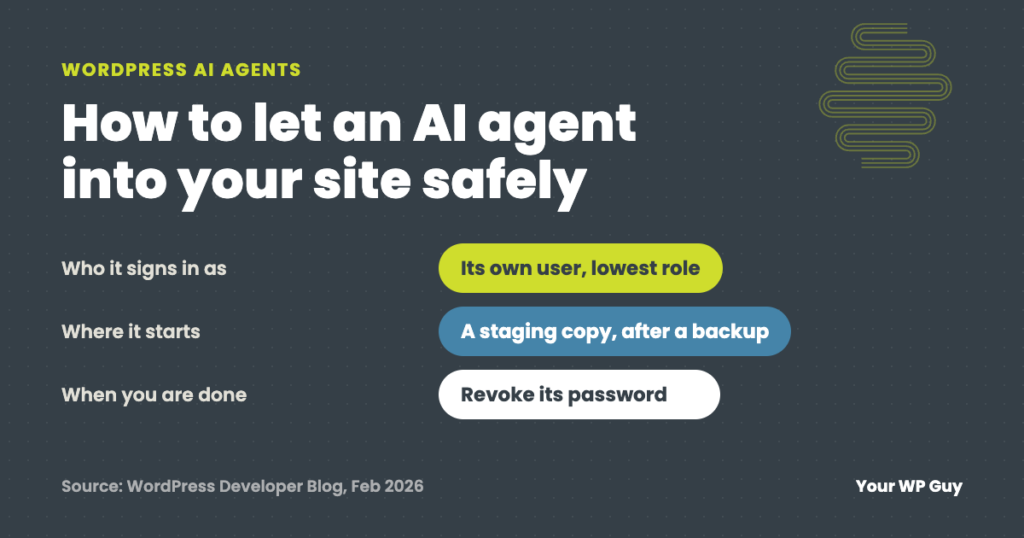
WordPress AI Agents: How to Let One Into Your Site Safely
The short answer A WordPress AI agent is an AI tool, like Claude, ChatGPT or Gemini, that logs in to your site and does the work itself: it can edit posts, change settings or update plugins. To let one in safely, give it its own user with the lowest role that does the job, try…
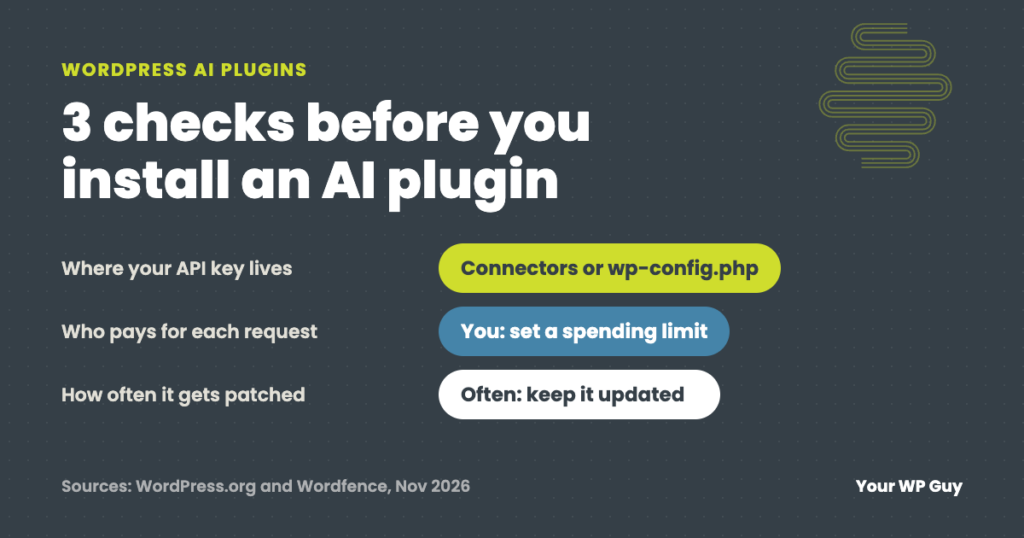
WordPress AI Plugins: What to Check Before You Install One
The short answer A WordPress AI plugin connects your site to an AI service so it can write, answer chats, tag images or take actions for you. Before you install one, check where it keeps your API key, what the usage bill will be, what data it sends out, how often it gets security fixes…

The Plus Addons for Elementor – Elementor Addons, Page Templates, Widgets, Mega Menu, WooCommerce Vulnerability – Authenticated (Contributor+) Stored Cross-Site Scripting via Testimonials Widget Settings – CVE-2024-5583 | WordPress Plugin Vulnerability Report
Plugin Name: The Plus Addons for Elementor – Elementor Addons, Page Templates, Widgets, Mega Menu, WooCommerce Key Information: Software Type: Plugin Software Slug: the-plus-addons-for-elementor-page-builder Software Status: Active Software Author: posimyththemes Software Downloads: 2,615,839 Active Installs: 100,000 Last Updated: August 21, 2024 Patched Versions: 5.6.3 Affected Versions: <= 5.6.2 Vulnerability Details: Name: The Plus Addons for…
LiteSpeed Cache Vulnerability – Unauthenticated Privilege Escalation – CVE-2024-28000 | WordPress Plugin Vulnerability Report
Plugin Name: LiteSpeed Cache Key Information: Software Type: Plugin Software Slug: litespeed-cache Software Status: Active Software Author: litespeedtech Software Downloads: 75,818,864 Active Installs: 5,000,000 Last Updated: August 21, 2024 Patched Versions: 6.4 Affected Versions: <= 6.3.0.1 Vulnerability Details: Name: LiteSpeed Cache <= 6.3.0.1 Title: Unauthenticated Privilege Escalation Type: CVSS:3.1/AV:N/AC:L/PR:N/UI:N/S:U/C:H/I:H/A:H CVE: CVE-2024-28000 CVSS Score: 9.8 Publicly…
String Locator Vulnerability – Reflected Cross-Site Scripting – CVE-2023-6987 | WordPress Plugin Vulnerability Report
Plugin Name: String Locator Key Information: Software Type: Plugin Software Slug: string-locator Software Status: Active Software Author: instawp Software Downloads: 1,093,003 Active Installs: 100,000 Last Updated: August 23, 2024 Patched Versions: 2.6.6 Affected Versions: <= 2.6.5 Vulnerability Details: Name: String Locator <= 2.6.5 Title: Reflected Cross-Site Scripting Type: CVSS:3.1/AV:N/AC:L/PR:N/UI:R/S:C/C:L/I:L/A:N CVE: CVE-2023-6987 CVSS Score: 6.1 Publicly…
Forminator Vulnerability – Unauthenticated Stored Cross-Site Scripting via File Upload – CVE-2024-1794 | WordPress Plugin Vulnerability Report
Plugin Name: Forminator Key Information: Software Type: Plugin Software Slug: forminator Software Status: Active Software Author: wpmudev Software Downloads: 6,543,744 Active Installs: 500,000 Last Updated: March 29, 2024 Patched Versions: 1.29.1 Affected Versions: <= 1.29.0 Vulnerability Details: Name: Forminator <= 1.29.0 – Unauthenticated Stored Cross-Site Scripting via File Upload Type: Improper Neutralization of Input During Web Page Generation (‘Cross-site Scripting’) CVE: CVE-2024-1794 CVSS Score: 7.2 (High) Publicly Published: March…
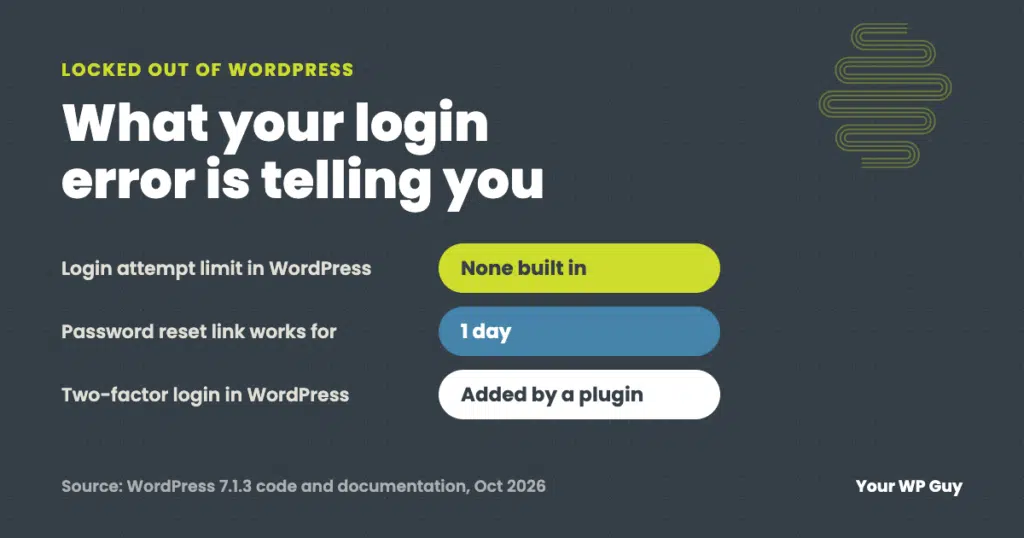
Locked Out of WordPress? What Your Login Error Means and How to Get Back In
The short answer Most WordPress login problems come down to four things: a wrong username or password, a password reset email that never arrives, a lockout (from a security plugin, your host or a firewall), or a login page that keeps sending you back. The exact message on the login screen tells you which one…
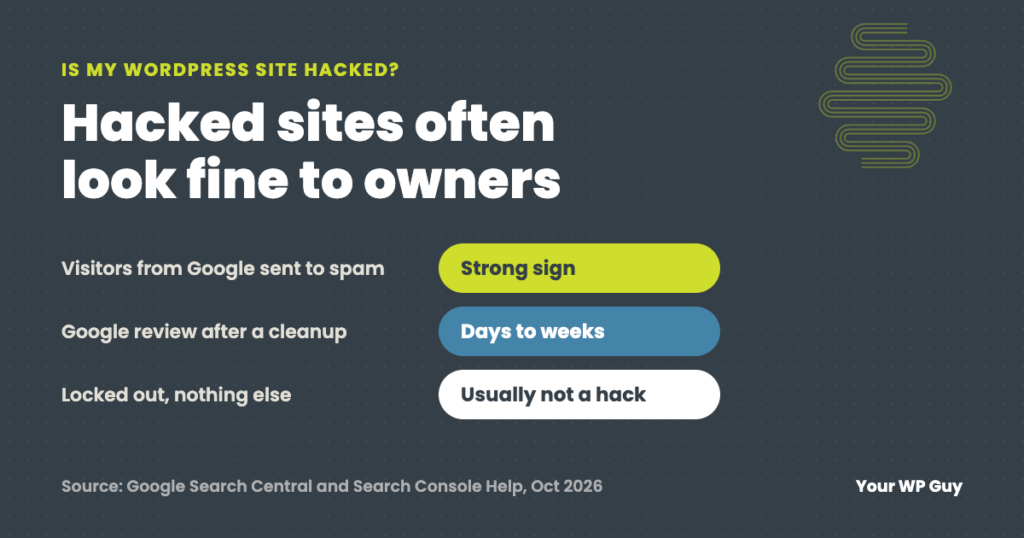
How to Tell If Your WordPress Site Has Been Hacked (and What Is Not a Hack)
The short answer The strongest signs your WordPress site has been hacked: Google shows “This site may be hacked” or a red warning, visitors get sent to spam sites, there is an admin user you did not create, pages or files appear that nobody on your team made, or your host warns you about malware.…