
WordPress Maintenance
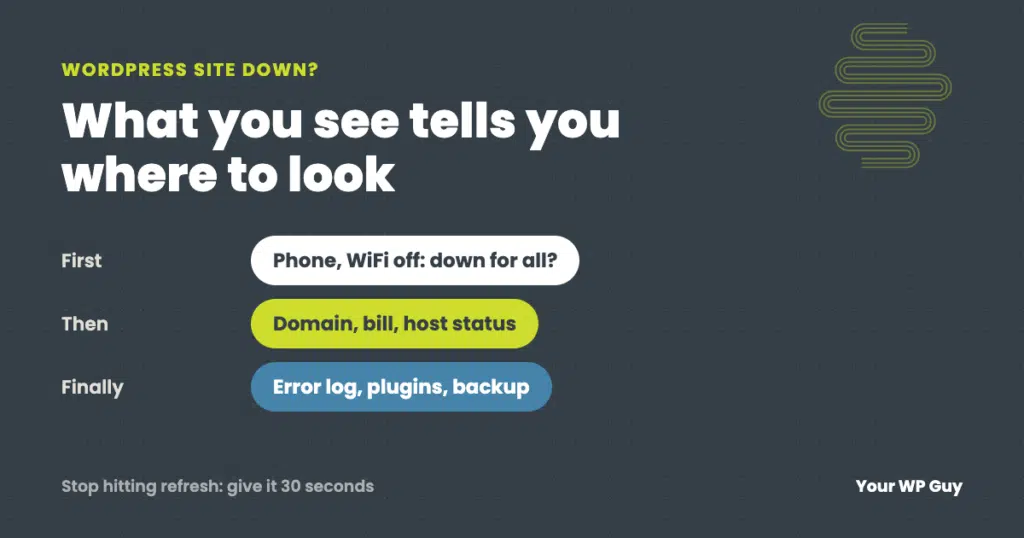
My WordPress Site Is Down: What to Check First
The short answer First, check whether the site is down for everyone: try it on your phone with WiFi turned off. Then match what you see to its cause. “Can’t be reached” usually means the domain or DNS, a timeout means the server, “Account suspended” means the host, and error messages or codes point to…
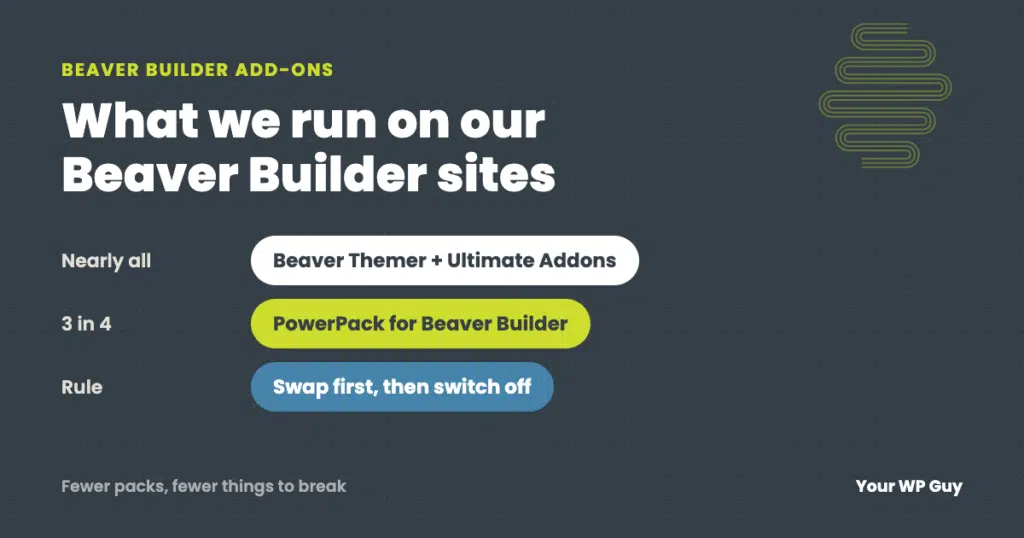
Best Beaver Builder Add-ons: What We Actually Use
The short answer Most Beaver Builder sites need only two or three add-ons. On the sites we look after, the core stack is Beaver Themer (now included in every Beaver Builder plan), Ultimate Addons for Beaver Builder and PowerPack. Add one pack at a time, switch off the modules you don’t use, and only stack…
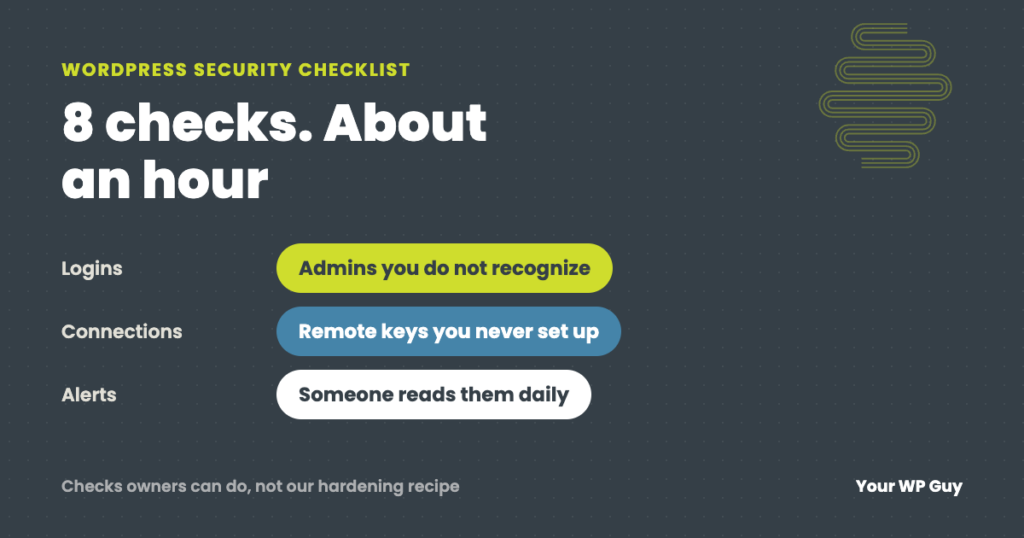
WordPress Security Checklist: Audit Your Own Site in About an Hour
The short answer A WordPress security check comes down to eight questions: who can log in, what is out of date, what is installed but unused, what is connected from outside, what is sitting in your files, whether your backups restore, whether your hosting is current, and whether anyone reads the alerts. You can check…
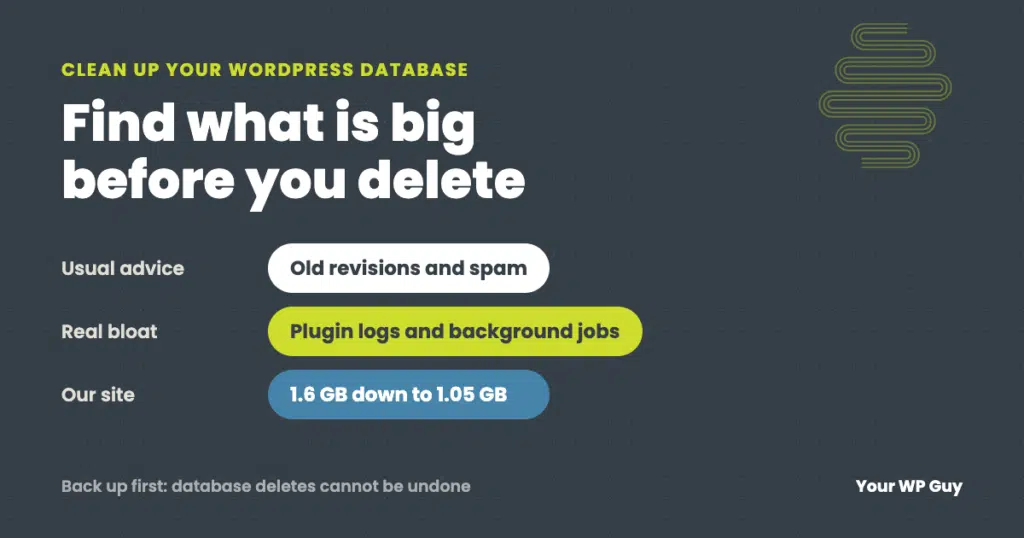
How to Clean Up and Optimize Your WordPress Database (Safely)
The short answer Back up the database first. Then find which tables are actually big before deleting anything, because the real bloat is rarely just old revisions. Clear the routine clutter (revisions, spam, expired temporary data), trim the settings WordPress loads on every page, cap runaway plugin logs, and remove tables left by deleted plugins.…
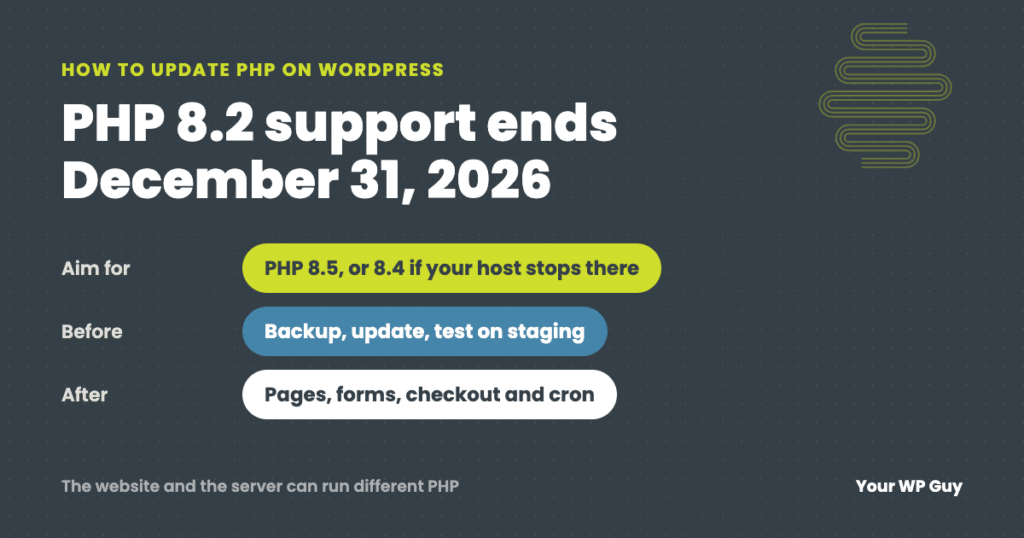
How to Update PHP on WordPress (Without Breaking Your Site)
The short answer Move to PHP 8.5 if your host offers it, or 8.4 if it does not. PHP 8.2 stops getting security fixes on December 31, 2026. Back up, update everything and test on a staging copy first. Then change the version in your hosting control panel and check your pages, forms, checkout and…
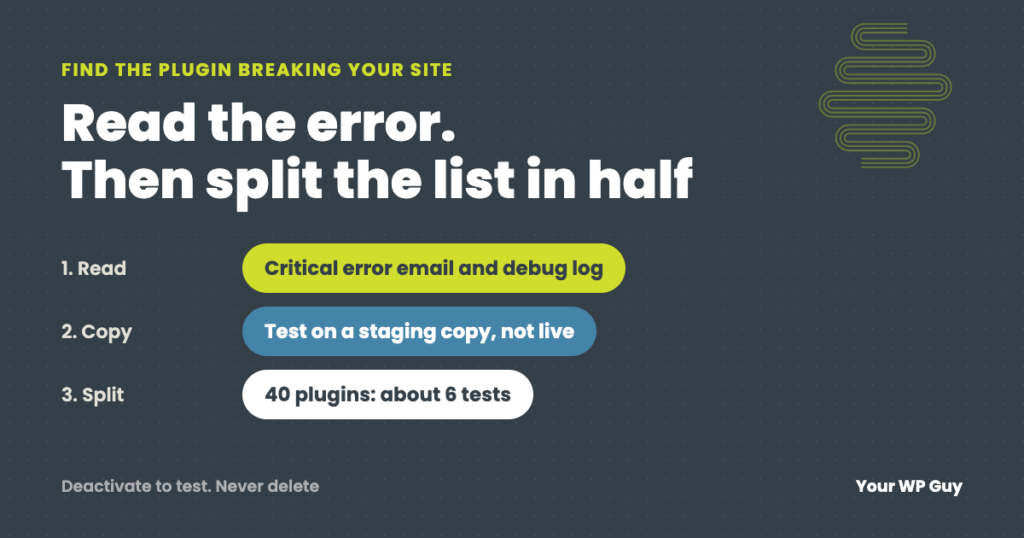
How to Find Which Plugin Is Breaking Your WordPress Site
The short answer Read the error before you start switching plugins off. WordPress’s “critical error” email and your debug log often name the plugin that failed. If there is no error, copy the site to a staging site, turn off half the plugins, and check if the problem goes away. Keep halving the suspect group…
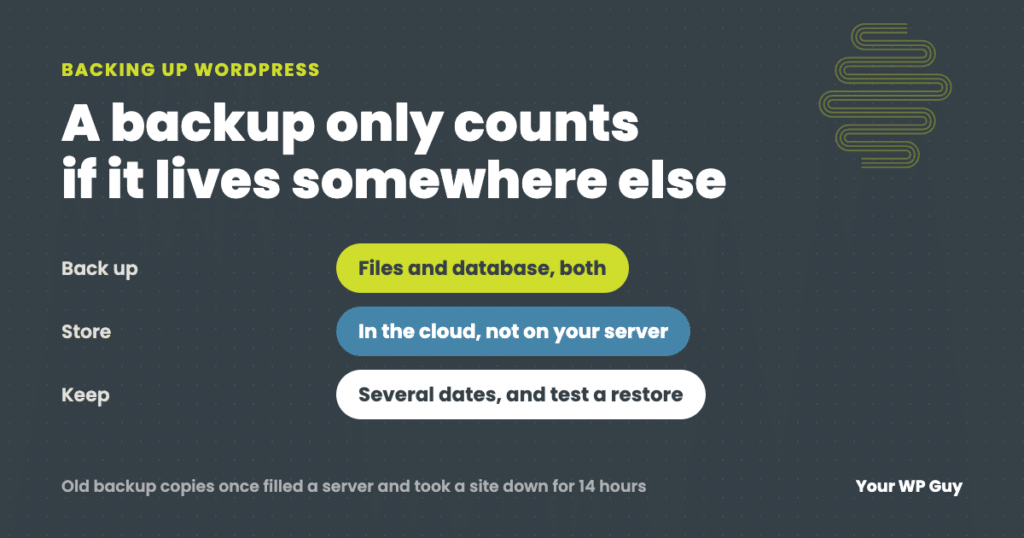
How to Back Up a WordPress Site (the Way We Do It for Clients)
The short answer A WordPress backup has two parts: your files (themes, plugins and uploads) and your database (posts, pages, settings and orders). The easiest way to back up both is a plugin. We run UpdraftPlus Premium on client sites, and the free version of UpdraftPlus covers what most sites need. Install it, schedule automatic…
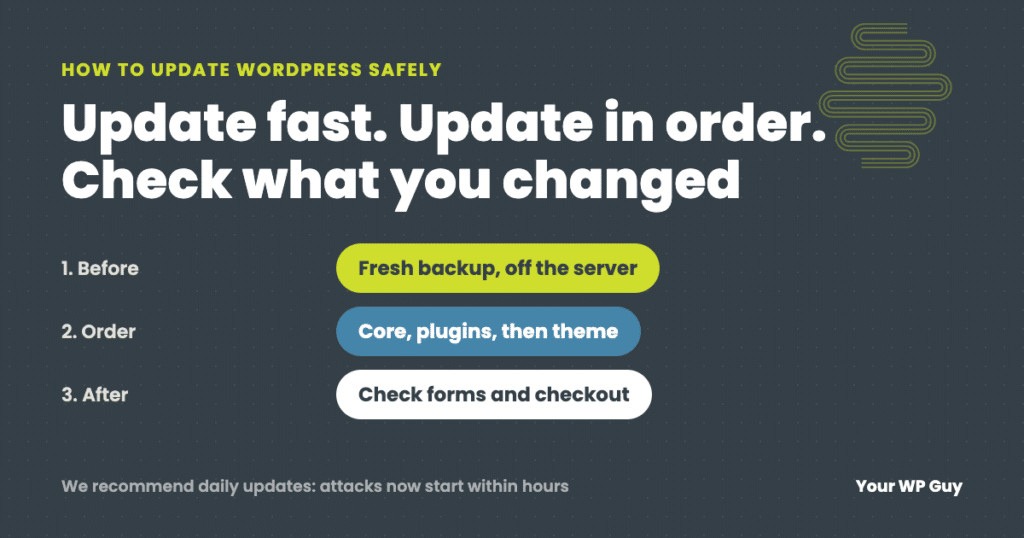
How to Update WordPress Safely (Without Breaking Your Site)
The short answer To update WordPress safely, make a fresh backup, then update in this order: PHP (if needed), WordPress core, plugins a few at a time, then your theme, and check the site after each step, including forms and checkout. We recommend updating daily, because with AI, attacks on a newly published flaw now…
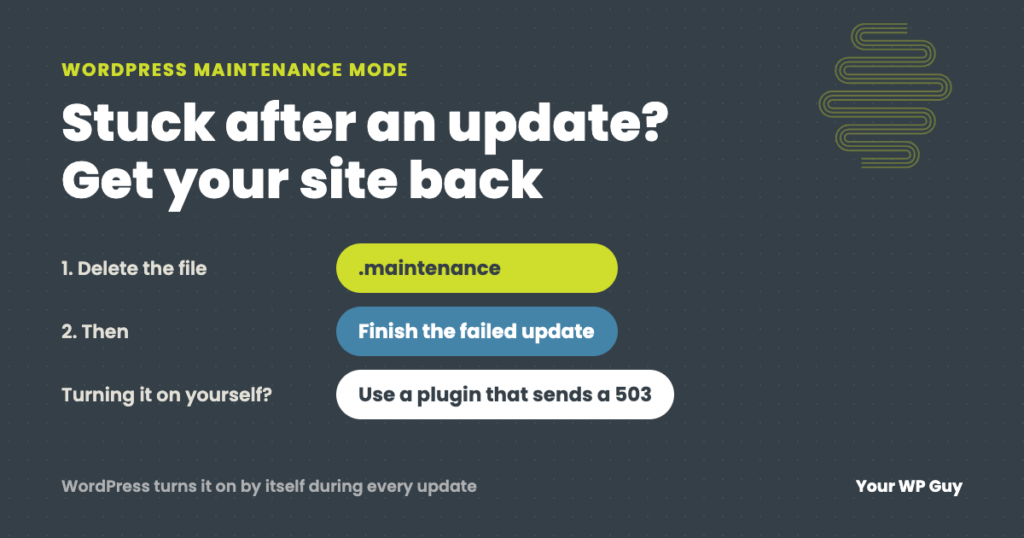
WordPress Maintenance Mode: Fix a Stuck Site or Turn It On Safely
The short answer WordPress puts your site in maintenance mode by itself for a few seconds every time it updates. If an update hangs, the site gets stuck showing “Briefly unavailable for scheduled maintenance. Check back in a minute.” To fix it, delete the .maintenance file in your site’s main folder, then finish the update…
Case Study: The Invisible WordPress Outage Every Monitor Called “Up”
A WordPress site returned a healthy 200 status on every page for 33 hours while completely broken, undetected by uptime monitoring. Here is how we found and fixed an invisible outage in under three hours, and the critical vulnerability the update was patching.