
Technical Info
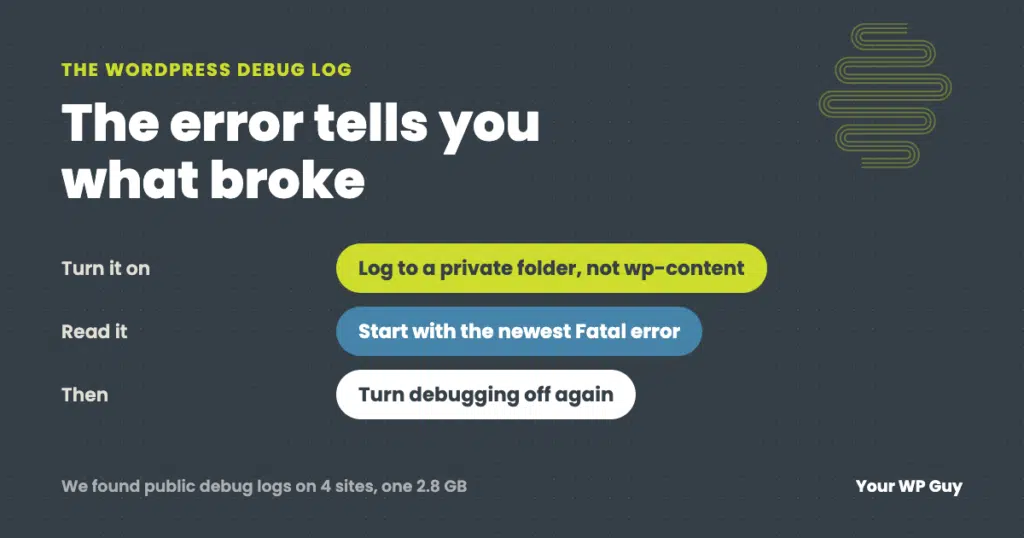
WordPress Debug Log: How to Turn It On Safely and Read Your Error Log
The short answer To turn on the WordPress debug log, add WP_DEBUG and WP_DEBUG_LOG to your wp-config.php file, and point the log at a private folder outside your website’s public files. Set WP_DEBUG_DISPLAY to false so visitors never see the errors. Then repeat whatever breaks, download the log, and read the newest lines. An AI…
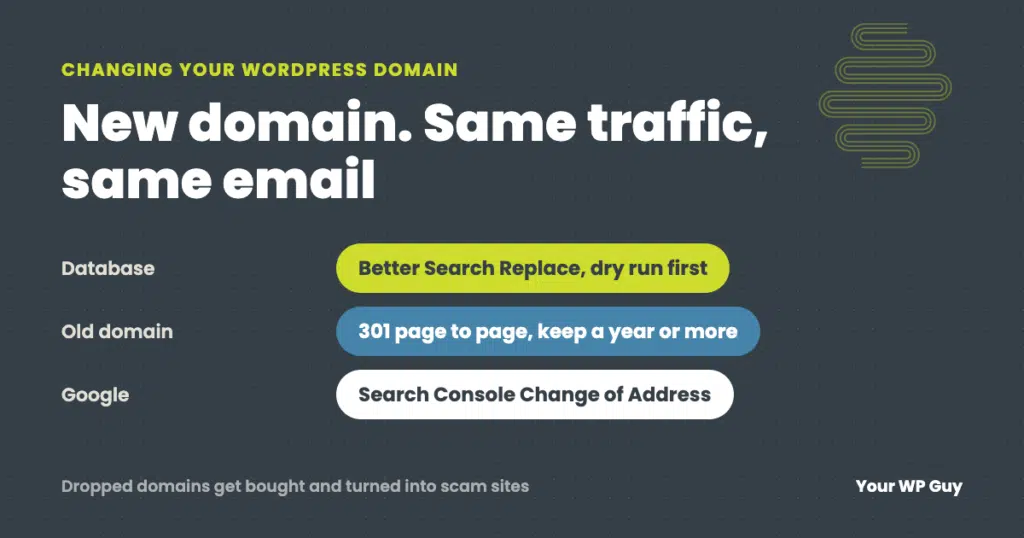
How to Change Your WordPress Domain (Without Losing Traffic or Email)
The short answer To change a WordPress site’s domain, add the new domain to your hosting with an SSL certificate, back up the site, then use the Better Search Replace plugin to replace the old address with the new one throughout the database. Check that Settings, then General, shows the new address in both fields,…
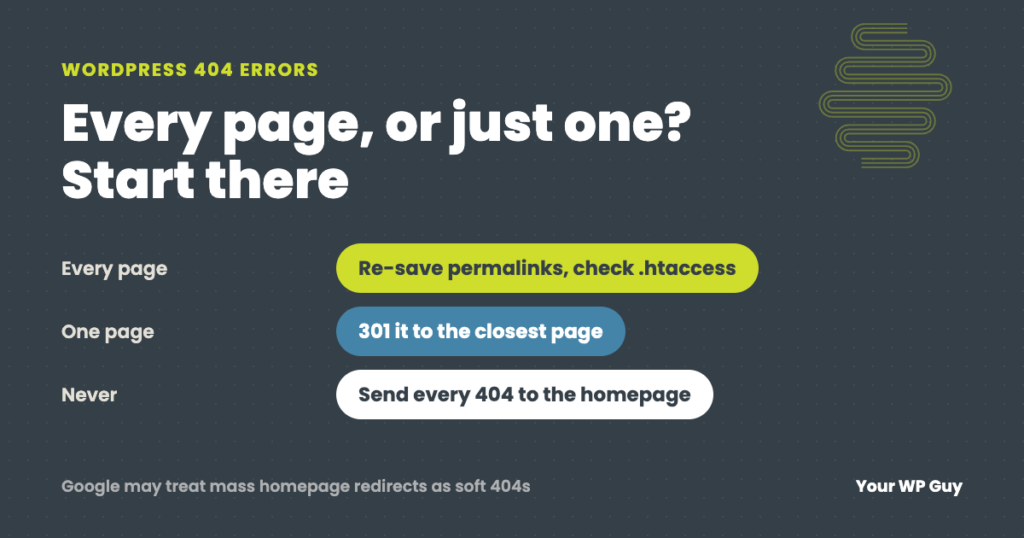
WordPress 404 Errors: Why They Happen and How to Fix Them
The short answer A WordPress 404 error means the server could not find the page that was asked for. First check whether it is every page or just one. If every page except the homepage shows a 404, the site’s rewrite rules are broken, usually because the .htaccess file is missing after a new install…
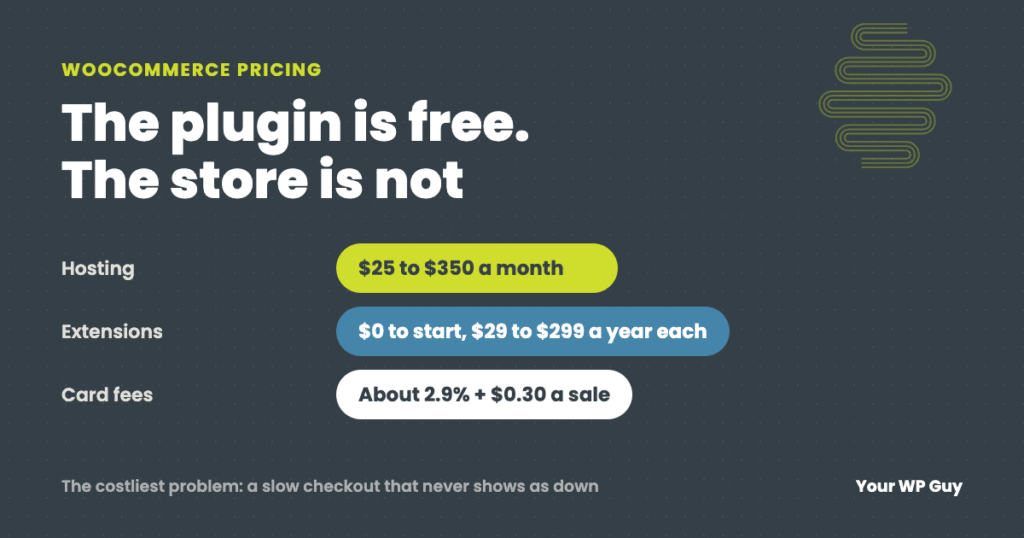
How Much Does WooCommerce Cost? Real Numbers From the Stores We Maintain
The short answer WooCommerce itself is free. There is no monthly fee and no cut of your sales. What you pay for is everything around it: hosting (WooCommerce puts most stores at $25 to $350 a month), a domain, any paid extensions ($29 to $299 a year each), card processing fees (about 2.9% plus $0.30…
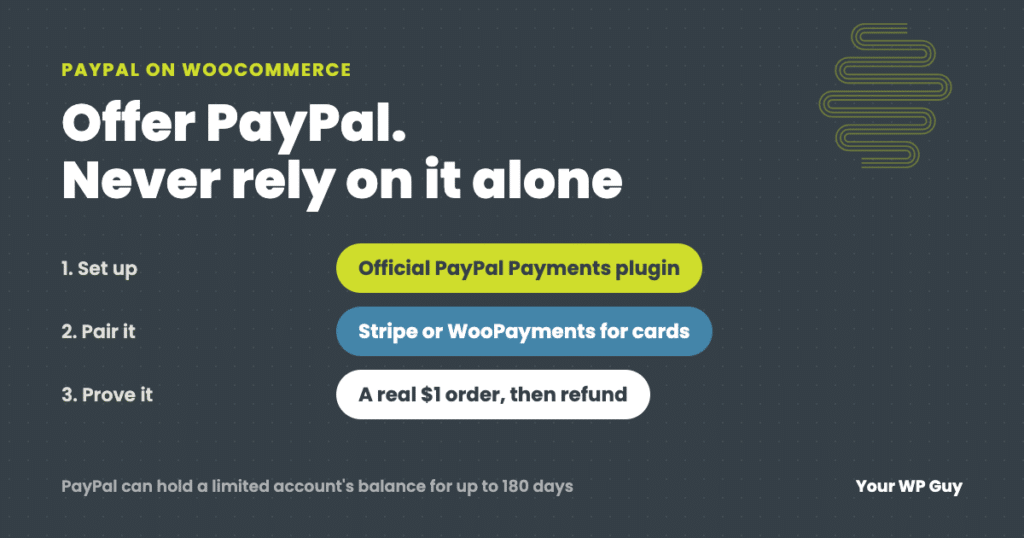
How to Set Up PayPal on WooCommerce (and Keep It Working)
The short answer To add PayPal to WooCommerce, install the free WooCommerce PayPal Payments plugin, connect your PayPal business account, choose which buttons to show, then place a real $1 order to prove it works. Do not use the old PayPal Standard option. Most stores we set up actually run on Stripe, which covers cards,…
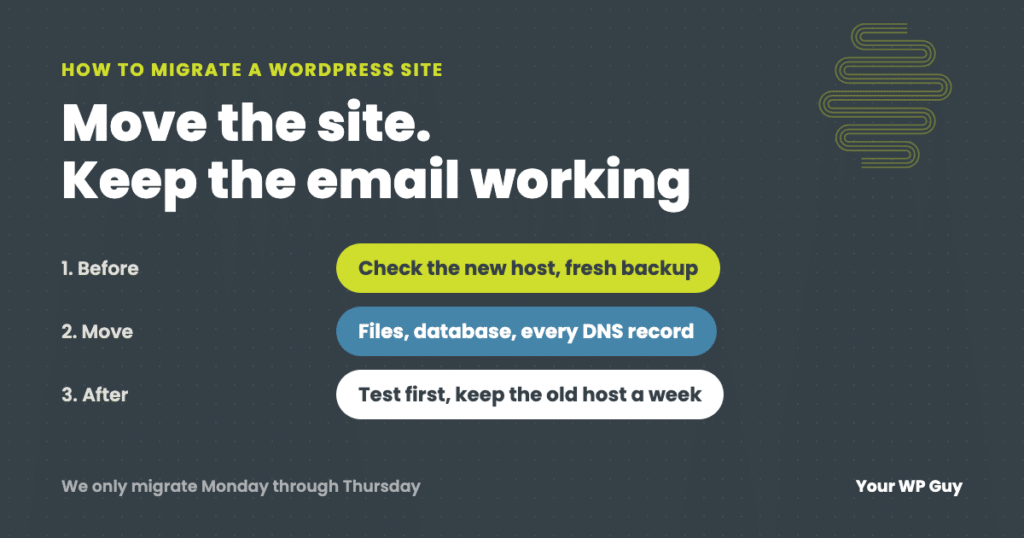
How to Migrate a WordPress Site to a New Host (Without Losing Email or Orders)
The short answer To migrate a WordPress site to a new host, check that the new host can actually run your site, make your own fresh backup, copy your DNS records (including email), move the files and database, and test everything on the new host before you point your domain at it. Keep the old…

What Happens When a Care Plan Pauses: A 22-Pixel Layout Shift Case Study
A 22-pixel layout shift quietly pushed an Orlando WooCommerce store past Google Cumulative Layout Shift threshold. Here is how we found and fixed it.
WordPress Site Speed Audit: The 8MB That Most Tools Missed
A WordPress site speed audit uncovered 8.2MB of media hidden behind a CDN blind spot, invisible to GTmetrix and PageSpeed. Here is what we found and how we fixed it.

Site Can’t Be Reached on WiFi but Works on Cell: Your Domain May Be Flagged as Phishing
If your site works on cell data but shows site can’t be reached on WiFi, a DNS filtering service like Cisco OpenDNS may have flagged your domain as phishing. Here is how to diagnose it in under a minute and get it fixed.
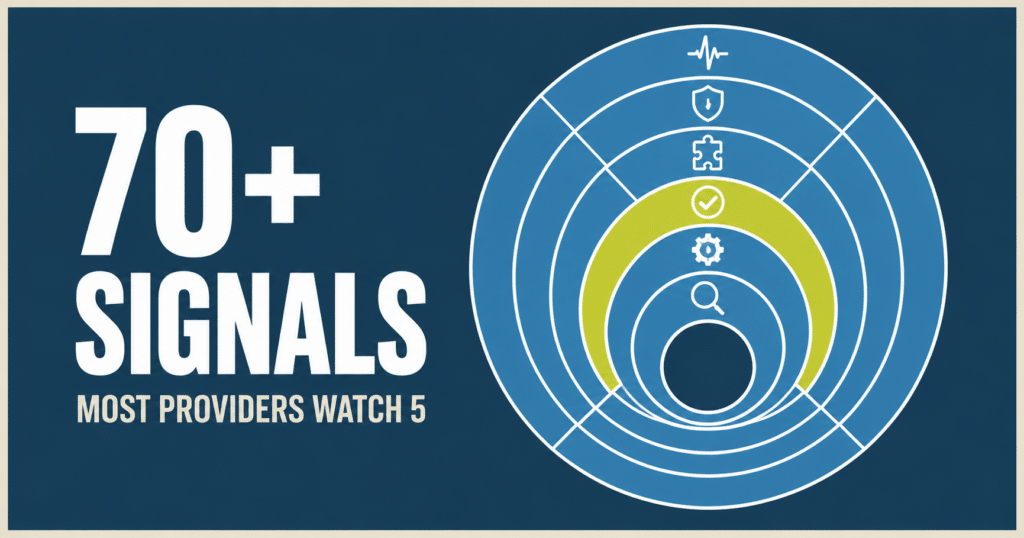
WordPress Site Monitoring: What We Actually Watch
Most WordPress maintenance providers monitor 4 to 6 things, mostly unverified. Here is the full stack we run on every site we manage, and the real example that shows why it matters.