How to Find and Fix Broken Links in WordPress
To fix broken links in WordPress, run a link check, then fix each broken link one of three ways: point it at the right address, remove it, or add a 301 redirect if your own page moved. Start with links in your menus and on your busiest pages. If you would rather hand it off, our one-time WordPress fix is $199.
A visitor clicks a link on your site and lands on a “page not found” message. Most of them do not report it. They just leave, and you never find out which link sent them away.
We check and fix links on client sites and on our own. This guide shows how to find broken links, which ones to fix first, and how to fix each kind without making new problems.
What is a broken link?
A broken link is a link that leads to a page that no longer loads. Most often the page is gone and the visitor sees a 404 “not found” error.
There are three kinds to watch for:
- Internal links. Links from one page of your site to another. These are yours to fix, and they matter most.
- External links. Links from your site to other websites. Those sites move or delete pages without telling you.
- Links into your site. Other websites linking to a page you deleted or renamed. You cannot edit their link, but a redirect on your side saves the visit.
How do you find broken links in WordPress?
Use a link checker that reads every page, then look at the 404s real visitors hit. One shows what is broken; the other shows what people actually run into.
| Way to check | Cost | What it finds | Good to know |
|---|---|---|---|
| Broken Link Checker plugin | Free | Broken links and images in posts, pages and comments | Pick the cloud scan so most of the work runs off your server |
| Google Search Console | Free | Addresses Google tried and got a 404 | Shows only 404s from the past month |
| A 404 log (Redirection or Rank Math) | Free | Missing pages real visitors asked for | Also where you add the redirect |
| An outside crawler | Free to paid | Every broken link and redirect, page by page | Runs off your site, so nothing to install |
Broken Link Checker has 500,000+ active installs on WordPress.org. Plugin details checked November 2026.
In Search Console, open Indexing > Pages and look for the Not found (404) row. In Broken Link Checker, the results sit on its own screen in the dashboard, where you can edit or unlink each one.
Which broken links should you fix first?
Fix the links you control on the pages people see most. Google’s own advice is to fix the 404s you link to yourself or list in your sitemap, and not to worry about addresses that never existed.
- Menus, header and footer. One bad link here is on every page of your site.
- Your busiest pages. Your home page, service pages and top posts.
- Pages other sites link to. If a page with links from other websites is gone, redirect it so those visitors and that link value still land somewhere.
- Your sitemap. It should list only pages that load.
- Old posts that link out. Last, because they reach the fewest people. Replace or remove each dead link.
How do you fix a broken link?
Pick the fix by what happened to the page the link points at.
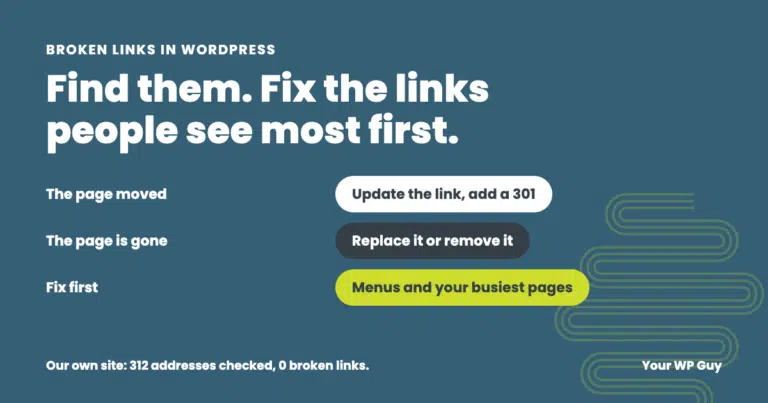
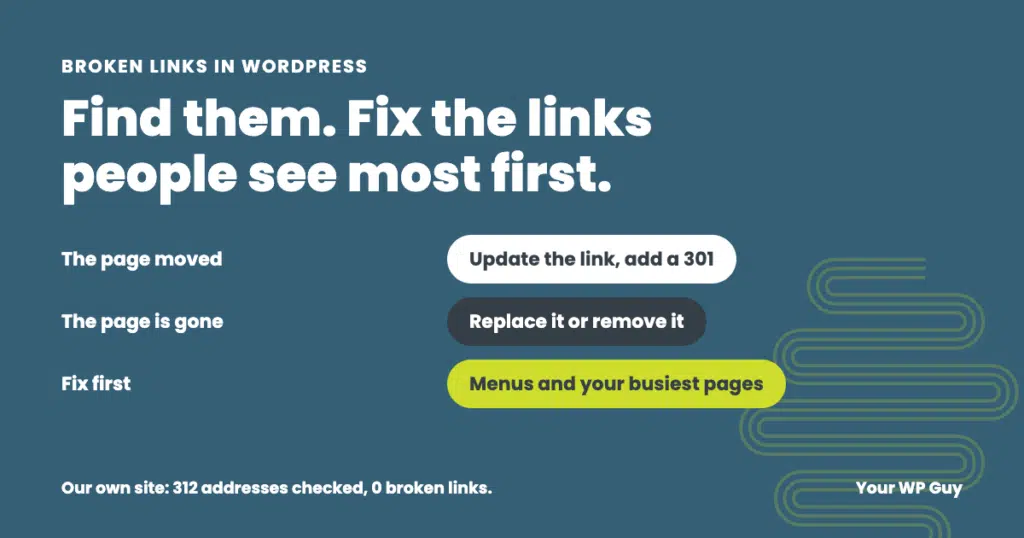
- The page moved. Edit the link so it points straight at the new address. If it is your page, also add a 301 redirect from the old address, so links you cannot edit still work. Our guide to WordPress 404 errors covers how to pick the right redirect.
- The page is gone for good. Link to the best page that replaces it, or remove the link and keep the text.
- It is a typo. Fix the address in the editor. Check for a missing “https://” or an extra space, both common.
- It is a missing image. Upload the image again, or remove it from the page.
- Every link to an old domain broke. After a move to a new domain or from http to https, fix them all at once with WP-CLI. Back up the database first.
Run it first with --dry-run. That shows how many changes it would make without saving anything:
wp search-replace 'http://old-domain.com' 'https://new-domain.com' --dry-runIf the numbers look right, run the same line again without --dry-run. WP-CLI handles the settings that WordPress stores in a packed format, which a plain database find-and-replace can break. After any fix, click the link yourself to be sure.
Why do links break?
Links break when an address changes and the links pointing at it do not. The usual causes:
- A changed permalink. Editing a post’s address, or changing the site-wide permalink setting, changes the address.
- A deleted page or post. Every link to it now leads nowhere.
- A site move or redesign. Old domain names, http links and staging addresses get left behind in the content.
- Other websites change. The pages you link to get moved or taken down.
- Media cleanup. Deleting files from the Media Library leaves empty images on the pages that used them.
Does a link checker slow your site? A plugin that checks links from your own server uses your server to do it. Broken Link Checker offers a cloud scan for that reason. On our own sites we check links with a crawl that runs on a separate server, so nothing extra runs on the site itself.
Rather not chase links yourself?
We find the broken links, fix them, and add redirects where pages moved.
- Tell us about the siteThe address, and anything that changed lately, like a move or a redesign.
- We find what is brokenEvery page checked, with the links in menus and on busy pages fixed first.
- We fix it and check itThe one-time fix is $199, with a refund if we cannot fix it.
Real example: 213 retired posts, no dead ends
In October 2026 we retired 213 old posts on this blog. Each one got a redirect to the closest current page, and we updated 49 links on our own pages so they go straight to the new address instead of through a redirect.
Our crawl on November 25 checked 312 addresses on this site and found 0 broken links. It also found 5 links that still pass through a redirect. They work, but each adds a step, so they are next on our list.
Wondering what else is quietly broken? Our free Uh Oh Score checks your site and shows what to fix first, with no sales call required.
Get my Uh Oh ScoreQuestions people ask
Do broken links hurt SEO?
A few 404s on addresses that never existed do not hurt. Broken links you put on your own pages do: visitors hit dead ends, and a deleted page loses the value of the links other sites point at it. Google recommends fixing the 404s you link to yourself or list in your sitemap.
What is the best broken link checker for WordPress?
Broken Link Checker is the most used, with 500,000+ active installs, and it is free on WordPress.org. Use its cloud scan so most of the work runs off your server. Search Console and a 404 log from Redirection or Rank Math are good free checks to add.
How do I find broken links without a plugin?
Open Indexing > Pages in Google Search Console and look at the Not found (404) row, or run an outside crawler that checks every page from its own computer. Neither adds anything to your site.
Why is my link not working?
Usually the page it points at moved or was deleted, or the address has a typo, like a missing “https://”. Click it, see what loads, then point it at the right page or remove it.
Should I redirect broken links to the home page?
No. Redirect each missing page to the page that best replaces it. Google says sending many old addresses to one unrelated page, such as the home page, confuses visitors and may be treated as a “soft 404” anyway.
How often should I check for broken links?
Monthly works for most sites, and always after a move, a redesign, or deleting pages. Busy blogs that link out a lot can check more often.
Sources
- WordPress.org, Broken Link Checker.
- Google Search Console Help, Page indexing report.
- WordPress.org, Redirection, and Rank Math SEO.
- WordPress Developer Resources, wp search-replace.
- Google Search Central, Site moves and migrations (avoid irrelevant redirects).
Know when a link breaks
Our monthly SEO report crawls your whole site and lists the broken links it finds and how to fix them. Or hand us the cleanup once with a one-time fix.

Jonathan Wofford is the founder of Your WP Guy, a WordPress care and maintenance service supporting 105+ active client sites. He and his team keep WordPress sites fast, secure, and running, so business owners can stay focused on their business instead of their website.