
seo
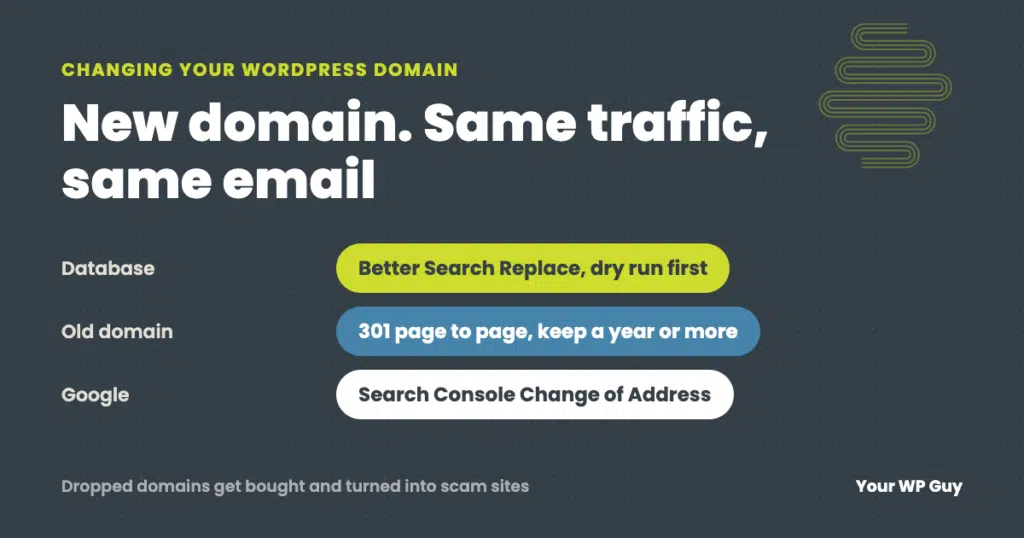
How to Change Your WordPress Domain (Without Losing Traffic or Email)
The short answer To change a WordPress site’s domain, add the new domain to your hosting with an SSL certificate, back up the site, then use the Better Search Replace plugin to replace the old address with the new one throughout the database. Check that Settings, then General, shows the new address in both fields,…
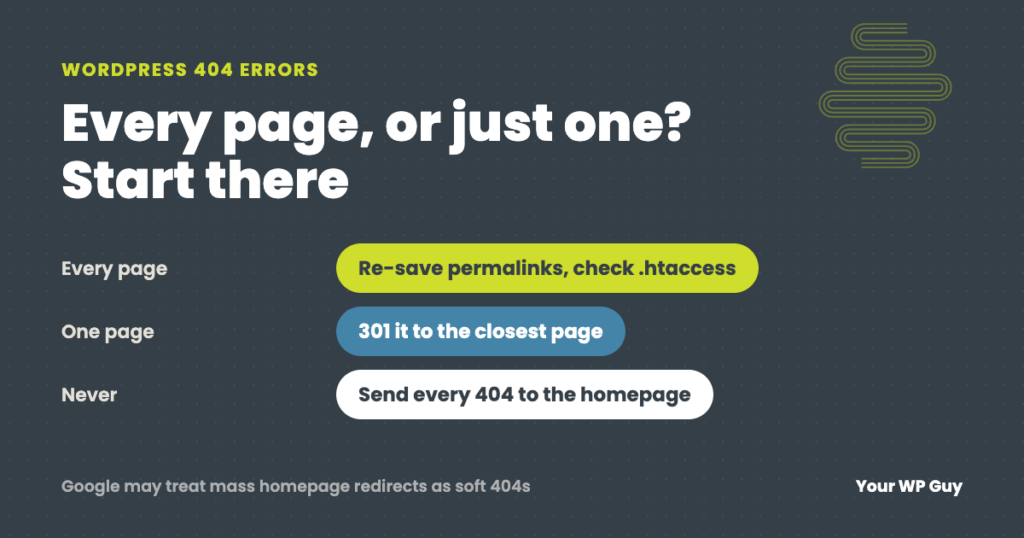
WordPress 404 Errors: Why They Happen and How to Fix Them
The short answer A WordPress 404 error means the server could not find the page that was asked for. First check whether it is every page or just one. If every page except the homepage shows a 404, the site’s rewrite rules are broken, usually because the .htaccess file is missing after a new install…

What Are the Risks of Not Performing WordPress Maintenance?
Running a business? It’s a bit like a high-stakes game of whack-a-mole, isn’t it? Always something popping up that needs your attention. And if you’re operating a WordPress site, you’ve got one more mole to keep an eye on. But here’s the thing: WordPress, while fantastic, is the most popular CMS on the Internet, and…