Best WordPress Form Plugins (and How to Keep Your Forms Working)
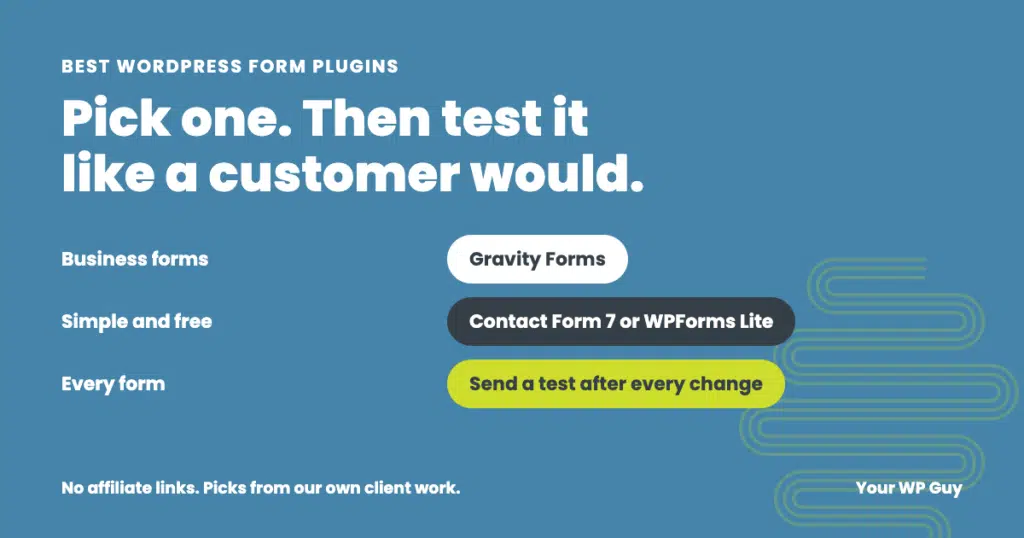
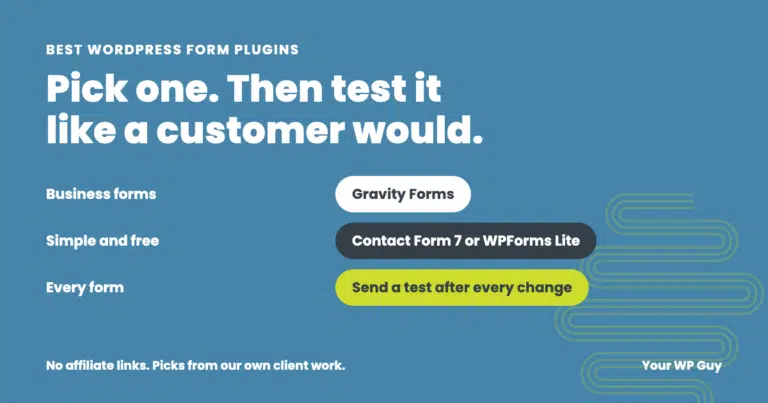
For most business sites, the best WordPress form plugin is Gravity Forms. It is the one we use on most of the client sites we look after. For a simple free contact form, Contact Form 7, WPForms Lite or Fluent Forms will do. Whichever you pick, the bigger risk is a form that looks fine but quietly stops sending. If yours already has, our one-time WordPress fix is $199.
Your contact form is how leads reach you. When it breaks, nothing tells you. The page still looks normal, people still type their message and press send, and the email never arrives.
We set up and fix forms on client sites, and nobody pays us to recommend a plugin here. Most “best form plugin” lists are written by companies that sell one of the plugins on the list. This guide compares the main choices, then covers the part those lists skip: keeping your forms working after you pick one.
Which form plugin fits your site?
Pick by what the form has to do, not by the longest feature list.
- A simple contact form. Contact Form 7 is free and on more than 10 million sites. WPForms Lite and Fluent Forms are free too, with a drag-and-drop builder. If your site is built with a page builder such as Beaver Builder or Elementor, its own contact form may be all you need.
- Forms that run part of your business. Quote requests, job applications, bookings with conditions, or forms that send leads to your other tools. This is where Gravity Forms earns its price, and it is what we use on most client sites.
- Forms that act like small apps. Calculators, directories or showing entries back on a page. Formidable Forms is built for that.
- Payments in the form. Several of these plugins can take a payment through Stripe or PayPal on a paid plan. Check which plan level includes it before you buy.
One rule for all of them: use one form plugin. Two of them add extra code to every page and twice the updates to keep up with.
The form plugins compared
| Plugin | Free version | Paid, 1 site | Best for |
|---|---|---|---|
| Gravity Forms | No | $59 a year | Business forms that feed other tools |
| WPForms | Yes, Lite (5 million+ sites) | $99 a year | Easy drag-and-drop forms |
| Contact Form 7 | Yes, free only (10 million+ sites) | None | Simple contact forms on a budget |
| Fluent Forms | Yes (800,000+ sites) | $79 a year | Lots of features for the price |
| Ninja Forms | Yes (500,000+ sites) | $99 a year for 3 sites | Free core, add what you need |
| Formidable Forms | Yes (300,000+ sites) | $79 a year | Calculators and data apps |
Regular prices from each plugin’s own pricing page, not Black Friday sale prices; site counts from WordPress.org. November 2026.
Gravity Forms has more paid levels, at $159 a year for 3 sites and $259 for unlimited sites. The levels differ in which add-ons they include, such as payment or email marketing connections, and that is true of most plugins on this list. Read what each level includes before you buy.
Why do WordPress forms stop working?
Most forms do not stop because the plugin is bad. They stop because something around them changed, and nobody tested the form afterward.
The email never arrives
By default, WordPress sends form emails straight from your web server. Many email providers treat that mail as suspect and drop it or file it as spam. The form says “thank you,” the message is saved or lost, and you never see it. Sending through a proper email service fixes most of this.
Someone edits the page or the form
A new field, a changed email address, a deleted notification, or a page rebuilt in the editor. Small edits by anyone with a login can break a form without an error message.
An update changes something
Updates to WordPress, the form plugin, your theme or another plugin can clash. Usually nothing breaks, but when a form does, it breaks quietly.
Spam protection blocks real people
A CAPTCHA that fails to load, or a spam filter set too tight, can block real messages along with the junk.
Caching serves an old copy
Some forms carry a security token that expires. A cached page can keep handing out an old one, so the form fails hours later. Our guide to caching plugins explains the fix.
How do you keep your forms working?
Test them like a customer, on a schedule, and make sure every message lands somewhere you check.
- Send a test from every form. Use a phone and a private window, and fill it in like a customer would. Check that the email arrives and that it lands in the inbox, not spam.
- Do it again after every change. After an update, a new page design or a hosting move, send another test. Put a monthly reminder in your calendar too.
- Send email through an email service. Connect your site to a sending service with an SMTP plugin, and add the records the service gives you (SPF and DKIM) to your domain. In our experience, this is the biggest fix for “the form works but no email.”
- Keep a copy of every message. Make sure your plugin saves each entry inside WordPress, not just emails it. Then a lost email is not a lost lead. Contact Form 7 does not save messages on its own, but Flamingo, a free plugin from the same maker, adds that. WPForms Lite only emails entries, and saving them in WordPress starts with its paid Basic plan. Gravity Forms and the free Fluent Forms, Ninja Forms and Formidable Forms save every entry.
- Use light spam protection. A hidden “honeypot” field stops most bots without bothering people. Add Cloudflare Turnstile or Google reCAPTCHA if spam gets through. Test the form again after you turn either on.
- Send leads to two places. If the form feeds a CRM or another tool, keep the email notification on too, so one failure does not lose the lead.
AI can help you write a form’s wording or work out a setting, but in a chat window the AI only sees what you paste in. It cannot see whether your test message arrived. You still have to send the test and check your inbox.
Rather not do the testing yourself? Care plan clients can add daily form checks for $29 a month. Every day, our system sends a real test entry through each form and checks that the thank-you message shows and the email goes out. If a form fails, we fix it the same business day.
What happens if you switch form plugins?
Your forms do not move over on their own, so plan the switch before you start.
- Old entries stay with the old plugin. Export them first, usually as a CSV file, before you delete it.
- Every embedded form breaks. Pages show the old shortcode or an empty space until you rebuild each form and put the new one on the page.
- Connections need setting up again. Email notifications, CRM links and payment settings are set per plugin.
- Test every rebuilt form. Then delete the old plugin, so its code is not left on your server.
Forms not sending?
We find why your form stopped, fix it and test it like a customer would.
- Tell us what is happeningWhich form, what you expected, and when you last saw a message come in.
- We find the causeEmail delivery, a setting, an update clash or spam protection. Same business day if you reach us by 2 PM Eastern.
- We fix it and test itThe one-time fix is $199, with a refund if we cannot fix it.
Real example: 22 months of silence
We built a website for an author. Her forms worked and were tested on launch day. Later, someone on her team went into the site and made changes, and that broke the forms.
The page still looked normal, and visitors could still press send. The forms stopped for 22 months before anyone noticed. Nothing on the site showed an error, which is exactly why a regular test message matters.
Wondering what else might be quietly broken? Our free Uh Oh Score checks your site and shows what to fix first, with no sales call required.
Get my Uh Oh ScoreQuestions people ask
What is the best form plugin for WordPress?
For business forms, Gravity Forms, which is what we use on most client sites. For a simple free contact form, Contact Form 7, WPForms Lite or Fluent Forms. Pick by what the form has to do, and use only one form plugin.
Is there a free version of Gravity Forms?
No. Gravity Forms is paid only, starting at $59 a year for one site, with a 30-day money-back guarantee.
Is Contact Form 7 free?
Yes. Contact Form 7 is free and runs on more than 10 million WordPress sites. It does not save messages on its own. Flamingo, a free plugin from the same maker, saves them in WordPress, so a lost email is not a lost lead.
Which is better, WPForms or Contact Form 7?
WPForms is easier to build with, thanks to its drag-and-drop builder. Contact Form 7 is free with no paid plan, but you set forms up with simple code-like tags. Neither free version saves entries in WordPress on its own: WPForms needs a paid plan for that, and Contact Form 7 needs the free Flamingo plugin. For a basic contact form, either works if you test it.
Why is my WordPress form not sending emails?
Most often the email leaves your server but is dropped or filed as spam by the receiving mail provider. Sending through an email service with an SMTP plugin, plus SPF and DKIM records on your domain, fixes most cases. Check your spam folder and your form’s notification settings too.
Where are the forms in WordPress?
Each form plugin adds its own menu in the dashboard, such as Forms for Gravity Forms, WPForms or Contact for Contact Form 7. You then add a form to a page with a block or a shortcode.
Sources
- Gravity Forms, Pricing.
- WPForms, Pricing.
- WordPress.org, Contact Form 7, and Contact Form 7, Save submitted messages with Flamingo.
- WordPress.org, WPForms Lite, and WPForms, How do I see entries for free in WPForms?
- WordPress.org, Fluent Forms, and pricing.
- WordPress.org, Ninja Forms, and pricing.
- WordPress.org, Formidable Forms, and pricing.
Forms that keep bringing in leads
On a care plan, if an update breaks a form, we fix it. You get daily updates checked by a person and a team that answers the phone.

Jonathan Wofford is the founder of Your WP Guy, a WordPress care and maintenance service supporting 105+ active client sites. He and his team keep WordPress sites fast, secure, and running, so business owners can stay focused on their business instead of their website.