WordPress 7 and AI: What Changed and What It Means for Your Site
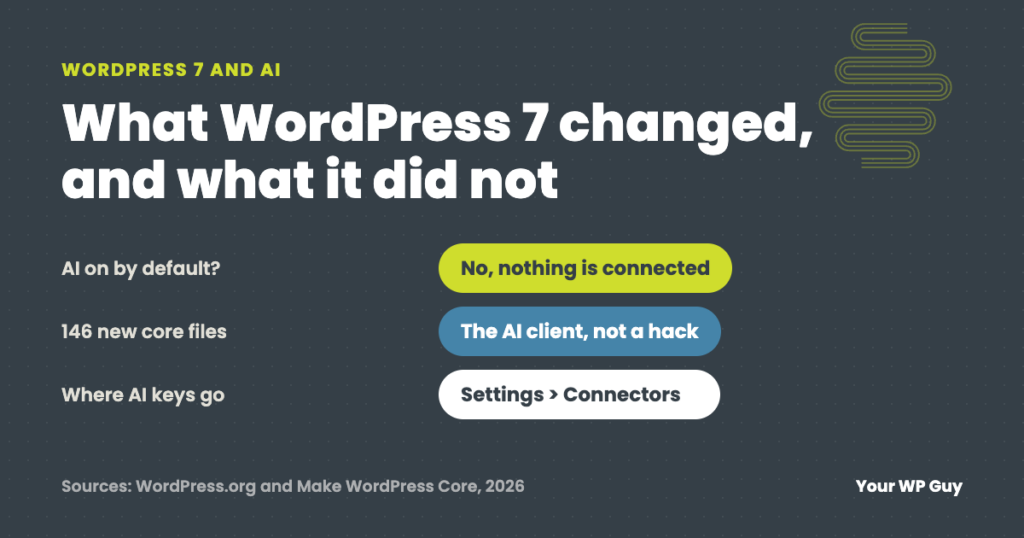
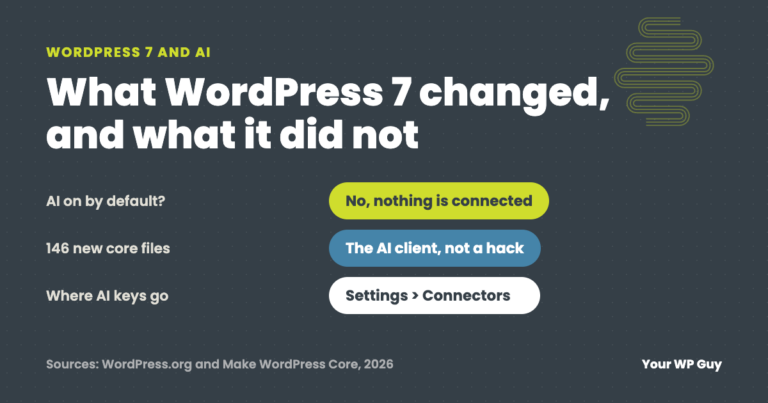
WordPress 7.0, released May 20, 2026, added a built-in AI client and a Settings > Connectors screen for AI services. It does nothing on its own: no AI service is connected until you add one and a plugin uses it. The update also adds 146 new files, which some security scanners flag by mistake. On our WordPress care plans, a person checks every update and every alert like that.
You updated WordPress and now you hear it “has AI built in.” Maybe your security plugin started warning about unknown files the same week.
We updated the sites we look after to WordPress 7 and sorted through the alerts that came with it. This guide covers what actually changed, what it does and does not do on your site, why scanners flag it and what to do after you update.
What changed in WordPress 7 for AI?
WordPress 7 added the plumbing for AI, not AI features themselves. Here is what is new and whether you need to do anything.
| What is new | What it does | Do you need to act? |
|---|---|---|
| AI client | A built-in way for plugins to send requests to an AI service and get answers back | No. It sits unused until a plugin calls it |
| Settings > Connectors | One screen to connect AI services and store their keys | Only if you want AI features |
| 146 new core files | The AI client’s code, in the wp-includes/php-ai-client folder | No, but expect scanner alerts |
| Abilities and command palette | A list of things your site can do, used by AI tools and the new Ctrl+K menu | No |
Sources: WordPress.org News and Make WordPress Core, March to May 2026; file count from WordPress.org’s official checksums for 7.0 through 7.1.4, checked November 2026.
The AI features you may have read about, like title suggestions, alt text and summaries, come from plugins. The best known is the AI plugin from the WordPress Core AI team, which is optional and not part of WordPress itself.
Does WordPress 7 use AI on my site by itself?
No. WordPress 7 does not include any AI service. Its developers keep each service in a separate plugin, so nothing goes to an AI service until you connect one and a plugin uses it.
If you never open Settings > Connectors and never install an AI plugin, your site works the way it did before, with a few extra files on the server.
Why is my security scanner flagging WordPress 7 files?
Because the files are new. Security scanners keep a list of the files that belong in WordPress. Right after a big release, that list can lag behind, so the new AI client files show up as “unknown files in core.”
Unknown files in core can also mean a hack, so do not just ignore the alert. Check the files against WordPress’s own list. If your host gives you WP-CLI, this command compares every core file with the official copy:
wp core verify-checksumsIf the only files it questions are in wp-includes/php-ai-client and you are on WordPress 7.0 or newer, those are the AI client. Anything else it lists deserves a closer look.
Where do AI keys go now?
On the Connectors screen, or better, in your wp-config.php file. Keys saved in the database are not encrypted. Our guide to what to check before you install an AI plugin shows the exact line to add.
Can I turn WordPress AI off?
For most sites, there is nothing to turn off. Leave the Connectors screen empty and do not install AI plugins.
If you want a firm rule, WordPress gives developers a filter that stops AI requests before they are sent. This example blocks them for everyone except administrators. Add it as a small must-use plugin, or ask your developer to:
add_filter( 'wp_ai_client_prevent_prompt', function ( $prevent ) {
    return current_user_can( 'manage_options' ) ? $prevent : true;
} );
When a request is blocked, no AI call is made, and well-built plugins hide their AI buttons.
What to do after you update to WordPress 7
- Check your plugins. Look for updates and “tested up to” versions, then check your key pages and forms.
- Sort out scanner alerts. Run the checksum check above before you trust or delete anything.
- Decide whether you want AI at all. If not, leave Connectors empty. That is a fine choice.
- If you do, set it up safely. Put the key in
wp-config.php, set a spending limit at the AI service and try features on a staging copy first. - Keep updating. WordPress is on 7.1.4 as of November 2026. Point releases fix bugs and security issues.
Rather have someone handle the updates for you?
On a care plan, a person checks every update and every alert that comes with it.
- Talk to a WordPress expertTell us about your site and the plugins you rely on.
- We take over the updatesDaily updates, each one checked by a person, with backups first.
- We sort the alertsReal problems get fixed. False alarms get checked and cleared.
21 “unknown files” the morning after an update
The morning after the WordPress 7.1 update in August, the security scanner on a site we look after flagged 21 unknown files inside WordPress’s own core. Files that do not belong in core can mean a hack, so we checked each one against WordPress’s official file list. All 21 were part of the new AI client. The scanner’s list simply had not caught up with 7.1 yet. Nothing was wrong, and no files the site needed were deleted.
Not sure your site is in good shape after the update? Our free Uh Oh Score checks your site and shows what to fix first, with no sales call required.
Get my Uh Oh ScoreQuestions people ask
Is AI turned on automatically in WordPress 7?
No. WordPress 7 includes the AI client, but no AI service is connected. Nothing happens until you connect one under Settings > Connectors and a plugin uses it.
Does WordPress 7 send my content to an AI service?
Not on its own. Content only goes out when you connect an AI service and use a plugin feature that sends it, like a summary or alt text button.
Are the php-ai-client files safe?
Yes, if they match WordPress’s official file list. They are part of WordPress 7.0 and newer. Run wp core verify-checksums or ask your host to check before you delete anything.
Do I need the WordPress AI plugin?
No. It is optional. Install it only if you want its features, and try them on a staging copy first, since some of them are still experiments.
Should I update to WordPress 7?
Yes, with a backup first and a check of your plugins after. WordPress is on 7.1.4 as of November 2026, and staying current is how you get security fixes.
I asked ChatGPT what changed in WordPress 7. Isn’t that enough?
For the overview, it may be. The work is in your own site: checking plugins, sorting scanner alerts and testing pages after the update. Count your time, too. If an hour of it is worth $75, 2 hours a month of updates and checks is $150, more than our $119 Gold plan.
Sources
- WordPress.org News, WordPress 7.0 “Armstrong”, May 2026.
- Make WordPress Core, Introducing the AI Client in WordPress 7.0, March 2026.
- Make WordPress Core, Introducing the Connectors API in WordPress 7.0, March 2026.
- WordPress.org, official core file checksums for WordPress 7.1.4, checked November 2026.
Get every update checked by a person.
On a care plan, a person checks every update and every alert, so a false alarm never turns into a broken site.

Jonathan Wofford is the founder of Your WP Guy, a WordPress care and maintenance service supporting 105+ active client sites. He and his team keep WordPress sites fast, secure, and running, so business owners can stay focused on their business instead of their website.