
WordPress Maintenance
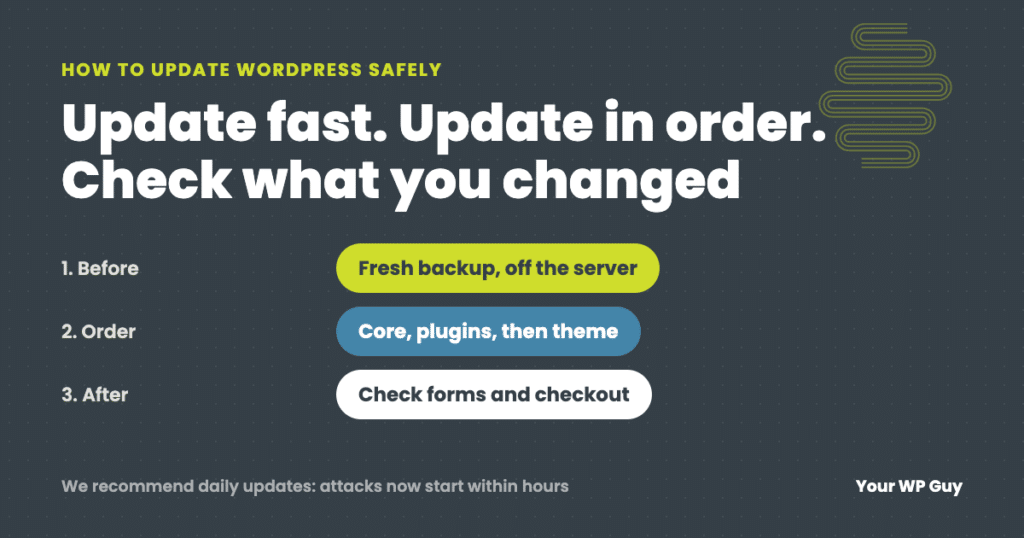
How to Update WordPress Safely (Without Breaking Your Site)
The short answer To update WordPress safely, make a fresh backup, then update in this order: PHP (if needed), WordPress core, plugins a few at a time, then your theme, and check the site after each step, including forms and checkout. We recommend updating daily, because with AI, attacks on a newly published flaw now…
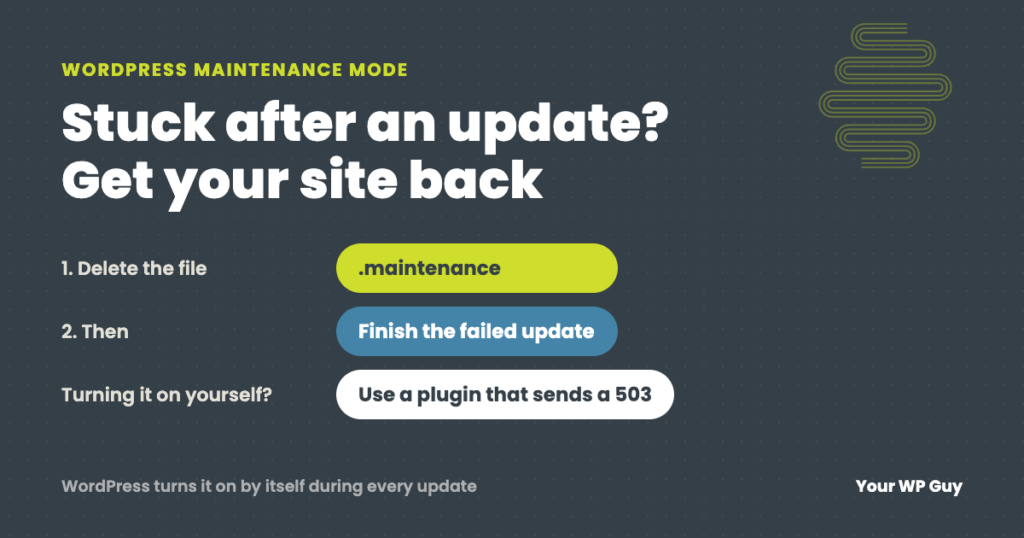
WordPress Maintenance Mode: Fix a Stuck Site or Turn It On Safely
The short answer WordPress puts your site in maintenance mode by itself for a few seconds every time it updates. If an update hangs, the site gets stuck showing “Briefly unavailable for scheduled maintenance. Check back in a minute.” To fix it, delete the .maintenance file in your site’s main folder, then finish the update…
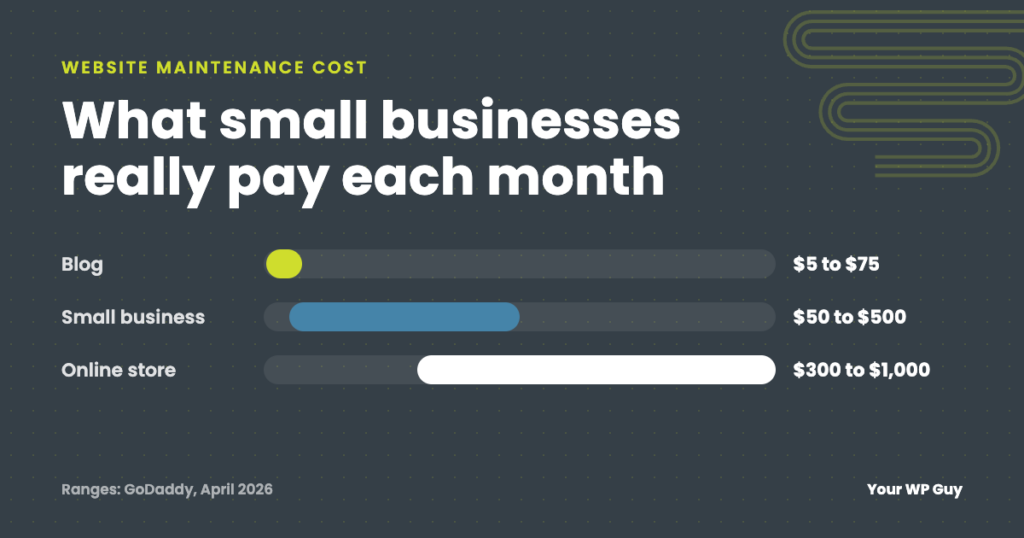
Website Maintenance Cost: What Small Businesses Really Pay
Most small business websites cost $50 to $500 a month to maintain. See named, dated price ranges, what drives the cost, and how to budget for it.
Unknown Named Parameter Error in wp-cron.php: The 2 Minute Fix
A wp-cron.php fatal error citing an unknown named parameter usually means an old cron event from a plugin you removed years ago. Here is why PHP 8 triggers it and how to delete it for good.
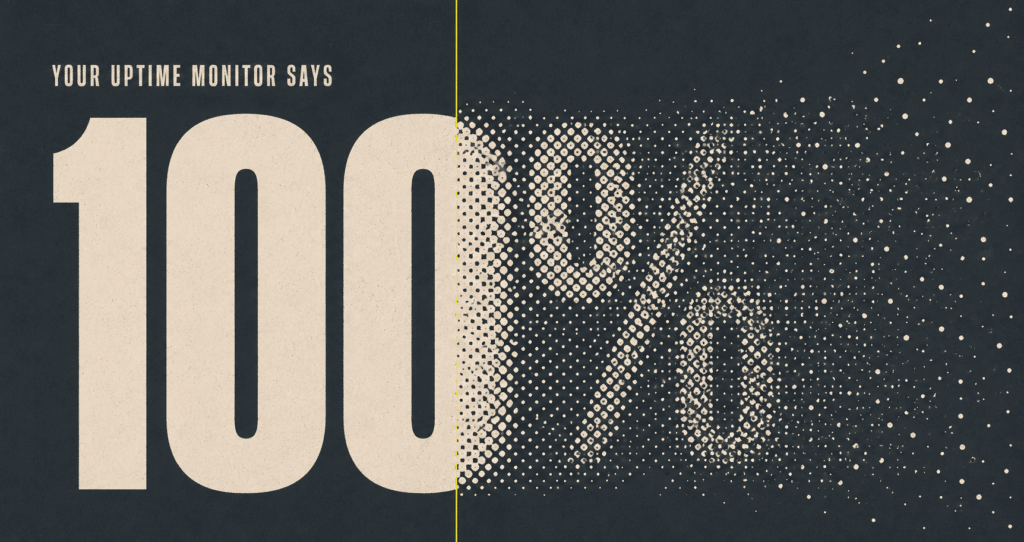
Domain Reputation Monitoring: The Outage Your Uptime Monitor Can’t See
A false phishing flag can silently block visitors on filtered networks, even while your uptime monitor reads 100 percent. See how our new domain reputation monitoring catches it fast, included free for every Your WP Guy client.
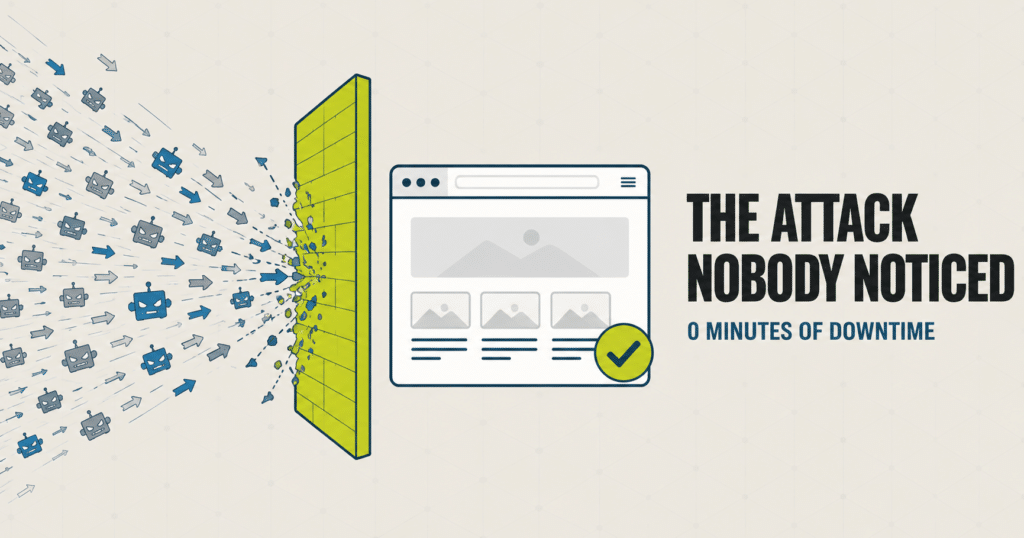
Bot Traffic Attack Case Study: Stopped Before Any Downtime
The Short Version A site we manage took a massive traffic surge one morning: many times its normal volume, all inside a single hour. It was a bot traffic attack. Nothing was broken yet, but that kind of flood takes a server down fast once it tips over. Our monitoring knows what normal looks like…
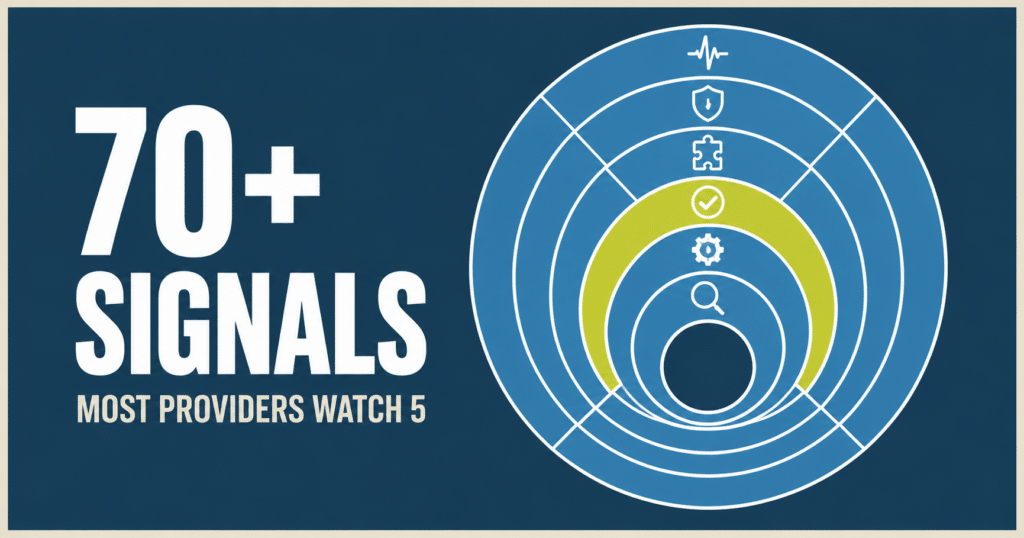
WordPress Site Monitoring: What We Actually Watch
Most WordPress maintenance providers monitor 4 to 6 things, mostly unverified. Here is the full stack we run on every site we manage, and the real example that shows why it matters.
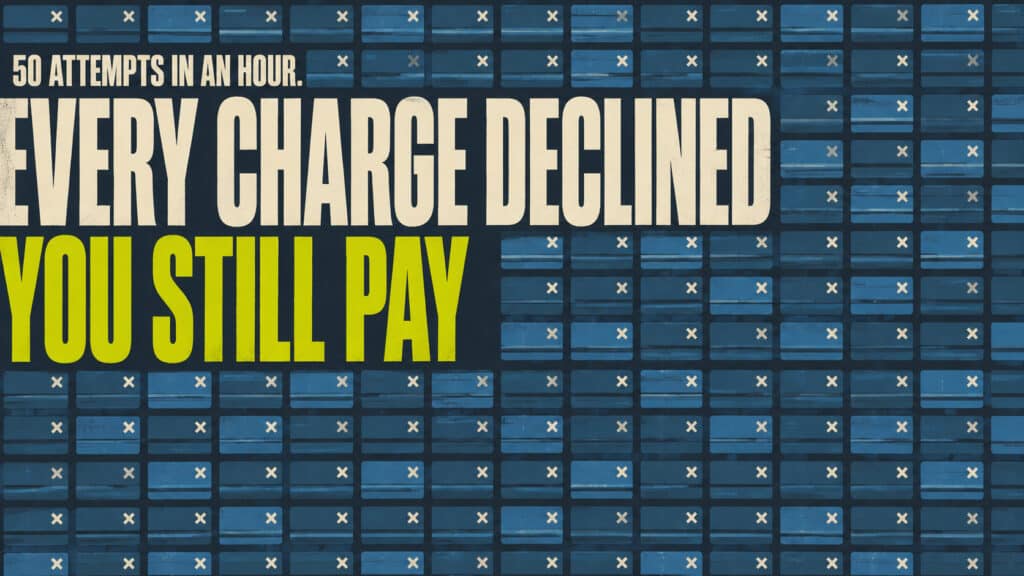
Card Testing Attack? How to Spot and Stop It on Your Store
TL;DR Card testing is a bot running stolen card numbers through your checkout to find out which ones still work. It is not trying to buy anything from you. The giveaway is a burst of declined orders with fake names, fake emails, and the same small charge amount hit over and over. Every declined attempt…

Avoiding DIY Pitfalls: Why Professional Support Matters
Managing a business is already a challenge. Now throw in managing a website without expertise. Juggling too much at once is sure to lead to some dropped balls. And when your head is in a thousand places at once, even minor issues can quickly escalate into major headaches and lost revenue. Consider This A small…

The Mysterious Case of Disappearing Content: Troubleshooting Sudden Losses
You probably do it every day: wake up, make your coffee, and log in to your website. But what happens if, when you access your website, you find that key pages, posts, and media files have inexplicably vanished? Your stomach drops. How will you explain this to customers? Situations like this are a real possibility…