
cloudflare
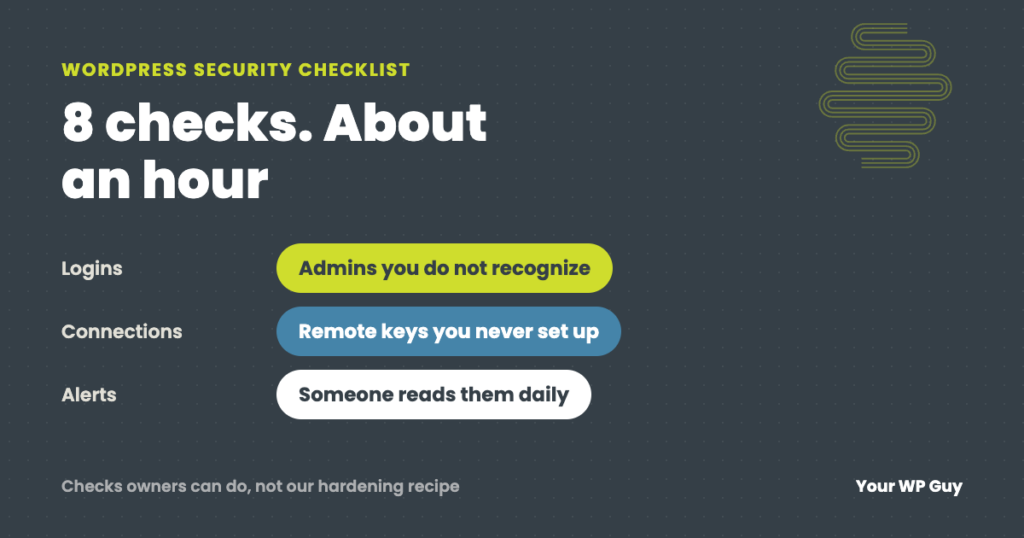
WordPress Security Checklist: Audit Your Own Site in About an Hour
The short answer A WordPress security check comes down to eight questions: who can log in, what is out of date, what is installed but unused, what is connected from outside, what is sitting in your files, whether your backups restore, whether your hosting is current, and whether anyone reads the alerts. You can check…

Why Does My WordPress Site Say “Not Secure”? How to Fix It
The short answer Browsers say “Not Secure” when your site loads over plain HTTP, when its security certificate is missing, expired or wrong, or when a secure page pulls in insecure files. The fix is usually free: turn on your host’s free certificate, switch both WordPress addresses to https, redirect old http links, and replace…
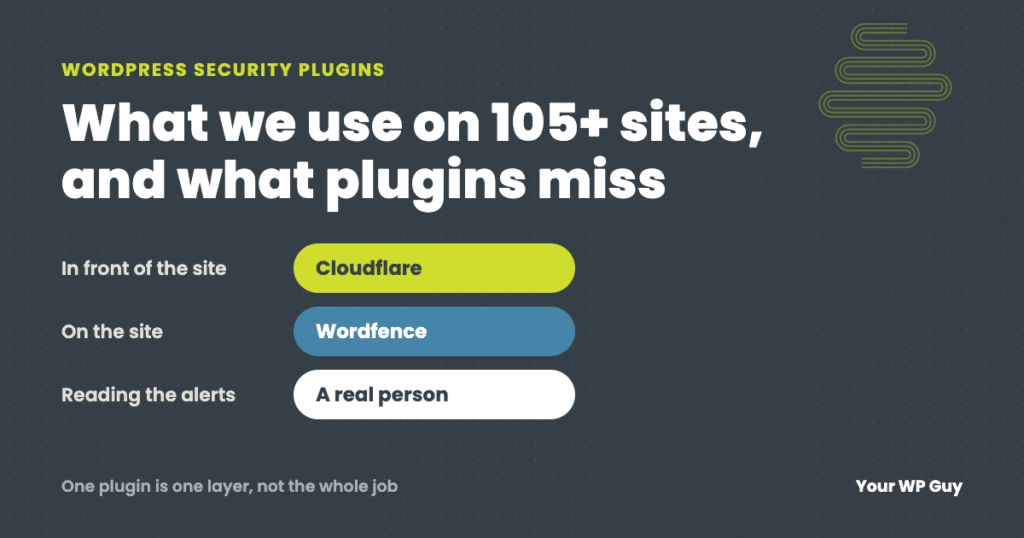
Best WordPress Security Plugins: What We Use on 105+ Sites
The short answer For most WordPress sites, the best security plugin is Wordfence, with Cloudflare in front of the site. Wordfence gives you a firewall, malware scanning and login protection in one plugin. Cloudflare stops bad traffic before it reaches your server. Run one all-in-one security plugin, not two. A plugin is only one layer,…