Best WordPress Membership Plugins (and What Breaks After Launch)
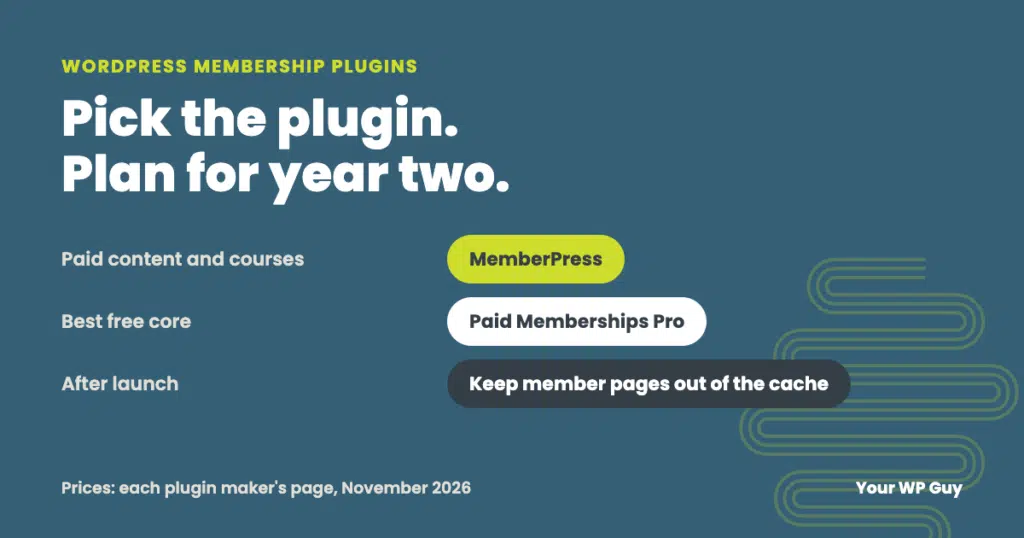
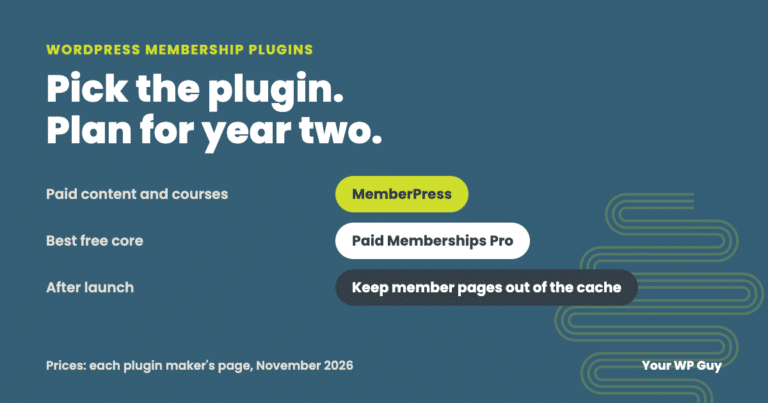
For paid content and courses, MemberPress is the easiest all-in-one pick. Paid Memberships Pro is the strongest free core. A WooCommerce store should use WooCommerce Memberships, and a community site fits Ultimate Member. The plugin matters less than how it is set up and looked after, which is where most membership sites break. If you want it built right the first time, hire a WordPress developer who has done it before.
You want people to pay for, or sign up for, something on your site: a course, a members area, a community, a newsletter archive. Every list online names the same 10 plugins, and they all sound good.
We look after WordPress sites that run MemberPress, LearnDash, BuddyBoss, Ultimate Member, WP-Members and WooCommerce Subscriptions. So this guide is short on feature lists and long on what we see after launch: what each option costs in November 2026, which free ones take payments, and the problems that show up months later.
Which membership plugin should you use?
Pick by the job the site has to do, not by the longest feature list. Most sites fit one of four jobs.
- Selling paid content or courses. MemberPress does content rules, payments, courses, drip content (lessons released over time) and member emails in one plugin. LearnDash is the pick when the course itself is the product (quizzes, certificates, grades).
- Running a WooCommerce store. WooCommerce Memberships ties access to products people buy. Add WooCommerce Subscriptions if members pay every month.
- Building a community. Ultimate Member and BuddyBoss handle profiles, member directories and groups. Ultimate Member’s free version does not take payments on its own.
- Keeping a few pages members-only. A free plugin is enough: Simple Membership, Kadence Memberships or the free Paid Memberships Pro core.
If you are a developer, or have one, Paid Memberships Pro gives you the most control for the least money. It is free and open source, and you add only the add-ons you need.
What the top options cost
Prices below are what each maker’s own page showed in November 2026. Watch the first year: several plugins show a sale price that renews higher.
| Plugin | Free version? | Paid price | Best for |
|---|---|---|---|
| MemberPress | No | From $199.50 the first year, then full price ($399 on the Launch plan, which also takes 4.9% of each payment) | Paid content and courses in one plugin |
| Paid Memberships Pro | Yes, full core with Stripe and PayPal | $499 a year (Standard, 1 site) for premium add-ons and support | Budgets, developers, custom setups |
| WooCommerce Memberships | No | $199 a year, plus WooCommerce Subscriptions for monthly billing | Stores already on WooCommerce |
| LearnDash | No | $350 a year for 1 site, $599 for 10 (comes with Kadence, Give and The Events Calendar) | Online courses and training |
| Ultimate Member | Yes (profiles, directories, content rules) | $276 a year (1 site) or $348 a year (2 sites, includes Stripe payments) | Communities and member directories |
| Simple Membership | Yes, with PayPal and Stripe | Free core, optional add-ons | Small sites on a tight budget |
| Kadence Memberships | Yes, takes Stripe payments | Pro is sold inside Kadence’s paid plans | Simple paid tiers on a Kadence site |
Sources: each plugin’s pricing page or WordPress.org listing, checked November 24, 2026. MemberPress says all annual renewals are at full price. Payment processors (Stripe, PayPal) charge their own fees on top.
Which free membership plugins take payments?
Three free options take payments without a paid upgrade: Paid Memberships Pro, Simple Membership and Kadence Memberships. Ultimate Member’s free version restricts content and builds profiles, but you need its paid Stripe extension to charge anyone.
- Paid Memberships Pro includes Stripe, PayPal and other gateways in the free core. One catch: it left the WordPress.org directory in October 2024 at the author’s request, so you download it from their site and updates come from them.
- Simple Membership handles one-time and recurring payments through PayPal and Stripe. It has 40,000+ active installs.
- Kadence Memberships (it used to be called Restrict Content) collects Stripe payments in the free version. PayPal, discount codes and free trials are in Pro.
Free still costs something. Stripe or PayPal takes a fee on every payment, and you or someone you pay looks after the updates.
What breaks after you install one
Membership sites rarely fail on launch day. They fail months later, after an update, a speed fix or a forgotten file. These are the five problems we see most.
Add-ons fall behind the main plugin
Membership plugins live on add-ons: payment gateways, email tools, course features. When the main plugin updates and an old add-on does not, the add-on can crash the whole site. On one site we took over, the add-ons were six years older than the plugin they plugged into.
A speed plugin caches member pages
Caching makes a site fast by saving a copy of each page. On a membership site, that copy must never include account, login, signup or thank-you pages, or anything a logged-in member sees. Get it wrong and one member can see another member’s details. Good caching plugins have a setting for this; it still has to be set.
Member data ends up in a public folder
Exports and old backups of the member list get saved in the wrong place more often than you would think. If a file sits in a public folder, anyone who guesses the name can download it. Nothing breaks, so nobody notices.
Nobody checks the pages behind the login
Uptime monitors check that your home page loads. They cannot log in. A broken course quiz, a checkout that will not finish or an account page that errors can sit for days until a member emails you.
The renewal and the switching cost
A first-year price can double at renewal. Switching plugins later means moving members, their payment plans and every content rule, and recurring payments usually have to be moved at the payment processor too. Choose with year two in mind.
How to set one up so it keeps working
- Build it on a copy first. Set the plugin up on a staging site, not the live one, so a conflict breaks nothing customers can see.
- Back up before every change. A full backup before you install, and before every plugin update after that.
- Keep member pages out of the cache. In your caching plugin, exclude account, login, signup, checkout and thank-you pages, and turn off caching for logged-in users.
- Test as a real member. Make a test account on each level and check what it can and cannot see. Then log out and try again.
- Test payments in test mode. Stripe and PayPal both have test modes. Run a signup, a renewal and a cancel before you go live.
- Update the add-ons with the plugin. Update the main plugin and its add-ons together, then retest a member login and a payment.
- Check the pages behind the login every week. Log in as a test member, open the course or members area, and confirm it works. That is the part your uptime monitor cannot see.
Rather have it set up right the first time?
We build and look after membership sites on WordPress, and we keep them working after launch.
- Talk to a WordPress expertTell us what members get and how they pay. We will tell you which plugin fits.
- We build it on a copyPlugin, payments, cache rules and test accounts, all checked before anything goes live.
- We keep it workingUpdates with a backup first, and checks on the pages behind the login.
Real example: a membership site that looked fine and was not
A national writers association runs its member area, courses and events on MemberPress. When we were called in, the whole site showed raw error text, front end and admin. Uptime monitoring saw nothing, because the server still answered “200 OK”.
The cause was the add-ons. They were six years older than MemberPress itself, and they loaded first and crashed it. We had the site back the same hour. While cleaning up, we found something worse: a compressed copy of the member database sitting in the site’s main folder, downloadable by anyone who guessed the file name. We moved it out of public reach and confirmed it was gone. Later, when we sped the site up, we set the cache so member pages are never saved and shown to the wrong person.
Not sure what your membership site is hiding? Our free Uh Oh Score checks your site and shows what to fix first, with no sales call required.
Get my Uh Oh ScoreQuestions people ask
Does WordPress have a membership plugin?
Not built in. WordPress has user accounts, but no paid levels or content rules. You add them with a plugin such as MemberPress, Paid Memberships Pro, WooCommerce Memberships or a free one like Simple Membership.
What is the best WordPress membership plugin?
For most people selling content or courses, MemberPress is the easiest all-in-one choice. Paid Memberships Pro is the best free core, WooCommerce Memberships fits stores, and Ultimate Member fits communities. Pick by the job, then plan for upkeep.
Is there a free WordPress subscription plugin?
Yes. Paid Memberships Pro, Simple Membership and Kadence Memberships all take recurring payments in their free versions. Stripe or PayPal still charge their own fee on each payment.
Which WooCommerce subscription plugin is best?
On a WooCommerce store, WooCommerce Subscriptions handles the monthly billing and WooCommerce Memberships handles what members can see. Memberships needs Subscriptions for recurring billing.
Can I switch membership plugins later?
Yes, but it is real work. Members, their levels and every content rule have to be moved, and recurring payments often have to be moved at the payment processor. Test the move on a copy of the site first.
Do membership plugins slow down a site?
They can, because member pages cannot be cached the normal way. Cache the public pages, keep member and account pages out of the cache, and keep the plugin and its add-ons updated.
Sources
- MemberPress, Pricing.
- Paid Memberships Pro, Pricing, and WordPress.org, Paid Memberships Pro listing (closed October 17, 2024).
- WooCommerce, WooCommerce Memberships.
- Liquid Web, LearnDash pricing.
- Ultimate Member, Pricing.
- WordPress.org, Simple Membership and Kadence Memberships.
Members who can always get in
We set up membership plugins the careful way and keep them working after launch, with backups before every update and checks on the pages behind the login.

Jonathan Wofford is the founder of Your WP Guy, a WordPress care and maintenance service supporting 105+ active client sites. He and his team keep WordPress sites fast, secure, and running, so business owners can stay focused on their business instead of their website.