Domain Reputation Monitoring: The Outage Your Uptime Monitor Can’t See
- A client’s website was fully online, but invisible to any visitor whose network uses certain DNS filtering, after a security vendor wrongly flagged the domain as phishing.
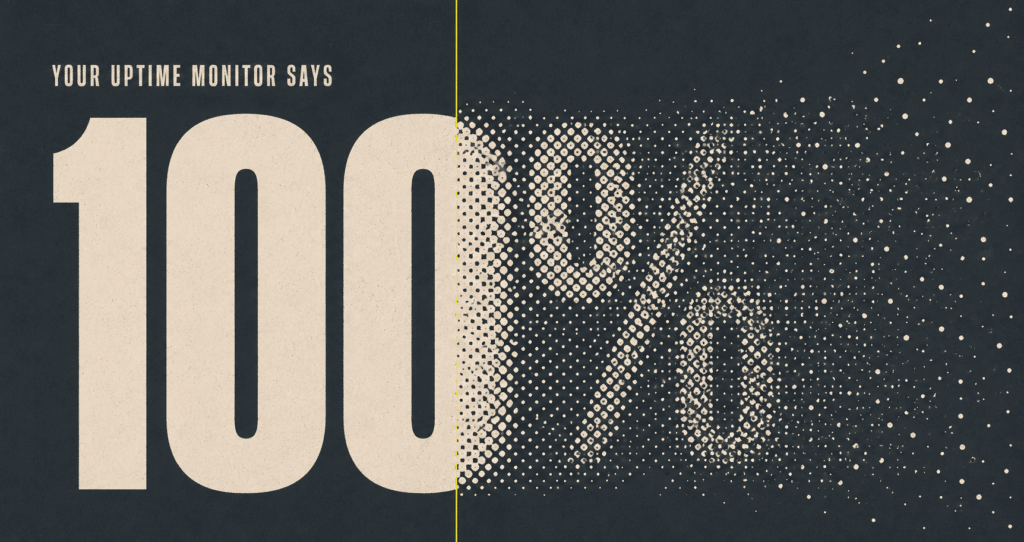
- There is no alert for this. No email, no log entry. Uptime monitoring reads 100 percent the entire time.
- We built domain reputation monitoring that checks every domain we manage, every day, against the major DNS filtering and safe browsing systems.
- If a flag shows up, we verify the site is clean, file the dispute, and confirm the moment it clears, often before you notice anything happened.
- Already a client? This is already running on your site. Nothing to buy, nothing to turn on.
- How Can a Website Be Online and Still Invisible to Customers?
- What Was Actually Wrong With His Website?
- How We Built Domain Reputation Monitoring for Every Client
- What Happens the Moment a Flag Shows Up?
- Already a Client of Your WP Guy? This Is Already Running on Your Site
- Not a Client Yet? Ask Your Provider This Question
- Frequently Asked Questions
How Can a Website Be Online and Still Invisible to Customers?
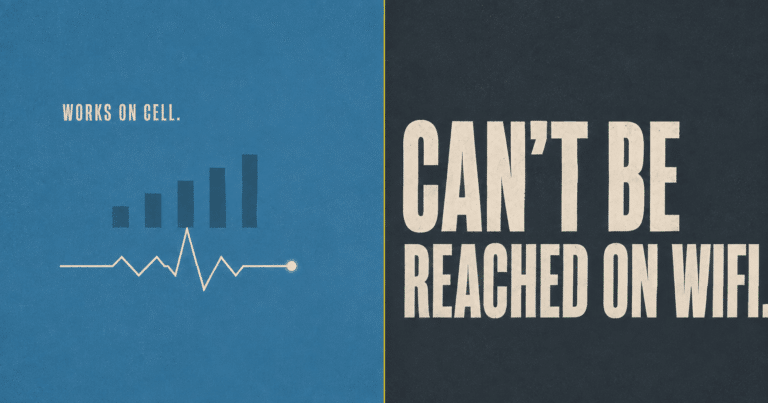
Last week we worked one of the strangest support tickets we have seen all year. A business owner could not load his own website from his office WiFi. His phone, sitting right next to him on cell service, loaded it fine.
His hosting was up. His uptime monitor read 100 percent. His error logs showed nothing out of the ordinary. By every measurement he had access to, his site was working exactly as it should.
So what do you do when every tool you own says everything is fine, and your own eyes say otherwise?
What Was Actually Wrong With His Website?
The problem had nothing to do with his website at all. A major internet security provider had quietly, and wrongly, classified his domain as a phishing site.
Here is the part that should concern every website owner reading this: there is no notification for any of it. Nobody emails you. Nothing appears in any log you own, because a blocked visitor’s request never makes it past their own network. Your monitoring says everything is fine, and for weeks, a slice of the internet quietly decides your business does not exist.
The only reason this one got caught is that the owner happened to be standing behind the same bouncer as his missing visitors. Most business owners never find out. (We walk through exactly how we tracked this one down in a companion post: Site Can’t Be Reached on WiFi but Works on Cell: Your Domain May Be Flagged as Phishing.)
We fixed it. We verified the site was clean, filed the reputation dispute with the vendor, and got the flag lifted. Then we asked the obvious next question: how many of these are we not seeing on other sites?
How We Built Domain Reputation Monitoring for Every Client
So we built the check that did not exist. Every day, automatically, we now run domain reputation monitoring against the systems that quietly decide whether the internet trusts your name: the DNS level filtering used across corporate networks, school districts, and home routers, plus the browser level safe browsing checks behind the warning screens in Chrome, Firefox, and Safari.
We watch a wide net of these on purpose, and we keep the exact list of providers to ourselves. If any of them flags a domain we manage, we know within a day, not whenever a customer happens to complain from the right WiFi network. And because we also watch for the clearance, we see the exact moment a dispute resolves too.
What Happens the Moment a Flag Shows Up?
When domain reputation monitoring catches something, here is exactly what happens on our end.
Most of the time, the first you hear about any of this is us telling you it happened, and that it is already handled.
Already a Client of Your WP Guy? This Is Already Running on Your Site
There is nothing to buy and nothing to turn on. Every domain we manage, all 105+ active client sites, went into the daily sweep the moment we launched it.
Domain reputation monitoring joins the rest of the stack that watches your site while you run your business: uptime, security scanning, update integrity, and backups. Now it also covers the layer almost nobody else is watching: whether the internet’s gatekeepers still trust your name.
Not a Client Yet? Ask Your Provider This Question
“How would you know if Cisco or Google flagged my domain?”
If the answer is a blank look, that is the gap. Your uptime monitor can read 100 percent while every school, office, and family router running DNS filtering quietly turns your customers away. It is one of the quietest ways a website loses business, and almost nobody is watching for it.
We are. Run your site through our free Uh Oh Score scan to see where your current setup stands, or take a look at our website maintenance plans to see what full coverage looks like.
Frequently Asked Questions