“Unable to Contact Your Store’s REST API”; When Your Security Plugin Is Blocking Your Payment Processor

You have regenerated the keys three times. The site is up. A request from your own laptop works fine. And your payment processor still insists your store is unreachable. If your WooCommerce REST API credentials keep getting rejected by an integration that used to work, the problem is very likely not your credentials at all.
Your security plugin may be blocking your payment provider’s servers, and it can do this silently for weeks. On the site that taught us this, Wordfence had blocked the processor’s IP under the rule “POST received with blank user-agent and referer,” and every API call the provider made for three weeks, including the status updates that mark orders as paid, got a 503 block page instead of the store. Everything you can test yourself passes, because you are not the one being blocked.
Quick answer: If a payment provider or webhook says your WooCommerce REST API credentials are invalid but they test fine from your own machine, check whether your security plugin is blocking that provider’s IP address. Wordfence in particular can silently block server-to-server API traffic for weeks with no visible error on your end, because the block happens before your site ever logs anything.
Why You Won’t Find It by Testing the WooCommerce REST API Credentials
Everything you can test yourself will pass, because you are not the one being blocked:
- The REST endpoint answers from your machine, your host’s shell, everywhere. Healthy 200 responses all around, even using the exact key pair the provider is using.
- The credentials are valid. They are right there in the database, and they authenticate.
- Your host sees no outage. Your CDN sees no block. Because there is not one, for you.
Meanwhile the provider’s every request dies at the security plugin’s wall. Their error message describes their own experience (an error page instead of JSON, which their system interprets as “API URL invalid”), not your actual configuration.
Two Details That Actively Mislead You
Two specific details will actively point you in the wrong direction:
- The API key’s “last access” timestamp keeps updating. WooCommerce stamps
last_accessduring authentication, which happens before the security plugin kills the request. We watched timestamps advance all day on an integration that had not completed a single successful request in weeks. A moving timestamp proves the request arrived. It does not prove the request succeeded. - The provider’s error code lies by translation. In this case the provider reported a 404, which sent us down a genuinely plausible detour: WooCommerce removed its legacy
/wc-api/route in version 9.0, a real breaking change for old integrations, just not this one. The code described what the provider’s own server received, not which route it actually tried to use.
Find It in Two Minutes
Step 1: The Access Log
Find your provider’s requests in your access log (search for their user-agent or the REST route they call). The signature of a security-plugin block: one IP getting a 503 on every single request, with a suspiciously large response body. Wordfence’s branded block page runs about 19KB of themed HTML, while a host’s real maintenance 503 is typically a couple of KB. Every other IP gets normal responses in the same window of time.
Step 2: Ask Wordfence Directly
The blocks live in the wp_wfblocks7 table, and the IP is stored as padded binary. Query it by hex (each IPv4 octet as two hex digits):
/* Example: the provider's IP is 203.0.113.45 */
/* Each octet becomes two hex digits: 203=CB, 0=00, 113=71, 45=2D */
SELECT id, type, reason, FROM_UNIXTIME(blockedTime) AS blocked_at,
       FROM_UNIXTIME(expiration) AS expires, blockedHits
FROM   wp_wfblocks7
WHERE  HEX(IP) LIKE '%CB00712D';
If a row comes back, you have your answer. Ours read “POST received with blank user-agent and referer,” blocked for 30 days, 101 hits. Wordfence > Firewall > Blocking shows the same list in the UI, if you still trust dashboards at this point.
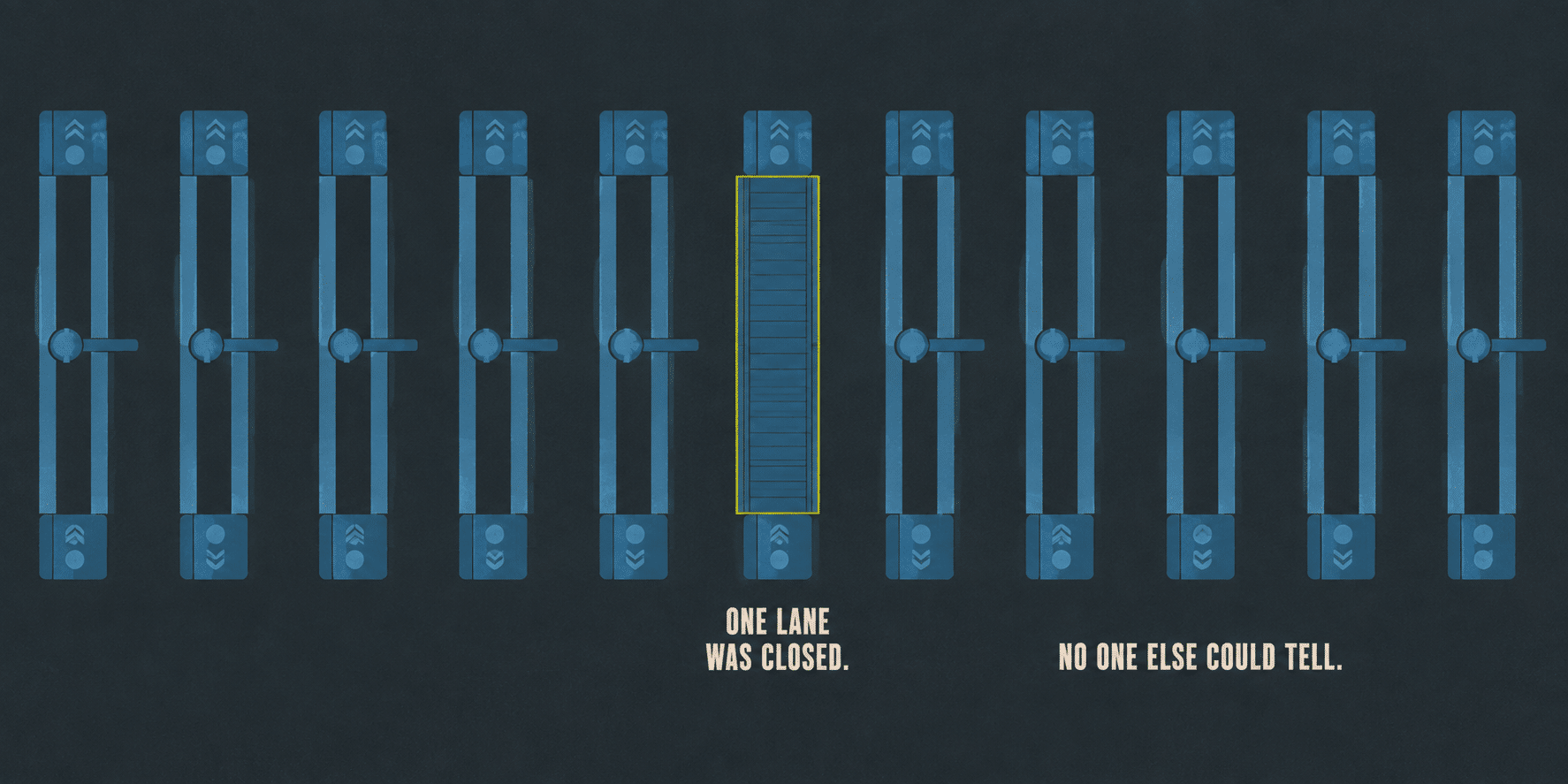
Sometimes the access log says 503 but you cannot tell whether your host’s edge or WordPress itself served it. A short mu-plugin that logs each REST request at arrival, after authentication, and at the final response will settle it: a request that appears in the access log but never reaches PHP was killed by the host, while one that arrives and authenticates but dies before dispatch was killed inside WordPress. In our case the trace read arrive, then authenticated, then a 503 with no dispatch, the fingerprint of a security plugin firing after login, and what finally ended a day of blaming the host.
Fix It: Allowlist, Don’t Just Unblock
Deleting the block gives you about a month. The provider’s request pattern (bursts of API calls, credentials passed as query parameters, sometimes no user-agent at all) is exactly what tripped the rule, and it is their normal behavior. It will trip it again.
In Wordfence’s Global Options, go to Firewall, then Blocking, remove the block, then add the provider’s IP address or addresses to Allowlisted IP addresses. Get the official IP list from your provider’s own documentation or support team, not from a single blocked request in your log.
Then check the damage window. If the provider posts payment-status updates back to your store, which most do, orders placed between the block date and today may be out of sync with the processor’s records. Ours had three weeks of status writebacks to reconcile by hand. If you manage your own WooCommerce REST API keys, this is also a good moment to confirm which keys are actually still in active use.
The Bigger Pattern
Payment validators, shipping webhooks, and license servers all talk like bots: server-to-server, rapid bursts, minimal headers, credentials in the query string. Security plugins tuned to fight credential stuffing cannot tell the difference on behavior alone. The blank-user-agent rule that saved this store from a thousand scanners also cut off the one robot it actually needed to hear from.
When you install or tighten a security plugin on a store, walk the full integrations list and allowlist every service that calls in, before one of them goes quiet and takes weeks of order updates with it. This is exactly the kind of configuration review that’s part of our ongoing care plans, not a one-time setup step.
Not sure what your security plugin might be silently blocking?
A firewall rule that’s protecting you from bots can just as easily be blocking the ones you actually need. We will walk your integrations list and check what’s allowed through.
FAQ
Why does WooCommerce say my REST API credentials are invalid when they are correct?
The credentials themselves are usually fine. The provider’s message describes what its own server received, which is often a security-plugin block page instead of a real API response, not an actual authentication failure. The error text gets translated into a generic “credentials invalid” message even though the real problem happens before your credentials are ever checked.
How do I know if Wordfence is blocking my payment gateway?
Check your access log for the provider’s IP address or user-agent. A single IP returning a 503 on every request, with an unusually large response body (around 19KB for Wordfence’s branded block page), while every other IP gets normal responses, is the signature. You can also query the wp_wfblocks7 table directly by the IP’s hex value to confirm.
Why does the API key’s last_access timestamp keep updating if requests are failing?
WooCommerce records last_access during authentication, which happens before a security plugin’s firewall rule gets a chance to block the request. The timestamp only proves the request reached WordPress and authenticated. It does not prove the request completed successfully.
Is it safe to just delete the Wordfence block and move on?
It will work temporarily, but the same request pattern that triggered the rule the first time will trigger it again. Allowlist the provider’s official IP addresses instead of only removing the existing block, so the rule stops re-triggering on future requests.
What should I check after fixing a payment gateway block like this?
Check whether your provider posts status updates back to your store, such as marking orders as paid. If it does, any orders placed during the block window may be out of sync with the processor’s records and need to be reconciled manually.
Which other integrations are at risk of the same kind of block?
Anything that talks to your site server-to-server rather than through a browser: payment gateways, shipping rate lookups, webhook receivers, and license validation servers. They all tend to send rapid bursts of requests with minimal headers, which looks similar to automated abuse to a security plugin’s firewall rules.

Jonathan Wofford is the founder of Your WP Guy (yourwpguy.com), a WordPress care and maintenance service supporting 105+ active client sites. He and his team specialize in keeping WordPress sites fast, secure, and running, so business owners can stay focused on their business instead of their website.
Talk to a WordPress Expert