
WooCommerce
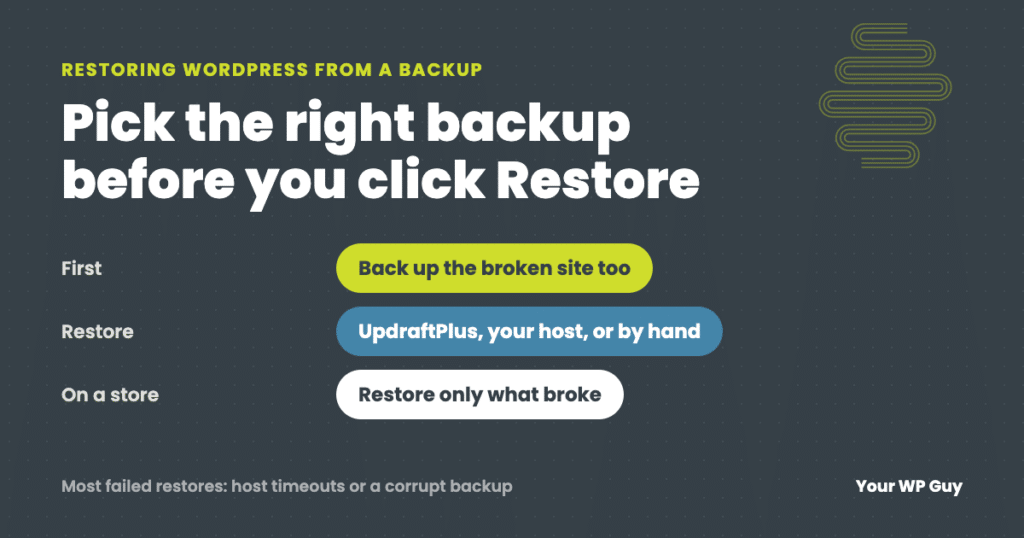
How to Restore WordPress From a Backup (and What to Do When It Fails)
The short answer To restore WordPress from a backup, first pick the right backup: the last one from before the problem started. Then restore it with whatever made it. In UpdraftPlus, go to Settings, then UpdraftPlus Backups, find the backup and click Restore. Other backup plugins work much the same way. Hosting backups are restored…
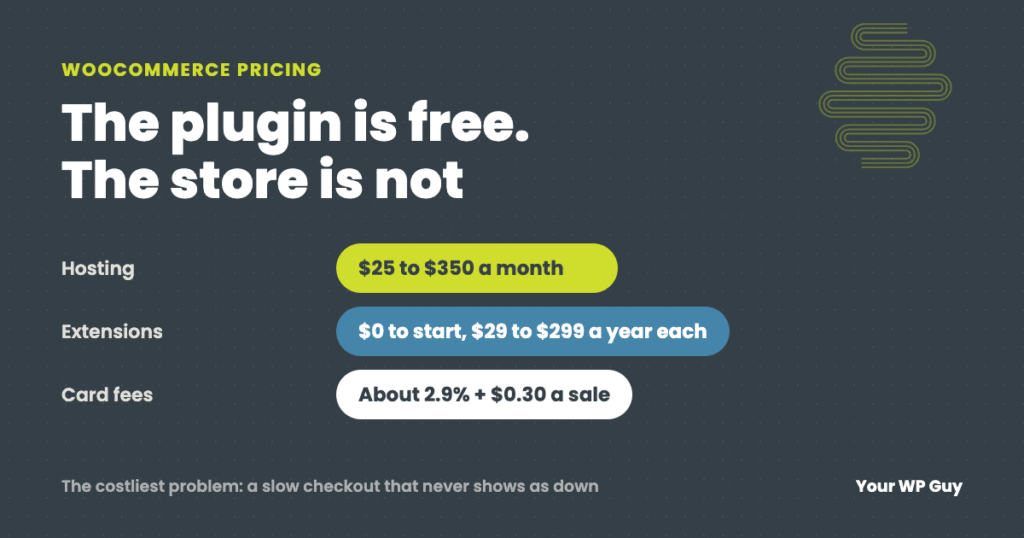
How Much Does WooCommerce Cost? Real Numbers From the Stores We Maintain
The short answer WooCommerce itself is free. There is no monthly fee and no cut of your sales. What you pay for is everything around it: hosting (WooCommerce puts most stores at $25 to $350 a month), a domain, any paid extensions ($29 to $299 a year each), card processing fees (about 2.9% plus $0.30…
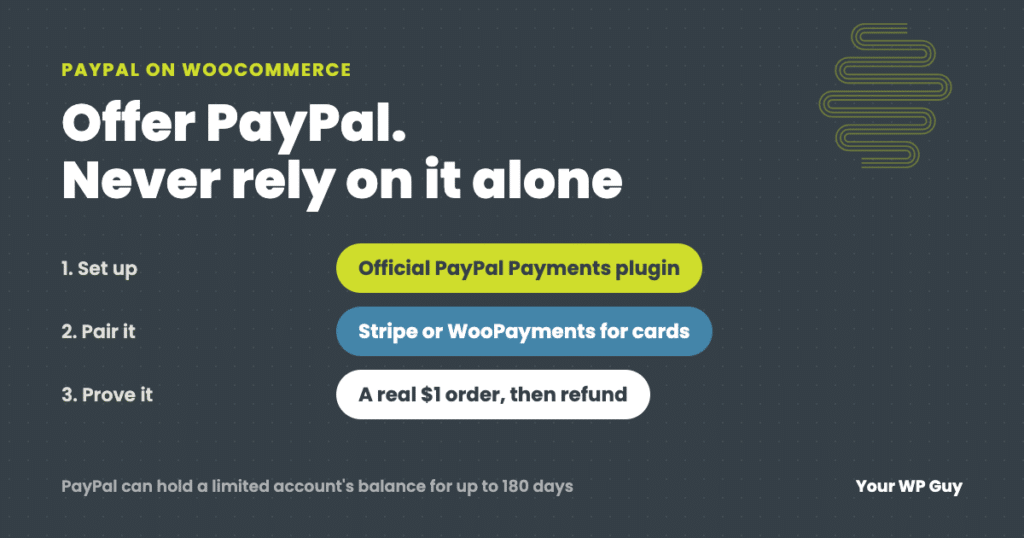
How to Set Up PayPal on WooCommerce (and Keep It Working)
The short answer To add PayPal to WooCommerce, install the free WooCommerce PayPal Payments plugin, connect your PayPal business account, choose which buttons to show, then place a real $1 order to prove it works. Do not use the old PayPal Standard option. Most stores we set up actually run on Stripe, which covers cards,…
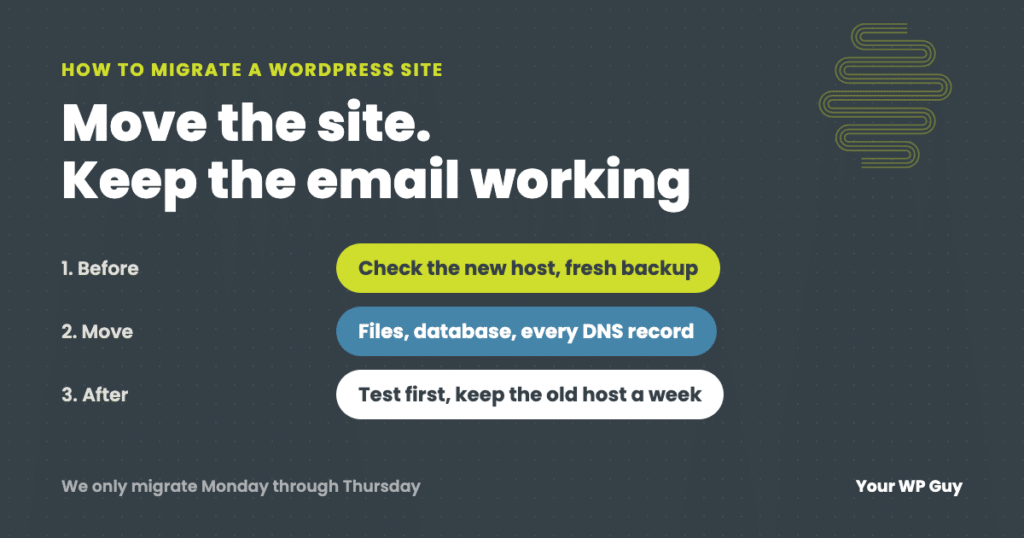
How to Migrate a WordPress Site to a New Host (Without Losing Email or Orders)
The short answer To migrate a WordPress site to a new host, check that the new host can actually run your site, make your own fresh backup, copy your DNS records (including email), move the files and database, and test everything on the new host before you point your domain at it. Keep the old…
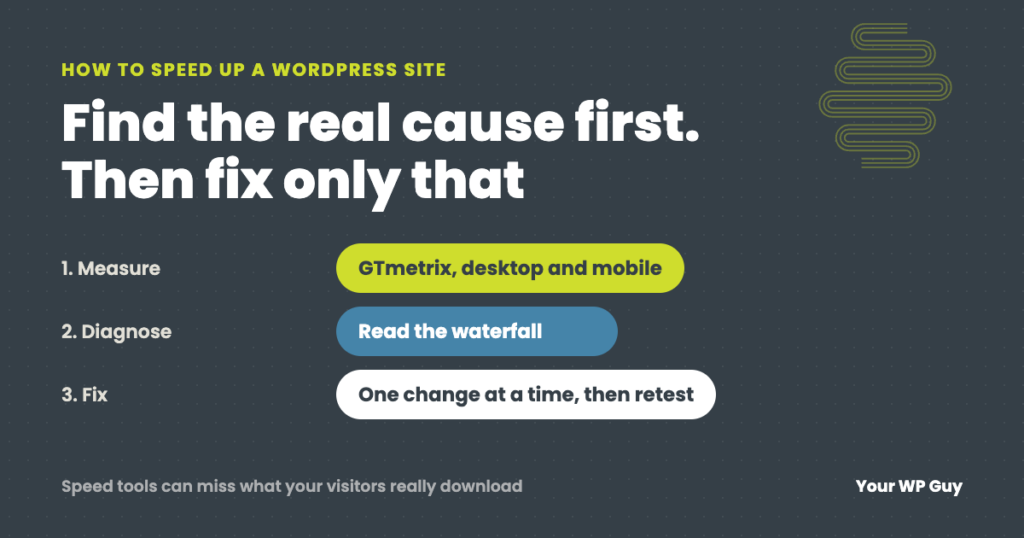
How to Speed Up a WordPress Site: Find the Real Cause First
The short answer To speed up a WordPress site, measure first so you know which part is slow: the server’s response, the weight of the page, or code that holds the page back. We test in GTmetrix on desktop and mobile and read the waterfall to find it. Then fix that cause. Page caching and…
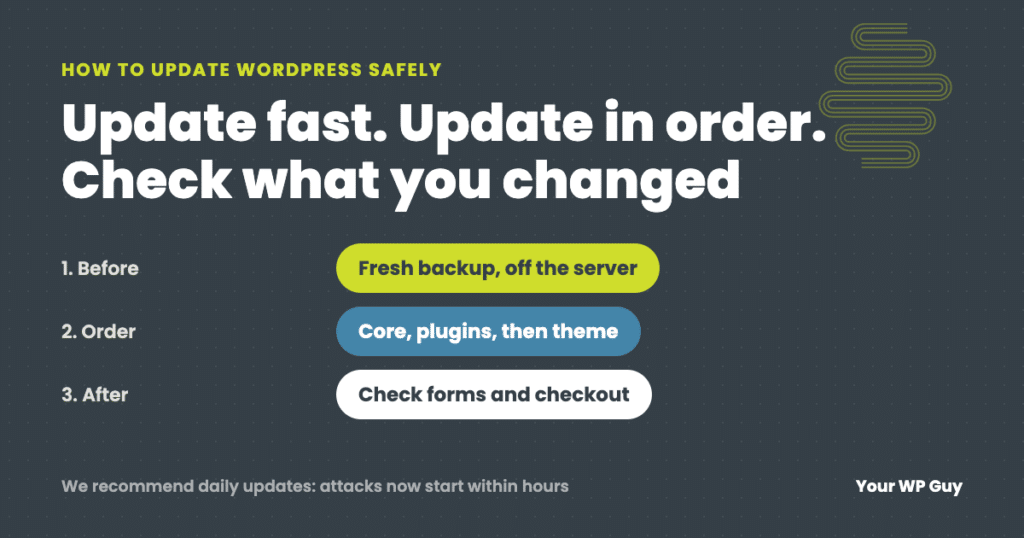
How to Update WordPress Safely (Without Breaking Your Site)
The short answer To update WordPress safely, make a fresh backup, then update in this order: PHP (if needed), WordPress core, plugins a few at a time, then your theme, and check the site after each step, including forms and checkout. We recommend updating daily, because with AI, attacks on a newly published flaw now…

“Unable to Contact Your Store’s REST API”; When Your Security Plugin Is Blocking Your Payment Processor
A payment gateway reporting invalid WooCommerce REST API credentials, even when they test fine, often means Wordfence is silently blocking the provider’s server. Here’s how to find the block in two minutes and fix it for good.