Website Hosting and Maintenance: What Your Host Does (and Doesn’t)
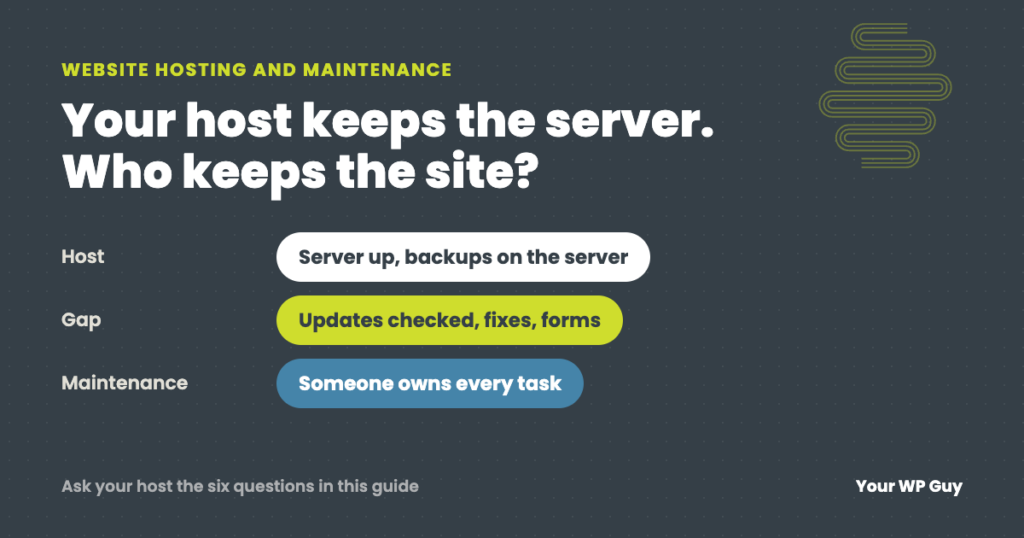
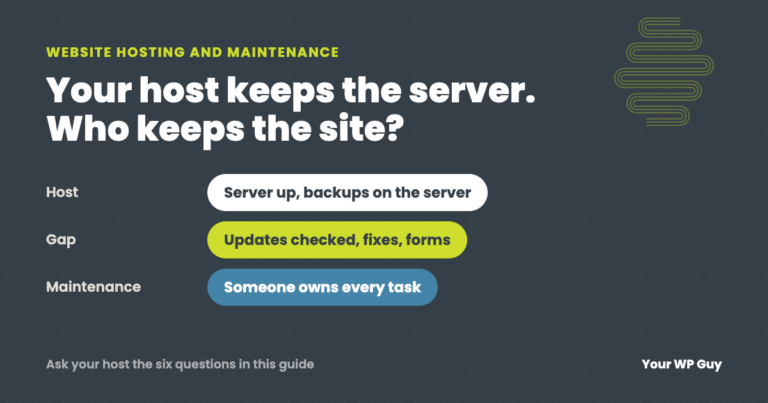
Website hosting and website maintenance are two different jobs. Your host keeps the server running. Maintenance keeps your WordPress site running: plugin and theme updates, fixing what an update breaks, backups you can actually restore, security cleanup and checking that forms and checkout still work. Most hosts do some of this, very few do all of it, and almost none check your site afterward. You can buy them separately or together; our WordPress maintenance plans include hosting on our server, or work with the host you already have.
“Doesn’t my hosting company take care of that?” It is a fair question. Hosting companies talk about security, backups and updates, so it is easy to assume the website itself is being looked after.
Sometimes it partly is. But the line between what your host does and what it leaves to you is rarely spelled out, and that gap is where most website problems live. This guide draws that line, task by task.
Hosting vs maintenance: the difference
Hosting is the computer your website lives on, kept switched on, connected and secure at the server level. Think of it as renting the building.
Maintenance is looking after what is inside: WordPress itself, your plugins and theme, your content, and everything a visitor uses, like forms and checkout. Think of it as keeping the shop running.
A great building does not restock the shelves or fix a broken till. A great host does not test your contact form after a plugin update. You need both jobs done; the only question is who does each one.
Who does what: host, managed host or maintenance plan
| Task | Typical shared host | Typical managed WordPress host | Maintenance plan |
|---|---|---|---|
| Keep the server running | Yes | Yes | Only if hosting is included |
| WordPress core updates | Sometimes, automatic | Usually | Yes, then checked |
| Plugin and theme updates | Rarely | Some, often automatic and unchecked | Yes, then checked |
| Fixing what an update breaks | No | Limited | Yes |
| Backups | Often, on the same server | Daily, kept by the host | Own backups, stored off the server, checked daily |
| Malware cleanup | Often an extra fee, or the site is suspended | Varies | Included on our plans |
| Checking forms, checkout and key pages | No | No | Yes |
| A person who knows your site | Support queue | Support queue | Yes |
“Typical” because plans vary a lot between hosts and price levels. Check your own plan’s terms for each row.
The gaps hosting leaves
Updates nobody checks
Automatic updates are better than none, but an update that runs at 3 a.m. with nobody checking afterward is how a site ends up broken for days. Our guide to updating WordPress safely covers what should be checked after each round.
Backups nobody has restored
Host backups often sit on the same server as the site, and many owners have never tried to restore one. When we migrate a site, we always make our own backup first, because host backups have failed us too often when we needed them.
“Up” is not the same as “working”
Hosts watch whether the server answers. They do not watch whether your contact form still sends, whether your checkout takes payments, or whether a page went blank after an update. Those are maintenance jobs.
Security beyond the server
A host secures the server. A plugin with a known hole, an old admin account, or a backdoor someone planted in your site is a website problem, and many hosts treat cleanup as an extra service. Our WordPress security checklist shows what to check yourself.
When the problem is the host itself
Good hosts still cause problems, because their own tools sit between your site and your visitors. Someone has to notice, and it is rarely the host.
- Automatic updates from the hosting panel. On one blog we look after, the hosting panel’s own WordPress tool ran an overnight update batch that left every page except the cached homepage blank. The site looked fine from outside for about 33 hours until someone noticed.
- The host’s server cache. On another site, after routine updates, the server cache kept serving pages that were more than three days old and pointed at files the updates had removed. On phones, the site looked broken until the cache was cleared.
- Server changes. When a host upgrades PHP or changes server settings, old plugins can fail overnight. Our guide to updating PHP on WordPress covers what to check.
The empty cart nobody could see
An online store we look after told us customers on their phones were adding items to the cart, then finding the cart empty. Nothing was broken in WordPress, and there were no errors anywhere.
The cause was the managed host’s own page cache. It saved a copy of each product page for speed, and that saved copy showed an empty cart. Shoppers who had added something were still being shown the saved page. The store’s own setup was fine and the host’s servers were fine. The problem lived in the gap between them.
We added a small fix so the cart refreshes itself on cached pages, tested it on a real phone, and drafted a ticket for the host to change its cache rules. Neither the host’s monitoring nor a basic uptime check would ever have caught it, because every page loaded perfectly.
Should you buy hosting and maintenance together?
Either way can work. What matters is that every task in the table above has a name next to it.
- Together, from one provider, means one call when something goes wrong, and nobody can blame the other side. It works best when the provider looks after the website, not just the server.
- Separately works well if you already have hosting you are happy with. Your maintenance provider handles the website and deals with the host for you when the problem is on their side.
- Hosting only, with no maintenance, is the risky one for a business site. It works until an update breaks something and nobody is watching.
Our care plans do it either way: hosting on our own server is included, or we look after your site on the host you already use. For prices across the market, see our guide to website maintenance cost.
Want one team looking after the whole thing?
Our care plans cover updates, backups, security and fixes, with hosting included or on your current host.
- Talk to a WordPress expertTell us where your site is hosted and what you want covered.
- We set it up within 24 hoursA fresh backup first, then updates, security and monitoring.
- We look after it every dayUpdates checked, backups verified, problems fixed, including the host’s.
Questions to ask your host
Send your host these questions, and keep the answers. Every “no” is a task someone else needs to own.
- Do you update my plugins and themes, or only WordPress itself?
- If an update breaks my site, will you fix it, and is that included?
- Where are my backups stored, how long are they kept, and can I restore one myself?
- If my site is hacked, do you clean it up, and what does it cost?
- Will you tell me before you change the PHP version or server settings?
- Do you check that my forms and checkout work, or only that the server is up?
Not sure what is being looked after right now? Our free Uh Oh Score checks your site and shows what to fix first, with no sales call required.
Get my Uh Oh ScoreQuestions people ask
What is the difference between web hosting and website maintenance?
Hosting keeps the server your site lives on running. Maintenance looks after the website itself: updates, backups, security, fixes and checking that forms and checkout work.
Does web hosting include website maintenance?
Partly, at best. Most hosts keep the server running and some update WordPress or take backups, but very few update and check your plugins, fix what breaks, or test your forms and checkout.
Do I need both hosting and maintenance?
Every website needs hosting. A business website also needs someone doing maintenance, whether that is you, your host, or a maintenance provider.
Is managed WordPress hosting the same as a maintenance plan?
No. Managed WordPress hosting adds WordPress-friendly server features and often automatic updates, but it usually stops at the server. It rarely includes fixing what an update breaks or checking your site afterward.
Can my maintenance provider work with my current host?
Usually, yes. We look after sites on the hosts our clients already use, or host them on our own server as part of a care plan.
How much do website hosting and maintenance cost?
It ranges widely, from a few dollars a month for basic hosting to hundreds for full maintenance. Our website maintenance cost guide has real price ranges.
What happens if my host’s server goes down?
That one is the host’s job to fix. A maintenance provider should notice quickly, tell you, and chase the host, so you are not the one finding out from a customer.
Sources
- WordPress.org, Configuring automatic background updates.
- WordPress Developer Resources, WordPress backups.
- WordPress.org, Hosting (what WordPress needs from a host).
Know exactly who is looking after your website
We handle the website side every day, and the hosting too if you want it, so nothing falls into the gap between them.

Jonathan Wofford is the founder of Your WP Guy, a WordPress care and maintenance service supporting 105+ active client sites. He and his team keep WordPress sites fast, secure, and running, so business owners can stay focused on their business instead of their website.