
Card Testing Attack? How to Spot and Stop It on Your Store
TL;DR
- Card testing is a bot running stolen card numbers through your checkout to find out which ones still work. It is not trying to buy anything from you.
- The giveaway is a burst of declined orders with fake names, fake emails, and the same small charge amount hit over and over.
- Every declined attempt still costs you a per-transaction fee, and a high volume of declines can get your merchant account flagged for review.
- The fix that matters most lives in your payment account, not your website: set it to automatically decline any order where the CVV or billing address does not match.
- Ask your payment processor about CVV mismatch declines, AVS mismatch declines, velocity limits, and a fraud screening add-on like TransArmor or Fraud Detect.
In This Post
If you woke up to a pile of declined orders overnight, all from names you have never heard of, all for the exact same odd little amount, you are not imagining things and it is not your fault. It is a specific, well known kind of attack, and it is fixable in an afternoon once you know where to look.
What Is a Card Testing Attack?
Card testing is what happens when someone gets their hands on a batch of stolen credit card numbers and needs to find out which ones are still active before trying to use them somewhere that matters. Your checkout becomes the testing ground. A bot runs the stolen numbers through your site in quick bursts, usually for a tiny charge, just to see which cards get approved and which get declined.
The bot has no interest in your products. It is not trying to buy anything from you. It is using your store as a free, low stakes place to sort the good cards from the dead ones.
How Do You Know It Is Happening to You?
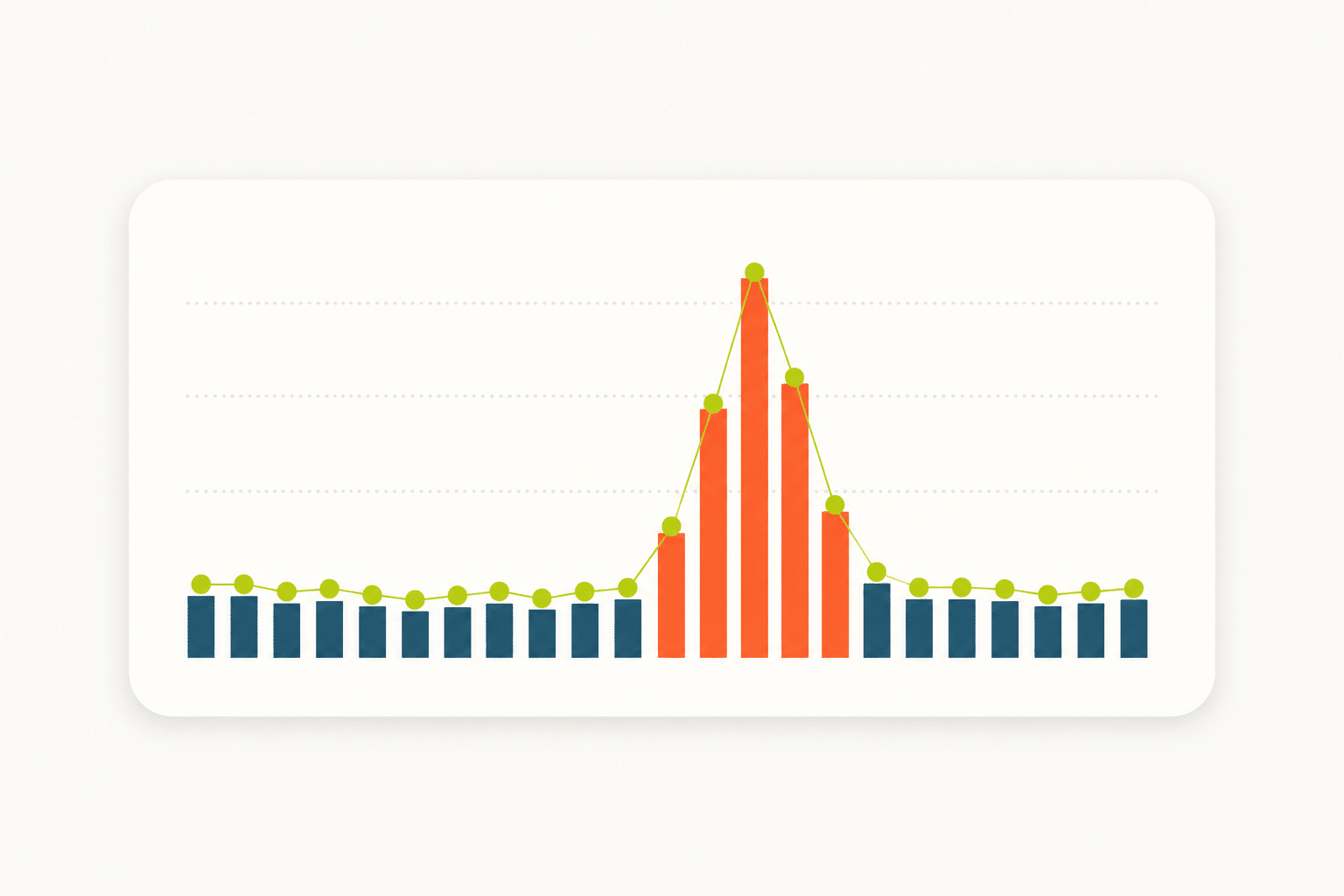
We worked through this recently with one of our maintenance clients, so the pattern is fresh: over 100 declined orders in a single week, arriving in waves rather than a steady trickle. One wave alone brought more than 50 attempts inside a single hour. Every one of them used a fake name and a fake email address, and most tried to charge the same small amount, over and over.
A few signs to watch for on your own store:
- A sudden spike in declined orders, especially arriving in bursts rather than spread evenly across the day
- Customer names and emails that look generated rather than real (random letter combinations, obviously fake domains)
- The same charge amount, often a very small one, showing up on attempt after attempt
- Attempts clustered at unusual hours
- A processor or gateway alert about an unusual decline rate on your account
Why Does It Cost You Even When Every Charge Gets Declined?
Here is the part that catches people off guard: even when every single attempt fails, it still costs you. Most gateways charge a small per-transaction fee whether the card is approved or declined, so a few hundred attempts adds up fast. And a high volume of declines is exactly the kind of pattern that can get a merchant account flagged for review by your processor, which is a headache nobody needs while they are trying to run a business.
The one piece of good news: a card testing attack, by definition, is made up of declines. If your account is set up correctly, none of it ever turns into an actual fraudulent charge or a chargeback.
What Actually Stops a Card Testing Attack?
This is the part that surprises most store owners. The fix does not live in your WordPress plugins or your checkout page. It lives inside your payment processor’s account settings, the same place that handles your Clover, First Data, Stripe, or Square account. Your checkout can collect a card’s security code and billing address all day long, but that information only matters if your payment account is told to actually reject a mismatch.
Decline on CVV Mismatch
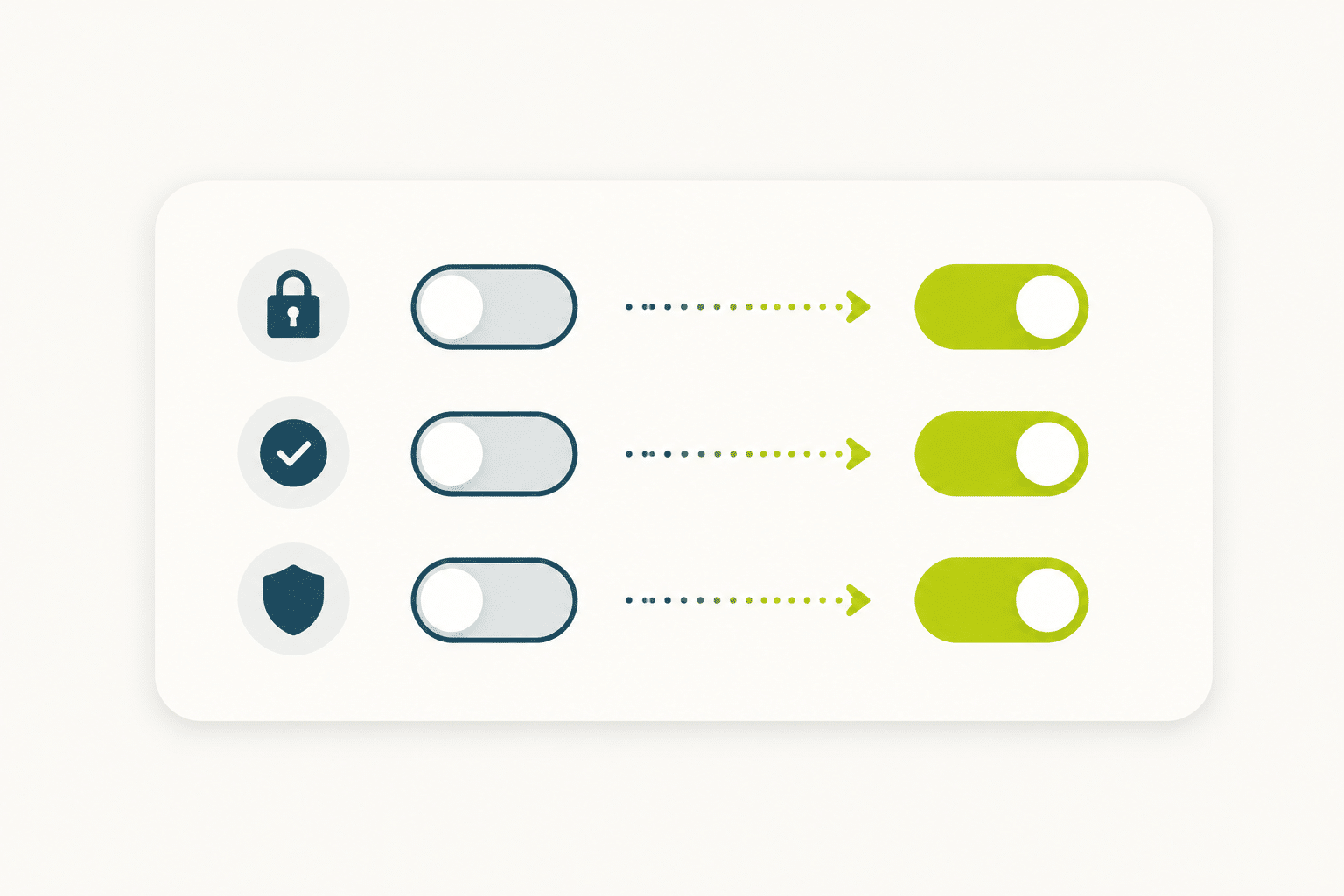
Set your account to reject any transaction where the card’s security code does not match. Stolen card numbers almost never come with a correct CVV attached, so this single setting turns away the overwhelming majority of testing attempts on its own.
Decline on AVS Mismatch
Turn on Address Verification and set it to decline when the billing address does not match the card on file. Testers are working with random or fake addresses, so this catches a large share of what CVV checking misses.
Add Velocity Limits
Ask your processor about velocity controls, which cap how many attempts can come from the same card, or the same source, in a short window. This is what directly targets the rapid burst pattern (dozens of attempts inside an hour) that is the clearest sign of a bot at work.
Turn On Fraud Screening If Your Plan Has It
Fiserv and First Data accounts often include an add on fraud screening tool, sometimes branded TransArmor or Fraud Detect. It is worth a call to your rep to ask whether your plan includes it and to get it switched on.
What Should Your Website Be Doing Too?
Your payment account settings do the heavy lifting, but your website plays a supporting role. A human verification step at checkout keeps most bots from ever completing the order form in the first place. Requiring the security code at checkout gives your payment account something to check against. And 24/7 monitoring means that if a new wave does show up, someone catches it within the hour instead of finding out a week later buried in a statement.
That kind of ongoing watchfulness is exactly what our website maintenance plans are built around. You should not have to be the one staring at your order list looking for patterns. That is website stuff, and we can handle it.
Not Sure If This Is Happening on Your Store?
We can take a look, walk you through what your specific payment processor supports, and help you get the right settings turned on.
Frequently Asked Questions
Why would a bot target a small business website instead of a big retailer?
Smaller stores are often easier targets because they are less likely to have fraud controls turned on in the first place. A big retailer’s payment account almost always has CVV and AVS declines enabled by default. Plenty of small business accounts are left wide open simply because nobody knew to ask.
Can card testing turn into real fraud charges on my account?
Not directly. Card testing itself is just the bot checking which cards are live, and every one of those specific attempts is declined by design. The risk is what happens next: once a tester knows which cards work, they may use them elsewhere, and a high decline rate on your account can also draw unwanted attention from your processor.
Will this hurt my store’s reputation or my SEO?
No. Card testing does not touch your site’s content, rankings, or public reputation. It is strictly a payment account issue between the bot and your checkout form.
How fast can I get these fraud controls turned on?
CVV and AVS declines are often something you can switch on yourself inside your payment portal in a matter of minutes. Velocity limits and add-on fraud screening tools usually need a quick call to your processor, and most reps can turn those on the same day.
Does my web host or my maintenance plan handle this automatically?
Your host and your maintenance provider can absolutely help on the website side, with things like bot blocking at checkout and monitoring that flags a spike the moment it happens. But the actual decline settings live inside your payment processor’s account, so that piece needs your involvement, or a phone call from you to your rep.
What if I do not even know which payment processor dashboard I am using?
That is more common than you would think, especially if someone else set up the store originally. Look for the name on your monthly statement, whether it is Clover, First Data, Payeezy, Stripe, or Square, or reach out to us and we will help you track it down.