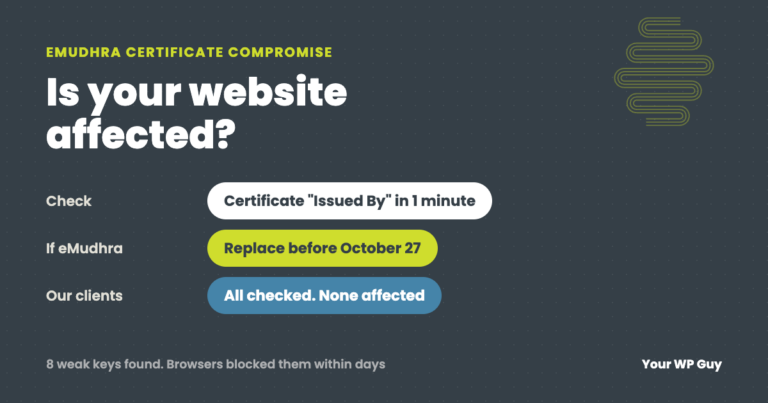
eMudhra Certificate Compromise: Is Your Website Affected?
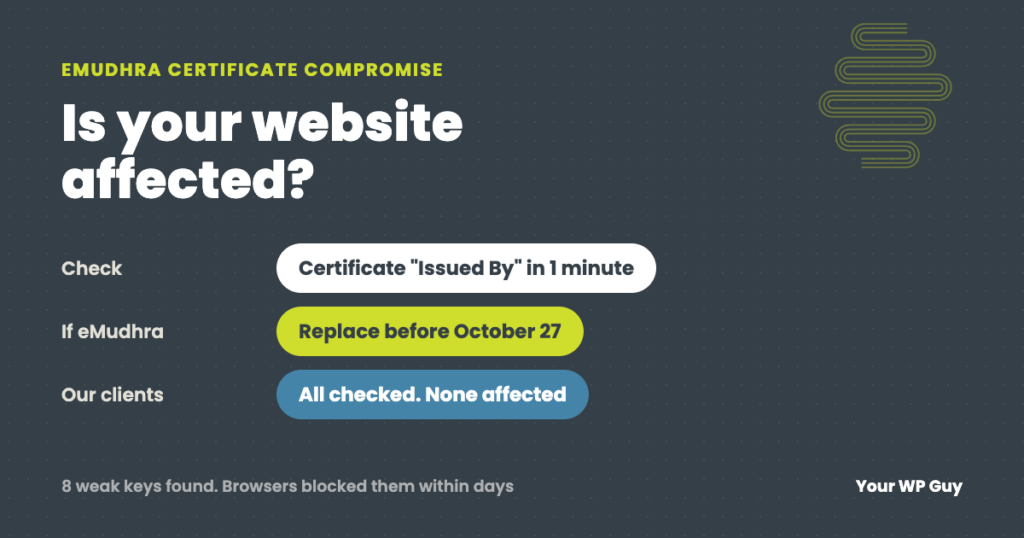
In October 2026, eight intermediate certificates from the certificate authority eMudhra were found to have private keys so weak that anyone could recover them. In theory that let someone create a fake certificate for any website. Browsers blocked the certificates within days, and no misuse has been confirmed. Your website is only affected if its security certificate was issued by eMudhra (also sold as emSign). If it was, replace it before Chrome stops trusting eMudhra’s emSign ECC Root CA – G3 around October 27, 2026. Most sites are not affected. Not sure? Our one-time WordPress fix can check and replace it.
If you saw headlines about compromised security certificates this week and wondered whether your website is at risk, this is the plain-English version: what happened, who has to do something, how to check your own site in under a minute, and what to do if you are affected.
We look after 105+ WordPress sites and checked every one of them the day this broke. The details of that check are below.
What happened
Every https website has a security certificate that proves it is the real site. Those certificates are issued by certificate authorities, companies that browsers trust to vouch for websites. They issue certificates through “intermediate” certificates, each protected by a private key that must stay secret and impossible to guess.
Eight of eMudhra’s intermediates had keys created in April 2025 by a faulty script. The keys were so small they could be guessed almost instantly; one of them was the number 4. Six of the eight could issue website certificates. Anyone who worked out a key could, in principle, create a certificate browsers would accept for any website.
| Date (2026) | What happened |
|---|---|
| October 17 | A researcher spotted the weak keys and reported them. Chrome blocked the six website-certificate intermediates the same evening, and Firefox did the same within hours. |
| October 18 and 19 | eMudhra revoked all eight. Apple added protections, and Android was covered through a Google Play update. |
| October 20 | Microsoft blocked them. Firefox 158.0.1 and patched versions of the Go programming language shipped. |
| Around October 27 | Chrome removes eMudhra’s emSign ECC Root CA – G3 from its trusted list. Sites with certificates under it will show errors. |
From public reports by Cloudflare, Mozilla, The Hacker News and BleepingComputer, as of October 21, 2026. eMudhra says most of the affected intermediates were never used to issue certificates to customers, and no misuse has been confirmed.
Who is affected
- Website visitors: protected once their browser and phone update, which happens automatically for most people. Keep browsers and phones up to date.
- Website owners: only if your site’s certificate was issued by eMudhra or under its emSign roots. That is uncommon for small business sites in the US, which mostly use free certificates from Let’s Encrypt, or certificates from Google, Sectigo, DigiCert or GoDaddy.
- Businesses running their own software and servers: software that keeps its own list of trusted certificates, or does not check revocations, may need updating. That is a job for your developer or IT provider.
How to check who issued your certificate
It takes under a minute:
- Open your website in Chrome or Edge.
- Click the icon to the left of the address, then “Connection is secure”, then “Certificate is valid”.
- Look at “Issued By” (in Firefox and Safari, the certificate details show the same information). If it says eMudhra or emSign, you are affected. Anything else, such as Let’s Encrypt, Google Trust Services, Sectigo, DigiCert or GoDaddy, is not part of this incident.
Check every version of your address you use, including www and any shop or booking subdomain, since each can have its own certificate.
If your site uses an eMudhra certificate
- Get a new certificate from a different issuer now, before October 27. Most hosts offer a free Let’s Encrypt certificate that you can switch on in the hosting control panel and that renews automatically.
- Install it on every address the old certificate covered.
- Check the result with the steps above. “Issued By” should show the new issuer.
- If your site uses Cloudflare in Full (strict) mode, also check the certificate on your server, not just the one visitors see, since Cloudflare checks that one too.
Want us to check and fix it?
Certificate checks and replacements are quick, routine work for us.
- Talk to a WordPress expertSend us your website address.
- We check every address you useWho issued each certificate and when it expires.
- We replace anything at riskThen confirm it on phone and desktop.
If visitors see NET::ERR_CERT_REVOKED
NET::ERR_CERT_REVOKED is Chrome telling a visitor that the site’s certificate, or one above it in the chain, has been cancelled by its issuer. Chrome blocks the page because a revoked certificate can no longer prove the site is genuine.
- If it is your site: check who issued your certificate using the steps above and replace it. Revocations happen for incidents like this one, or when a certificate was issued by mistake. A new certificate fixes it.
- If it is someone else’s site: do not click past the warning or enter any details. Let the site owner know. If you see it on many sites at once, check that your computer’s date and time are correct and update your browser.
What we did for our clients
On October 21, we checked which company issued the certificate on every one of the 105+ sites we manage. They all use certificates from Let’s Encrypt, Google Trust Services (mostly through Cloudflare), GoDaddy or DigiCert. None use eMudhra or emSign.
So no client needs to do anything. We are watching for follow-up changes and will check again after Chrome removes the emSign root around October 27.
What this means for every website
This incident did not touch most websites, but it is a good reminder of how trust on the web works. Your padlock depends on a chain of companies you never chose directly, and when one link breaks, browsers act within hours, not weeks. The sites that come through it without a scare are the ones where someone knows who issued their certificate, when it renews, and who to call if a browser starts showing errors.
Our guide to how WordPress security layers work together covers the rest of the picture.
Want a quick check of your whole site? Our free Uh Oh Score checks your site and shows what to fix first, with no sales call required.
Get my Uh Oh ScoreQuestions people ask
What happened with eMudhra certificates?
Eight intermediate certificates from the certificate authority eMudhra had private keys weak enough to guess, which in theory let someone create fake certificates for any website. Browsers blocked them within days of the October 17, 2026 report, and eMudhra revoked all eight.
Is my website affected by the eMudhra compromise?
Only if your site’s certificate was issued by eMudhra or emSign. Click the icon next to your address, open the certificate details and look at “Issued By”. Most US small business sites use other issuers and are not affected.
What do I do if my certificate is from eMudhra?
Replace it with a certificate from a different issuer before Chrome removes the emSign ECC Root CA – G3 root around October 27, 2026. Most hosts offer a free Let’s Encrypt certificate.
Do website visitors need to do anything?
Keep browsers and phones updated. Chrome, Firefox, Safari, Edge and Android have already blocked the affected certificates for people with current versions.
Were any fake certificates actually used?
No misuse has been confirmed so far. The weak keys existed since April 2025, so nobody can fully rule it out, which is why browsers acted so fast.
What does NET::ERR_CERT_REVOKED mean?
Chrome is saying the site’s certificate, or one above it in the chain, has been cancelled by its issuer, so it can no longer prove the site is genuine. The site owner needs a new certificate.
How do I find out who issued my SSL certificate?
In Chrome, click the icon left of the address, then “Connection is secure”, then “Certificate is valid”, and look at “Issued By”. Free online SSL checkers show the same information.
Sources
- Cloudflare, eMudhra certificate compromise.
- Mozilla Security Blog, Protecting Firefox users following the compromise of eMudhra intermediate certificates.
- The Hacker News, Eight eMudhra CA keys compromised.
- BleepingComputer, Mozilla, Google, Apple block compromised eMudhra CA certificates.
Know your site is covered when the next one hits
When security news breaks, we check every site we look after the same day and tell clients where they stand.

Jonathan Wofford is the founder of Your WP Guy, a WordPress care and maintenance service supporting 105+ active client sites. He and his team keep WordPress sites fast, secure, and running, so business owners can stay focused on their business instead of their website.