
WordPress
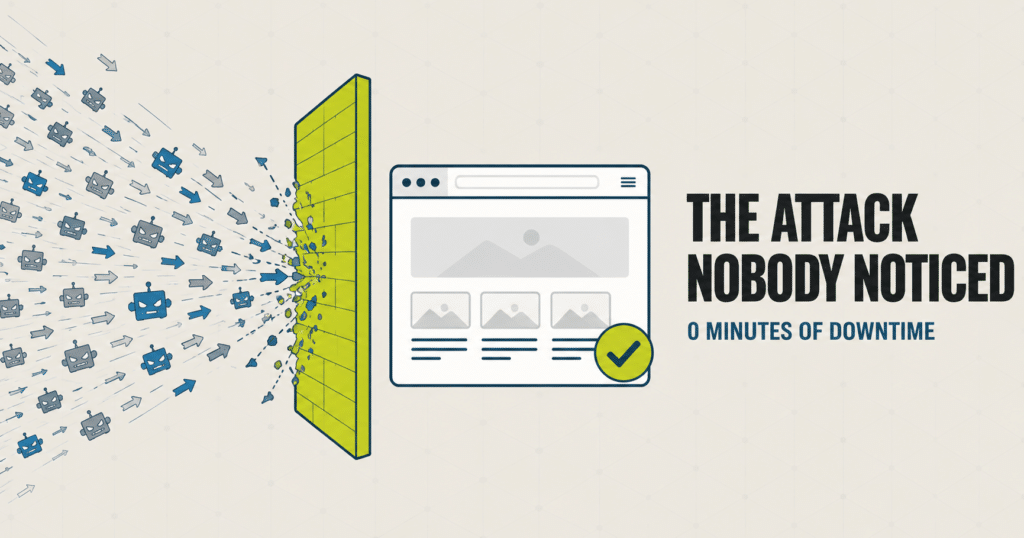
Bot Traffic Attack Case Study: Stopped Before Any Downtime
The Short Version A site we manage took a massive traffic surge one morning: many times its normal volume, all inside a single hour. It was a bot traffic attack. Nothing was broken yet, but that kind of flood takes a server down fast once it tips over. Our monitoring knows what normal looks like…
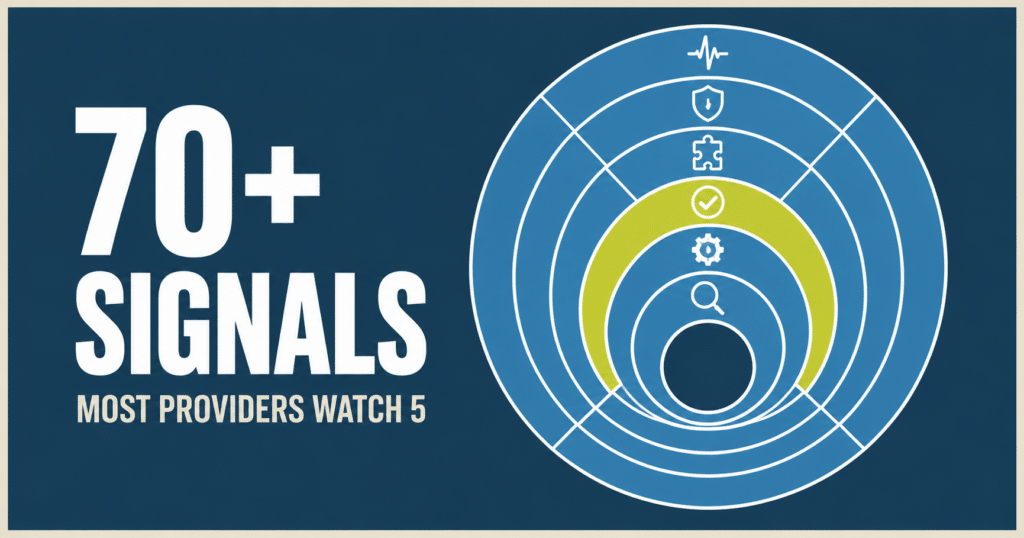
WordPress Site Monitoring: What We Actually Watch
Most WordPress maintenance providers monitor 4 to 6 things, mostly unverified. Here is the full stack we run on every site we manage, and the real example that shows why it matters.
Card Testing Attack? How to Spot and Stop It on Your Store
TL;DR Card testing is a bot running stolen card numbers through your checkout to find out which ones still work. It is not trying to buy anything from you. The giveaway is a burst of declined orders with fake names, fake emails, and the same small charge amount hit over and over. Every declined attempt…
What a Real WordPress Site Attack Looks Like (And How We Stopped It)
Most articles about WordPress security talk in generalities: keep your plugins updated, use strong passwords, install a firewall. This post is different. This is a real WordPress site attack that hit one of our client sites on July 13, 2026, told with the actual numbers, the actual IP addresses, and the actual fixes we deployed…
WordPress 500 Internal Server Error: What It Means and How to Fix It
TL;DR A WordPress 500 Internal Server Error means the server hit an unexpected problem but won’t tell you what it was. The most common causes are a corrupted .htaccess file, a misbehaving plugin, or a PHP memory limit. To fix it: rename your .htaccess file, deactivate all plugins via FTP, or increase your PHP memory…

Locked Out? Understanding WordPress Login Error Messages
We all know the frustration of trying to access your website only to be met with an error message. As a WordPress website owner, encountering a login error can be incredibly annoying. You want to make changes to your site, write an important blog post, or look at the sales in WooCommerce, but these vague…

“Is It Just Me?”: Tools to Check the Availability of Your Website Worldwide
Having a consistently available website is crucial for any business competing digitally today. But maintaining website availability can be a major pain point, especially for small businesses with limited resources. When your site suffers downtime or simply becomes inaccessible for customers, the costs are very real—from immediate sales losses during outages to long-term brand reputation…

The Mysterious Case of Disappearing Content: Troubleshooting Sudden Losses
You probably do it every day: wake up, make your coffee, and log in to your website. But what happens if, when you access your website, you find that key pages, posts, and media files have inexplicably vanished? Your stomach drops. How will you explain this to customers? Situations like this are a real possibility…

The High Cost of Waiting: Real-world Impacts of Slow Support Responses
Your website crashes during a sale. Pages load at a crawl. Online forms stop working. You reach out for support, only to wait helplessly as the precious minutes tick by without resolution. The lackadaisical response from your website management team obstructs progress and drains productivity across your business. As a small business owner, you feel…
Common Signs Your WordPress Website May Be Compromised
You’ve invested time, money, and energy into building your business’s website on WordPress. It’s become a vital online presence and valuable asset for your company. But lurking in the shadows are potential security threats that can wreak havoc on your site. WordPress powers over 40% of all websites, making it an enticing target for hackers.…
Read More about Common Signs Your WordPress Website May Be Compromised