
WordPress
What a Real WordPress Site Attack Looks Like (And How We Stopped It)
Most articles about WordPress security talk in generalities: keep your plugins updated, use strong passwords, install a firewall. This post is different. This is a real WordPress site attack that hit one of our client sites on July 13, 2026, told with the actual numbers, the actual IP addresses, and the actual fixes we deployed…
WordPress 500 Internal Server Error: What It Means and How to Fix It
TL;DR A WordPress 500 Internal Server Error means the server hit an unexpected problem but won’t tell you what it was. The most common causes are a corrupted .htaccess file, a misbehaving plugin, or a PHP memory limit. To fix it: rename your .htaccess file, deactivate all plugins via FTP, or increase your PHP memory…
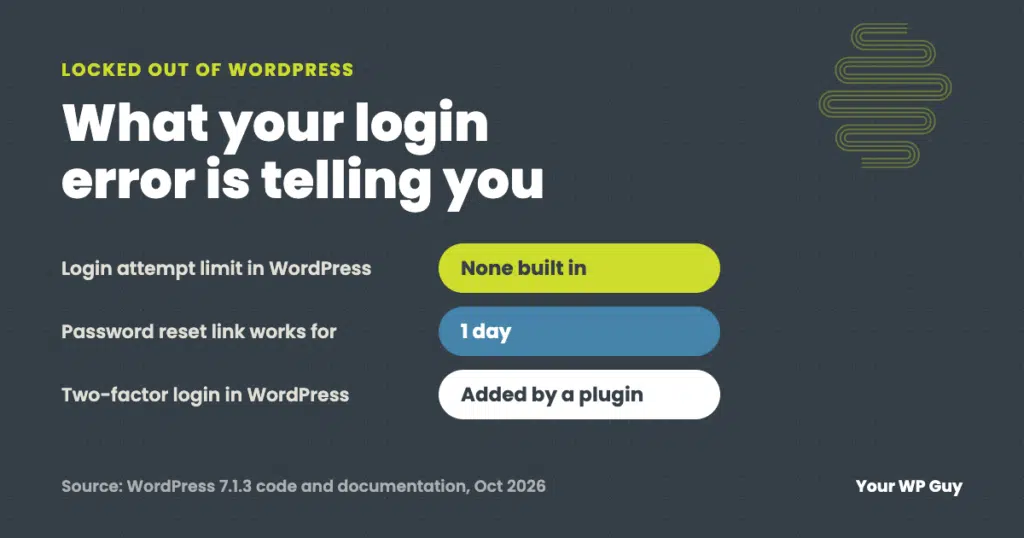
Locked Out of WordPress? What Your Login Error Means and How to Get Back In
The short answer Most WordPress login problems come down to four things: a wrong username or password, a password reset email that never arrives, a lockout (from a security plugin, your host or a firewall), or a login page that keeps sending you back. The exact message on the login screen tells you which one…

“Is It Just Me?”: Tools to Check the Availability of Your Website Worldwide
Having a consistently available website is crucial for any business competing digitally today. But maintaining website availability can be a major pain point, especially for small businesses with limited resources. When your site suffers downtime or simply becomes inaccessible for customers, the costs are very real—from immediate sales losses during outages to long-term brand reputation…
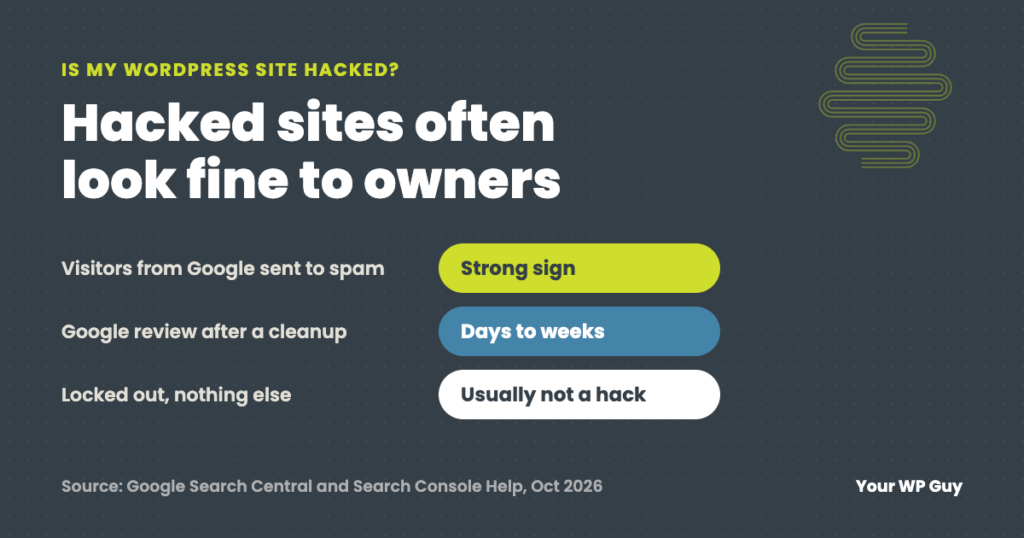
How to Tell If Your WordPress Site Has Been Hacked (and What Is Not a Hack)
The short answer The strongest signs your WordPress site has been hacked: Google shows “This site may be hacked” or a red warning, visitors get sent to spam sites, there is an admin user you did not create, pages or files appear that nobody on your team made, or your host warns you about malware.…

The High Cost of Waiting: Real-world Impacts of Slow Support Responses
Your website crashes during a sale. Pages load at a crawl. Online forms stop working. You reach out for support, only to wait helplessly as the precious minutes tick by without resolution. The lackadaisical response from your website management team obstructs progress and drains productivity across your business. As a small business owner, you feel…
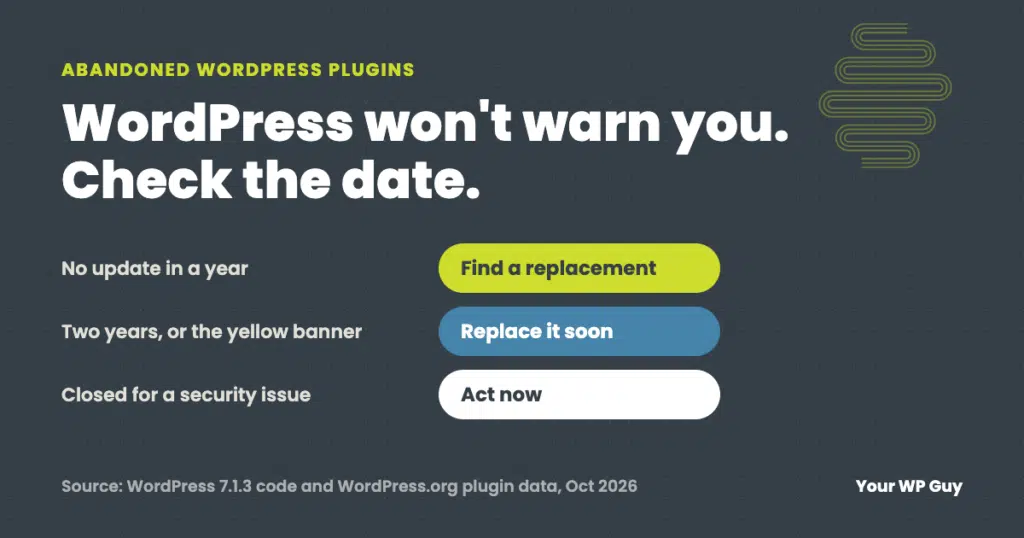
Abandoned WordPress Plugins: How to Spot Them and What to Do
The short answer An abandoned WordPress plugin is one its developer no longer updates. It may keep working for years, but any security hole found in it will never be fixed, and it can break the next time WordPress or PHP changes. WordPress does not warn you, so check each plugin’s “Last updated” date. No…

What Are the Risks of Not Performing WordPress Maintenance?
Running a business? It’s a bit like a high-stakes game of whack-a-mole, isn’t it? Always something popping up that needs your attention. And if you’re operating a WordPress site, you’ve got one more mole to keep an eye on. But here’s the thing: WordPress, while fantastic, is the most popular CMS on the Internet, and…

What Are the Benefits of WordPress Maintenance?
You’ve made the choice to build your website through WordPress. *Hold for applause.* You’ve made an excellent choice! As the world’s most popular content management system, WordPress is known for its flexibility, user-friendly interface, and extensive customization options. Seems like you did your research! But now what? Well, a WordPress website is a living being.…

A Guide to WordPress Maintenance: Timelines, Tasks, and Triumphs for Your Business
If you’re using WordPress to showcase your business, you’re already on the right track. This powerful platform is a great tool that, when properly maintained, can help your business thrive online. But, like a Harley, a piano, or even yourself, it needs regular tune-ups to keep running at peak performance. But how often should you…