
Case Study: The Invisible WordPress Outage Every Monitor Called “Up”
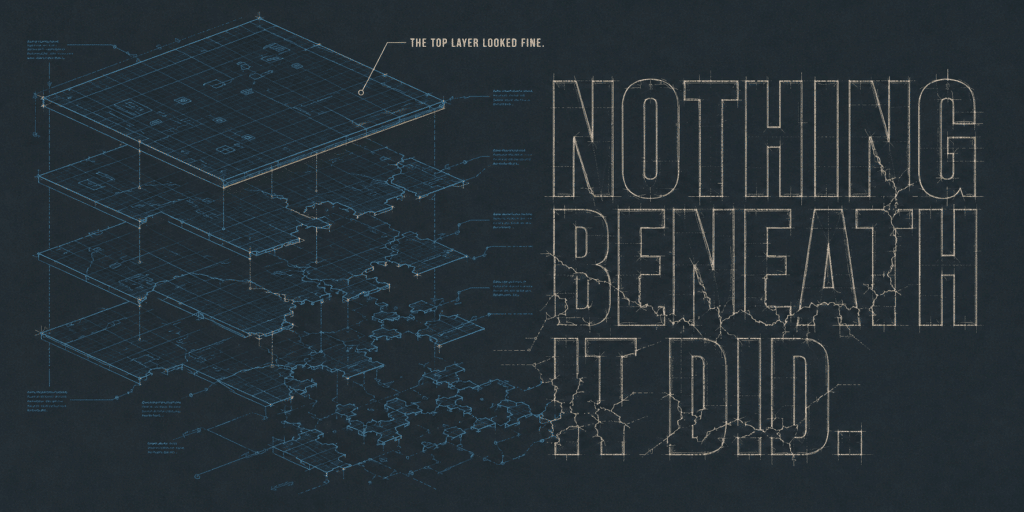
A client’s online guitar-lesson business reported their WordPress site was down. The homepage loaded instantly, fully, with a clean 200 status. That is usually where a lazy diagnosis stops: works for me. It did not work. What we found was an invisible WordPress outage: the site had been fully broken for 33 hours, and every automated check watching it said everything was fine.
A WooCommerce and LearnDash site went fully down: every page except the cached homepage returned an empty response. Nothing errored. Every status code was a healthy 200. The outage was invisible to uptime monitoring and lasted 33 hours before a person caught it. We found the cause in under three hours: a plugin auto-update that corrupted files during install, with zero log lines to show for it, and that same plugin turned out to be shipping the fix for a critical remote-code-execution vulnerability. Same-day resolution, patch verified, no evidence of exploitation.
Quick answer: An invisible WordPress outage happens when a page cache keeps serving a stale homepage while every other page silently fails, with no errors logged and a healthy 200 status on every request. Standard uptime monitors miss it completely because they only check whether a page responds, not whether it actually contains anything.
What Does an Invisible WordPress Outage Actually Look Like?
The client runs an online guitar-lesson business on WordPress, selling course access through WooCommerce and LearnDash on shared Plesk hosting, with WP Rocket handling page caching and Elementor Pro powering the site’s forms and layout. They were not on one of our care plans when this happened, which is exactly why the outage ran as long as it did.
The homepage was the only page that worked, and it only worked because WP Rocket was serving a cached snapshot from before the failure. Every other URL on the site, blog posts, course lessons, login, checkout, search, even WordPress’s own background task runner, returned a perfectly healthy HTTP 200 status with a completely empty page. Zero bytes.
“The Site Is Down.” The Site Said Otherwise.
Three things made this outage nearly impossible to catch:
- The cache kept the lights on. Anyone checking whether the site was up saw a working homepage.
- Nothing errored. WordPress booted completely on every request, then something told it to stop, silently. The debug log, the server logs, and fatal-error capture all stayed clean. There was nothing to alert on.
- The status code lied. Uptime monitors watch for 500s and timeouts. This failure returned 200 every single time.
A cached homepage and a green status check prove almost nothing about whether customers can actually log in, learn, or buy anything.
Finding a Bug That Leaves No Fingerprints
We probed uncached endpoints instead of the homepage: login, search, the REST API, from three different networks. All empty, everywhere. This was a server-side failure, not a fluke.
With no errors to read, the filesystem told the story. The cache had written its last real page at 5:11 AM the previous day. Between 5:24 and 5:46 AM, the host’s auto-updater had run a batch of plugin updates. Nothing rendered after it.
Six plugins had updated in that window. We deactivated them one at a time at the database level (reversible, no working admin panel required, restoring the original state after each test) and re-checked after each one. One plugin’s removal instantly brought every page back: Elementor Pro.
Site restored and verified end to end: login, posts, courses, search, the REST API, background tasks, and the cache rebuilding with real content again.
The root cause turned out to be subtler than a bad plugin version. Reinstalling the exact same version with fresh files fixed it permanently. The host’s auto-updater had corrupted the plugin’s files while laying them down: a broken install that failed silently, without producing a single log line anywhere.
The Twist: The Fix That Broke the Site Was Protecting It
The update in that batch was not optional noise. It was the patch for a critical vulnerability in Elementor Pro, tracked as CVE-2026-32475 and rated CVSS 9.0, that let an unauthenticated attacker upload an executable file through a form widget and take over the server.
So we finished the job the way a security event actually deserves:
- Swept the uploads directory for planted executable files: none found.
- Confirmed the site does not even expose the vulnerable form field publicly: the surface was absent.
- Verified the patched version was the one actually running: confirmed.
The right patch, installed badly, now verified clean. Patched and proven unexploited, not just patched.
Why Does This Matter for Your Business?
This client was not on a monitoring plan, so the outage lasted exactly as long as it took a person to notice and report it: 33 hours of lost lessons, lost sales, and a search engine crawling nothing but empty pages.
On our managed care plans, monitoring does not stop at a status code. It includes a second independent automated check on the actual page a visitor would see, not just what the cache or the server claims. Against this exact failure, that check would have flagged the outage within minutes, because a blank page has nothing in it to find.
Want to see what your own site’s blind spots might be? Start with your free Uh Oh Score and see what a five-minute check turns up, before it becomes a 33-hour one.
Not sure what your own monitoring would actually catch?
A status code is not the same thing as a working site. We will look at what is actually being monitored on your WordPress site today, and where the blind spots are.
FAQ
What is an invisible WordPress outage?
It is a failure where the site appears to be working to standard checks (a cached homepage, a 200 HTTP status) while every actual page is broken and returns nothing. Because nothing errors and nothing times out, there is no natural alert to catch it.
Why did the uptime monitor not catch this outage?
Uptime monitors typically check whether a single URL, usually the homepage, responds with a healthy status code. A page cache can keep serving a working-looking homepage from before a failure, and a broken page can still return HTTP 200 instead of an error, so both of the usual signals stayed green the entire time.
What does an HTTP 200 status actually guarantee?
Only that the server responded to the request without an error. It does not guarantee that the page contains any content, that the content is correct, or that a visitor could actually use the page.
How can a plugin update break a site without producing any error logs?
If the update process itself corrupts the files as they are written to disk, rather than the code failing after installing correctly, WordPress may never reach the point where it would log a fatal error. The failure happens in the install step, not in execution, so there is nothing for a debug log to capture.
Should I trust page caching to reflect my site’s real status?
No. A page cache exists to serve pages faster, not to confirm your site is currently working. Always check uncached pages, forms, login, and account areas directly when verifying whether a site is actually up.
How is Your WP Guy’s monitoring different from a basic uptime check?
Our monitoring includes a second independent automated check on the actual page a visitor would see, not just the response code or a cached snapshot. That is what catches a failure like this one, where every conventional signal said everything was fine.

Jonathan Wofford is the founder of Your WP Guy (yourwpguy.com), a WordPress care and maintenance service supporting 105+ active client sites. He and his team specialize in keeping WordPress sites fast, secure, and running, so business owners can stay focused on their business instead of their website.
Talk to a WordPress Expert