
Problem Solving
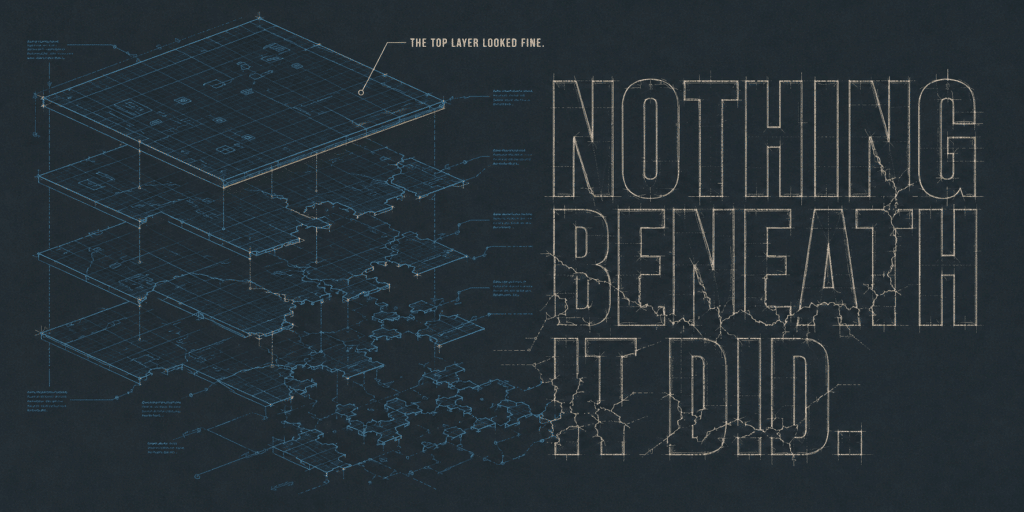
Case Study: The Invisible WordPress Outage Every Monitor Called “Up”
A WordPress site returned a healthy 200 status on every page for 33 hours while completely broken, undetected by uptime monitoring. Here is how we found and fixed an invisible outage in under three hours, and the critical vulnerability the update was patching.
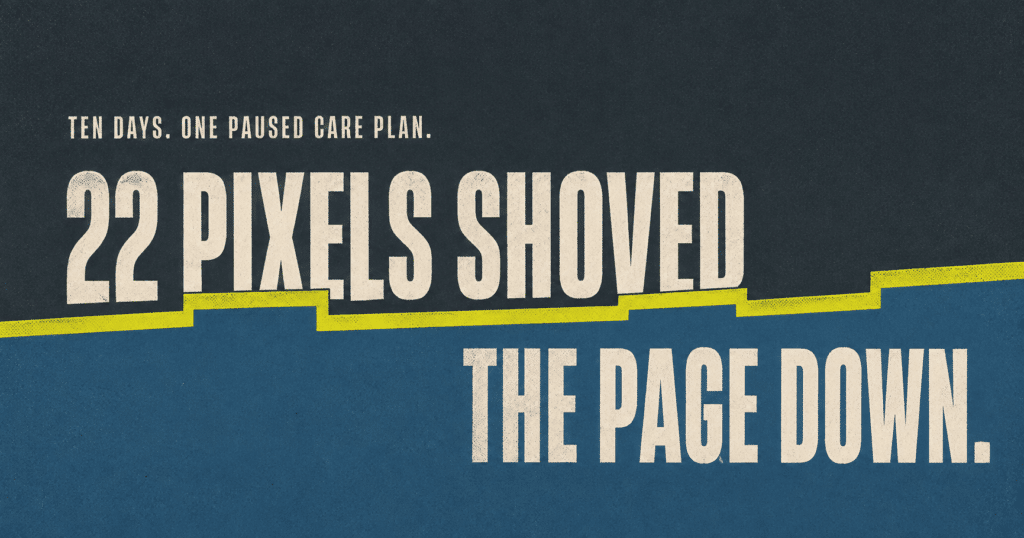
What Happens When a Care Plan Pauses: A 22-Pixel Layout Shift Case Study
A 22-pixel layout shift quietly pushed an Orlando WooCommerce store past Google Cumulative Layout Shift threshold. Here is how we found and fixed it.
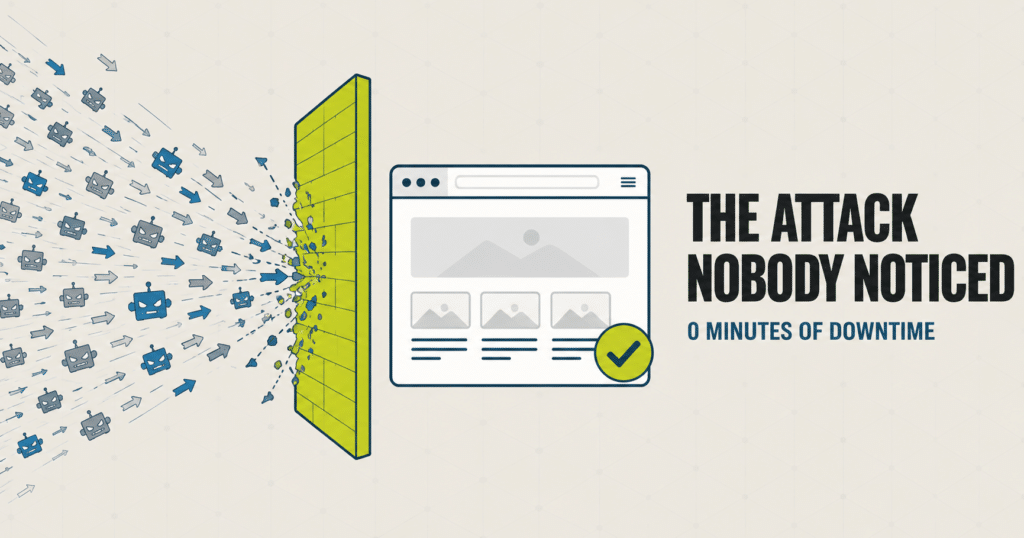
Bot Traffic Attack Case Study: Stopped Before Any Downtime
The Short Version A site we manage took a massive traffic surge one morning: many times its normal volume, all inside a single hour. It was a bot traffic attack. Nothing was broken yet, but that kind of flood takes a server down fast once it tips over. Our monitoring knows what normal looks like…
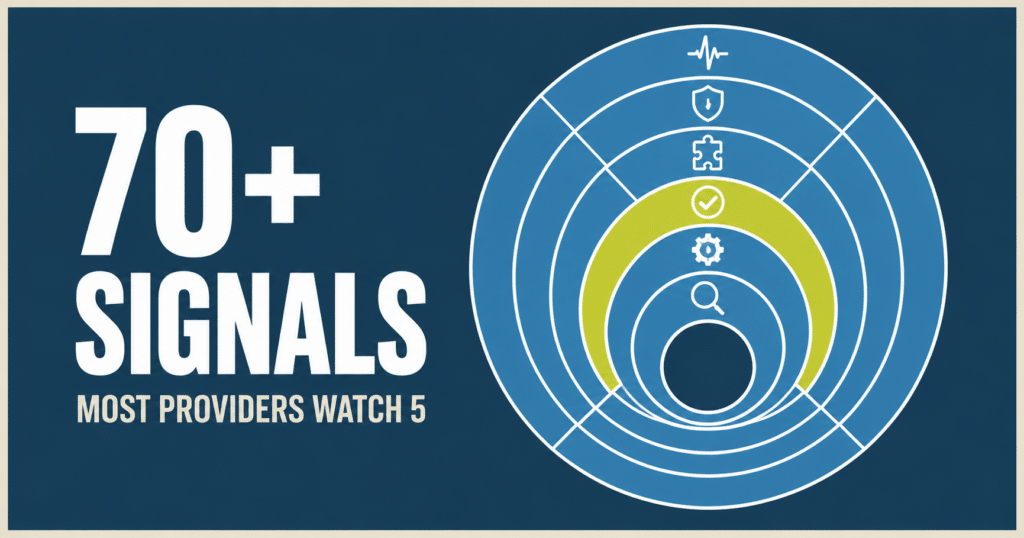
WordPress Site Monitoring: What We Actually Watch
Most WordPress maintenance providers monitor 4 to 6 things, mostly unverified. Here is the full stack we run on every site we manage, and the real example that shows why it matters.
WordPress 500 Internal Server Error: What It Means and How to Fix It
TL;DR A WordPress 500 Internal Server Error means the server hit an unexpected problem but won’t tell you what it was. The most common causes are a corrupted .htaccess file, a misbehaving plugin, or a PHP memory limit. To fix it: rename your .htaccess file, deactivate all plugins via FTP, or increase your PHP memory…

Avoiding DIY Pitfalls: Why Professional Support Matters
Managing a business is already a challenge. Now throw in managing a website without expertise. Juggling too much at once is sure to lead to some dropped balls. And when your head is in a thousand places at once, even minor issues can quickly escalate into major headaches and lost revenue. Consider This A small…

Locked Out? Understanding WordPress Login Error Messages
We all know the frustration of trying to access your website only to be met with an error message. As a WordPress website owner, encountering a login error can be incredibly annoying. You want to make changes to your site, write an important blog post, or look at the sales in WooCommerce, but these vague…

The Mysterious Case of Disappearing Content: Troubleshooting Sudden Losses
You probably do it every day: wake up, make your coffee, and log in to your website. But what happens if, when you access your website, you find that key pages, posts, and media files have inexplicably vanished? Your stomach drops. How will you explain this to customers? Situations like this are a real possibility…

Broken Website Emergency: First Steps to Diagnose and Fix
It’s every business owner’s nightmare – you wake up one morning to find your website is down. Or even worse, it’s up but full of glaring errors. Customers are complaining they can’t access your site or complete purchases. Your daily traffic has plummeted. Panic sets in. What caused this? Who can fix it? How quickly…

What Is the WordPress Database and How Does It Work?
Considering there are over 1.5 billion websites worldwide, it’s never been more important to have an exciting website. However, the pressure of building a site that holds a candle to the competition, while also keeping track of updates can feel overwhelming. Thankfully we have an amazing platform called WordPress that we can utilize. What we…