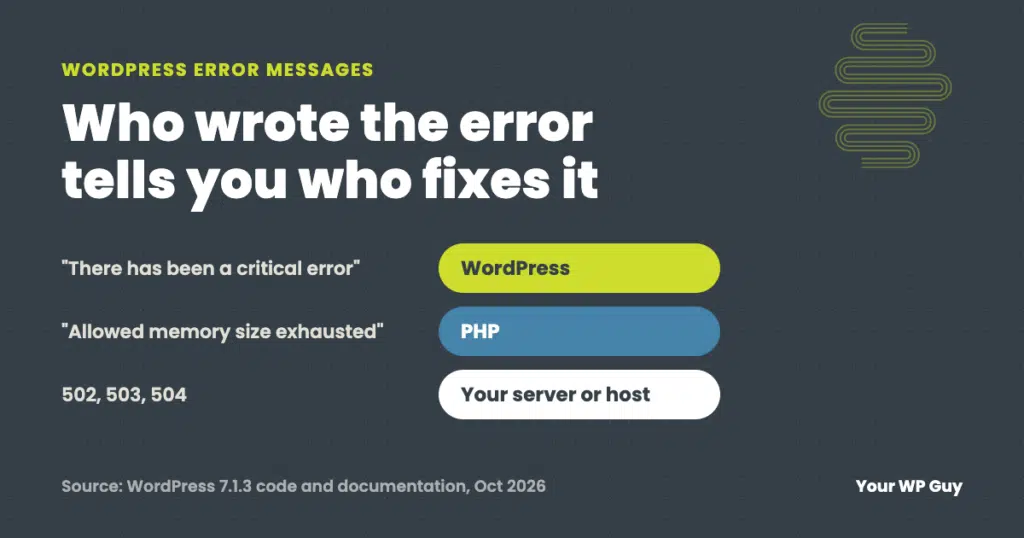
WordPress Troubleshooting
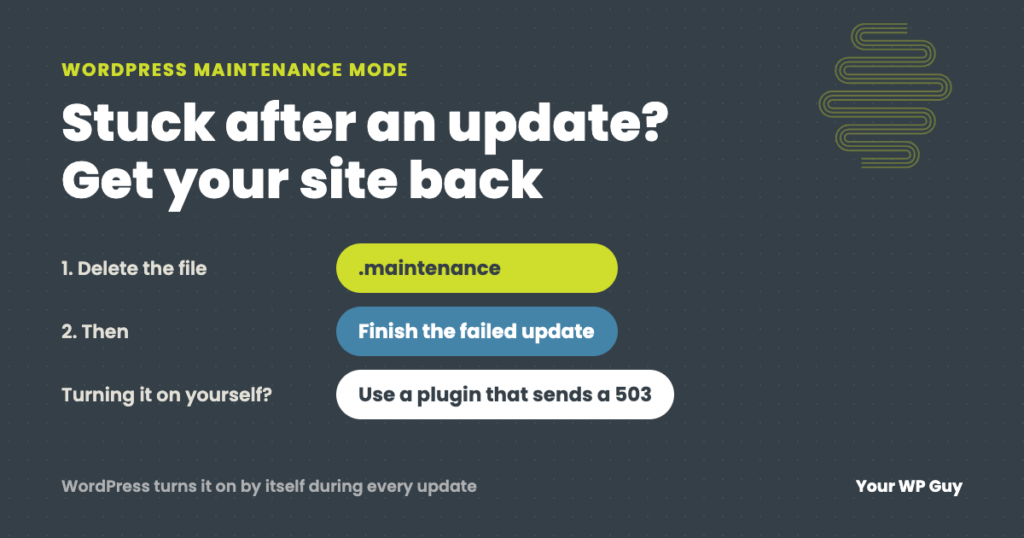
WordPress Maintenance Mode: Fix a Stuck Site or Turn It On Safely
The short answer WordPress puts your site in maintenance mode by itself for a few seconds every time it updates. If an update hangs, the site gets stuck showing “Briefly unavailable for scheduled maintenance. Check back in a minute.” To fix it, delete the .maintenance file in your site’s main folder, then finish the update…
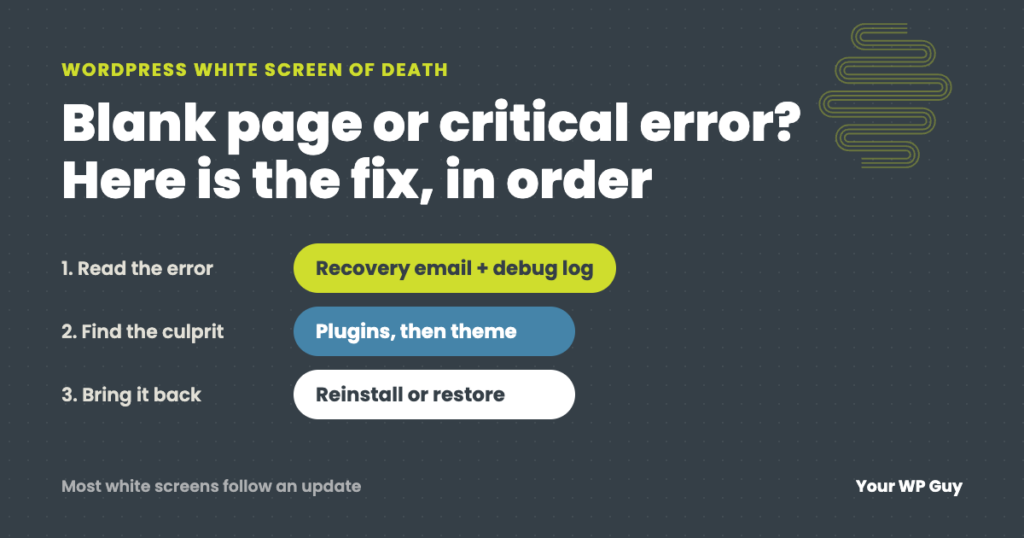
WordPress White Screen of Death (or Critical Error): How to Fix It
The short answer The WordPress white screen of death is a blank page, or the message “There has been a critical error on this website,” shown when PHP hits an error it cannot recover from. A plugin, a theme or a recent update is usually the cause. Check your email for WordPress’s recovery link, then…
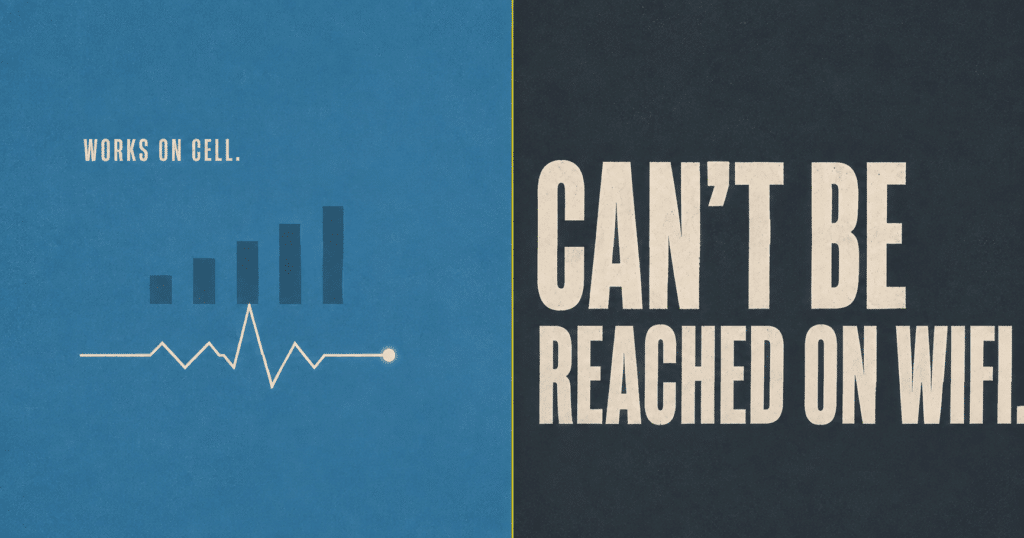
Site Can’t Be Reached on WiFi but Works on Cell: Your Domain May Be Flagged as Phishing
If your site works on cell data but shows site can’t be reached on WiFi, a DNS filtering service like Cisco OpenDNS may have flagged your domain as phishing. Here is how to diagnose it in under a minute and get it fixed.