
wordpress backups
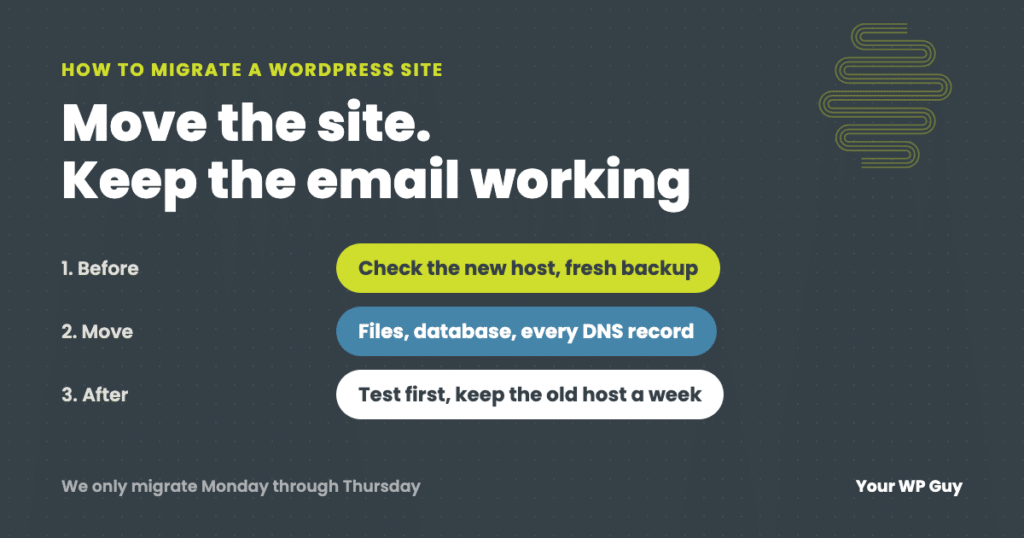
How to Migrate a WordPress Site to a New Host (Without Losing Email or Orders)
The short answer To migrate a WordPress site to a new host, check that the new host can actually run your site, make your own fresh backup, copy your DNS records (including email), move the files and database, and test everything on the new host before you point your domain at it. Keep the old…
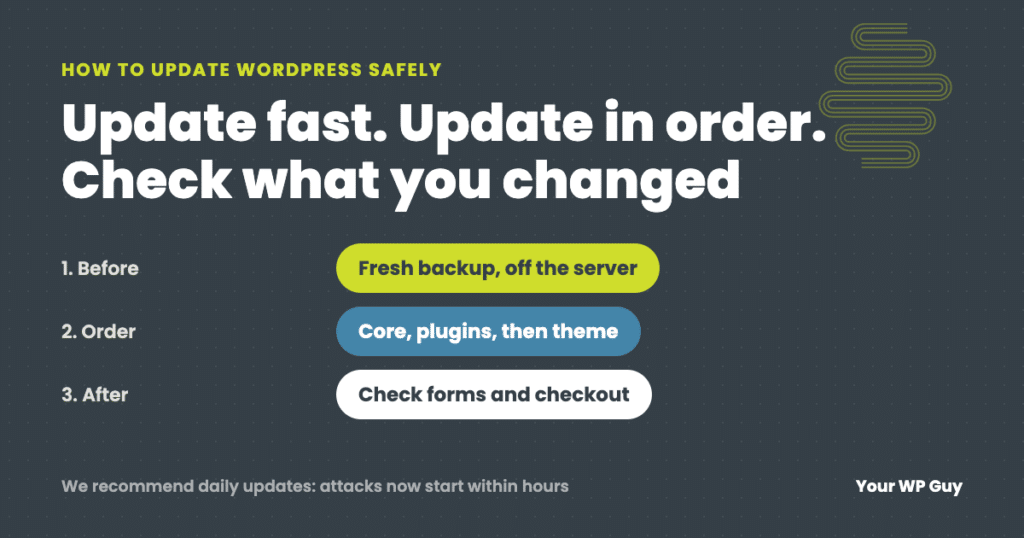
How to Update WordPress Safely (Without Breaking Your Site)
The short answer To update WordPress safely, make a fresh backup, then update in this order: PHP (if needed), WordPress core, plugins a few at a time, then your theme, and check the site after each step, including forms and checkout. We recommend updating daily, because with AI, attacks on a newly published flaw now…
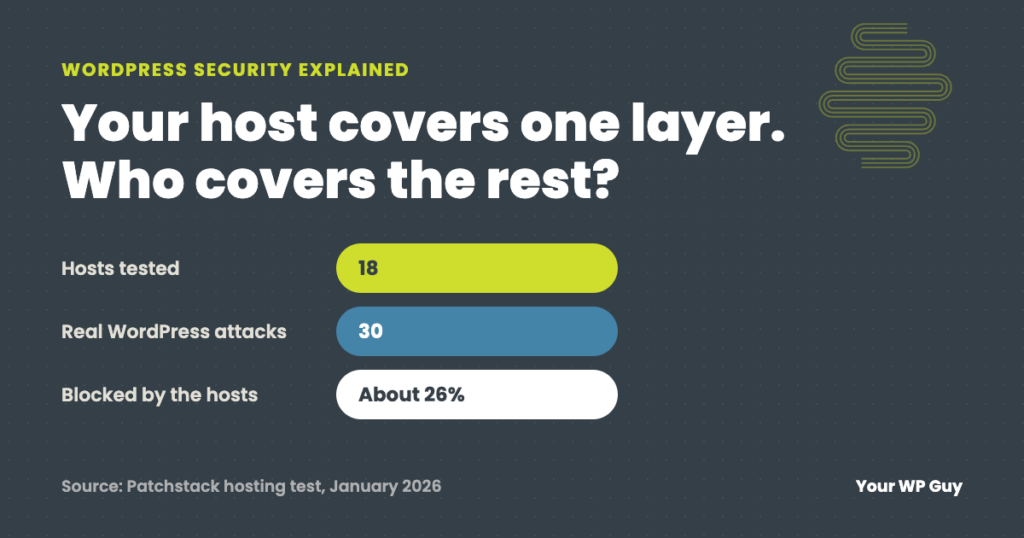
WordPress Security Explained: How the Layers Work Together (and Where Hosts Fall Short)
The short answer WordPress security is not one thing. It is layers: a firewall in front of the site, the server it runs on, WordPress itself, the plugins and theme, and the people who log in. Each layer catches what the others miss. Most hosts protect the server well but not WordPress: in an independent…

What is a WordPress Backup? And Why Do I Need One?
The simple answer to this question is this. A WordPress backup is a copy of your website and database stored in a secure location. The longer explanation we have outlined below. But before we get into that, lets answer a couple of reasons why you need a WordPress backup. Why Do I Need to Backup…