
UpdraftPlus
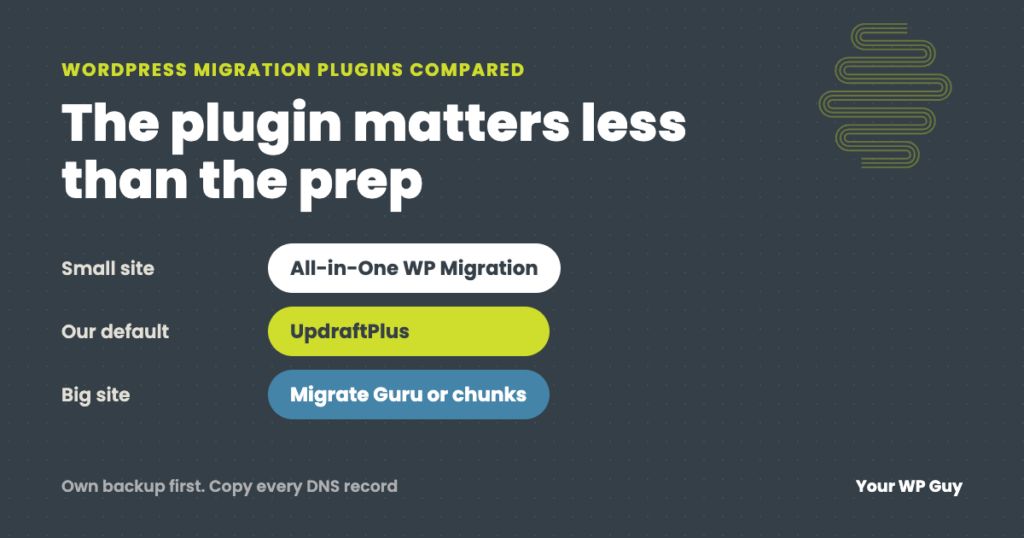
Best WordPress Migration Plugins: What We Use and When Each Fits
The short answer For most sites, use a backup plugin you already trust, and test the move before you switch. We have used all six plugins below on client moves, and UpdraftPlus is our default because it works most consistently. All-in-One WP Migration is simplest for small sites, Duplicator suits moves to an empty server,…
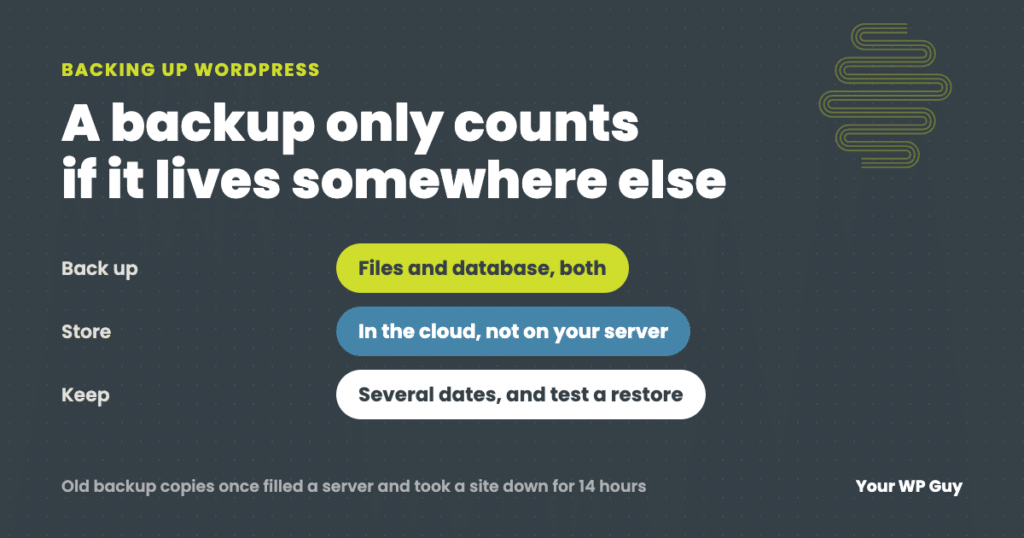
How to Back Up a WordPress Site (the Way We Do It for Clients)
The short answer A WordPress backup has two parts: your files (themes, plugins and uploads) and your database (posts, pages, settings and orders). The easiest way to back up both is a plugin. We run UpdraftPlus Premium on client sites, and the free version of UpdraftPlus covers what most sites need. Install it, schedule automatic…
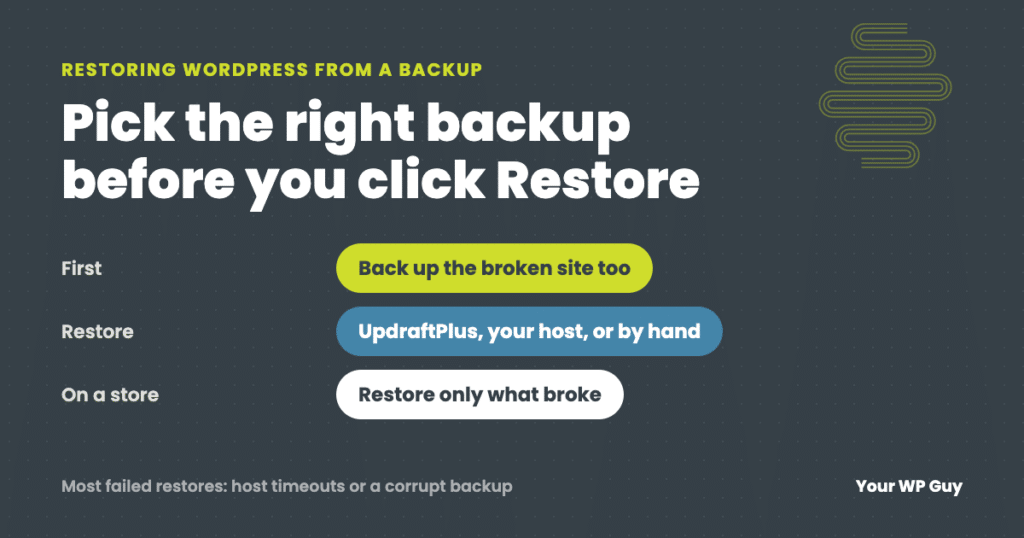
How to Restore WordPress From a Backup (and What to Do When It Fails)
The short answer To restore WordPress from a backup, first pick the right backup: the last one from before the problem started. Then restore it with whatever made it. In UpdraftPlus, go to Settings, then UpdraftPlus Backups, find the backup and click Restore. Other backup plugins work much the same way. Hosting backups are restored…
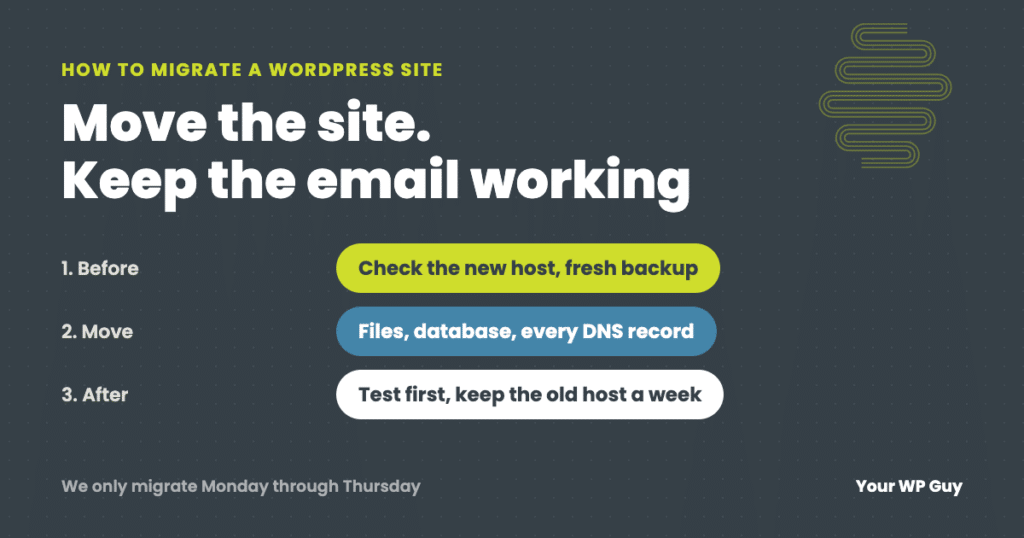
How to Migrate a WordPress Site to a New Host (Without Losing Email or Orders)
The short answer To migrate a WordPress site to a new host, check that the new host can actually run your site, make your own fresh backup, copy your DNS records (including email), move the files and database, and test everything on the new host before you point your domain at it. Keep the old…