
staging site
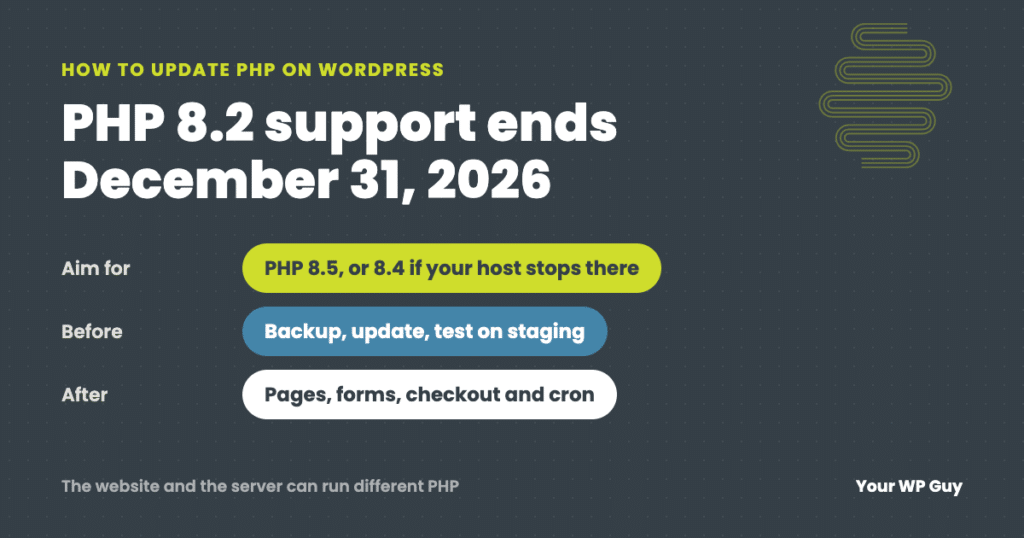
How to Update PHP on WordPress (Without Breaking Your Site)
The short answer Move to PHP 8.5 if your host offers it, or 8.4 if it does not. PHP 8.2 stops getting security fixes on December 31, 2026. Back up, update everything and test on a staging copy first. Then change the version in your hosting control panel and check your pages, forms, checkout and…
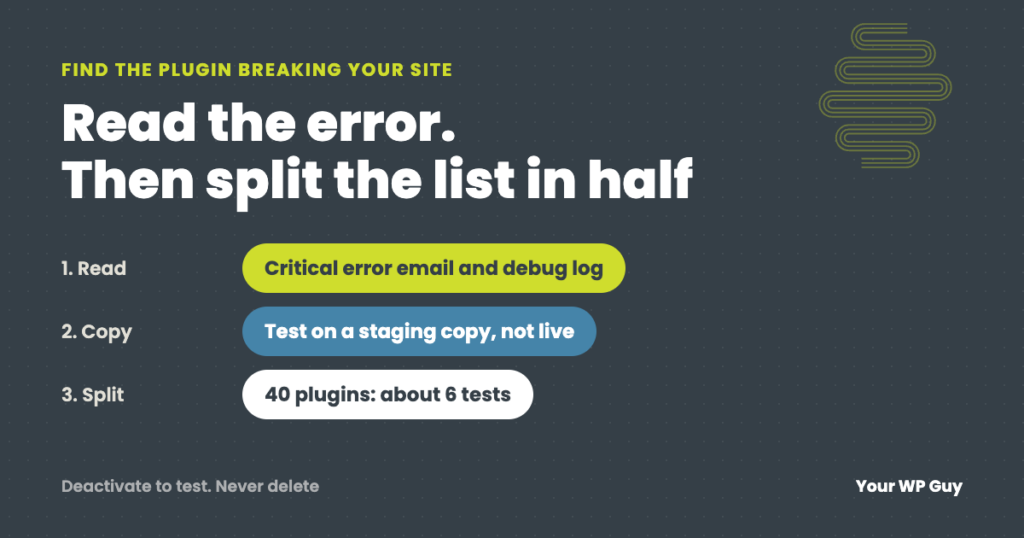
How to Find Which Plugin Is Breaking Your WordPress Site
The short answer Read the error before you start switching plugins off. WordPress’s “critical error” email and your debug log often name the plugin that failed. If there is no error, copy the site to a staging site, turn off half the plugins, and check if the problem goes away. Keep halving the suspect group…
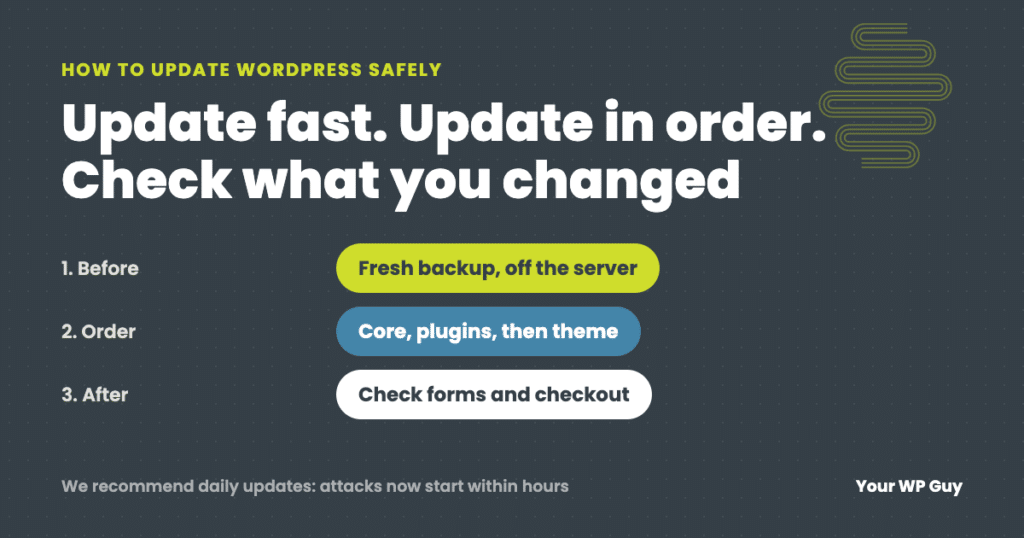
How to Update WordPress Safely (Without Breaking Your Site)
The short answer To update WordPress safely, make a fresh backup, then update in this order: PHP (if needed), WordPress core, plugins a few at a time, then your theme, and check the site after each step, including forms and checkout. We recommend updating daily, because with AI, attacks on a newly published flaw now…
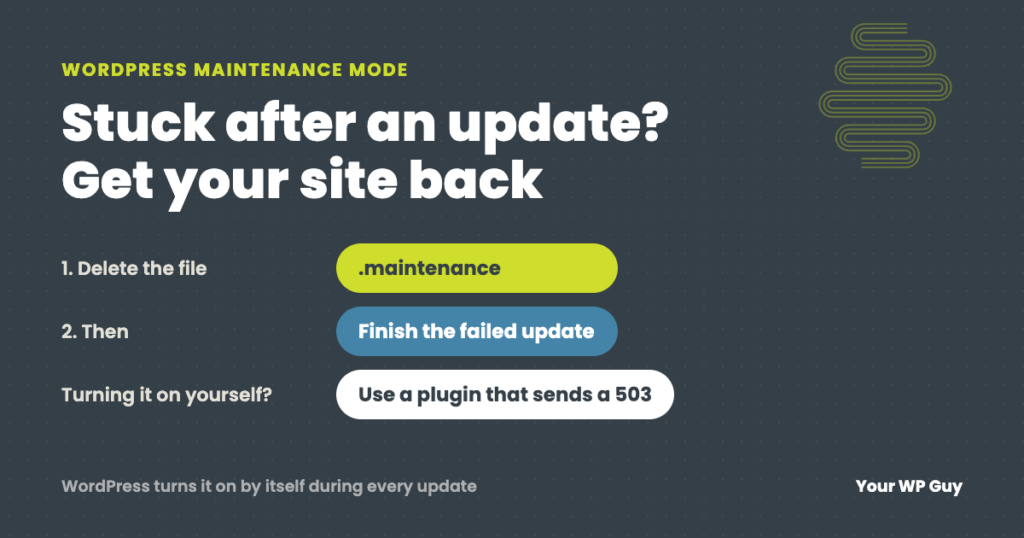
WordPress Maintenance Mode: Fix a Stuck Site or Turn It On Safely
The short answer WordPress puts your site in maintenance mode by itself for a few seconds every time it updates. If an update hangs, the site gets stuck showing “Briefly unavailable for scheduled maintenance. Check back in a minute.” To fix it, delete the .maintenance file in your site’s main folder, then finish the update…