
error logs
WordPress Debug Log: How to Turn It On Safely and Read Your Error Log
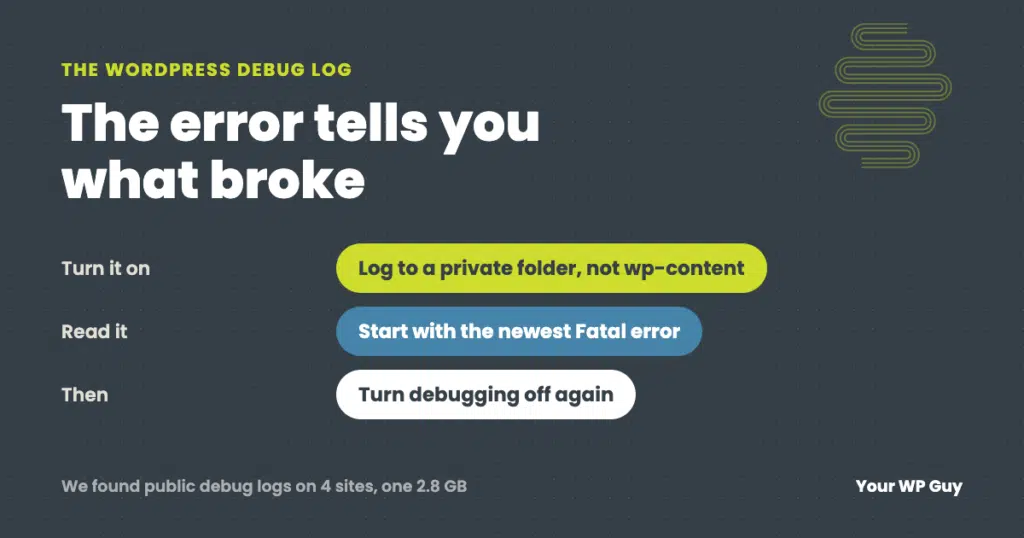
The short answer To turn on the WordPress debug log, add WP_DEBUG and WP_DEBUG_LOG to your wp-config.php file, and point the log at a private folder outside your website’s public files. Set WP_DEBUG_DISPLAY to false so visitors never see the errors. Then repeat whatever breaks, download the log, and read the newest lines. An AI…
WordPress White Screen of Death (or Critical Error): How to Fix It
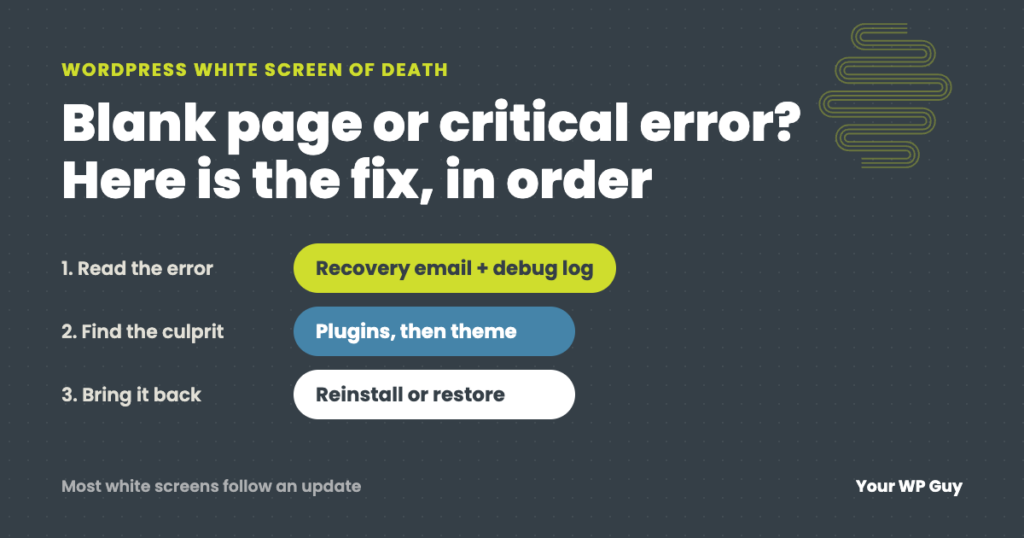
The short answer The WordPress white screen of death is a blank page, or the message “There has been a critical error on this website,” shown when PHP hits an error it cannot recover from. A plugin, a theme or a recent update is usually the cause. Check your email for WordPress’s recovery link, then…