
database
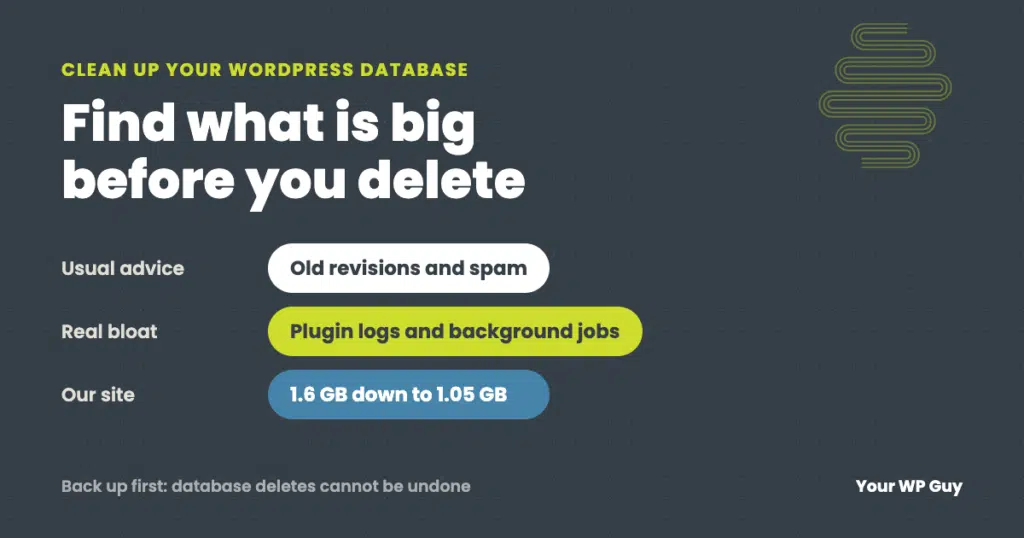
How to Clean Up and Optimize Your WordPress Database (Safely)
The short answer Back up the database first. Then find which tables are actually big before deleting anything, because the real bloat is rarely just old revisions. Clear the routine clutter (revisions, spam, expired temporary data), trim the settings WordPress loads on every page, cap runaway plugin logs, and remove tables left by deleted plugins.…
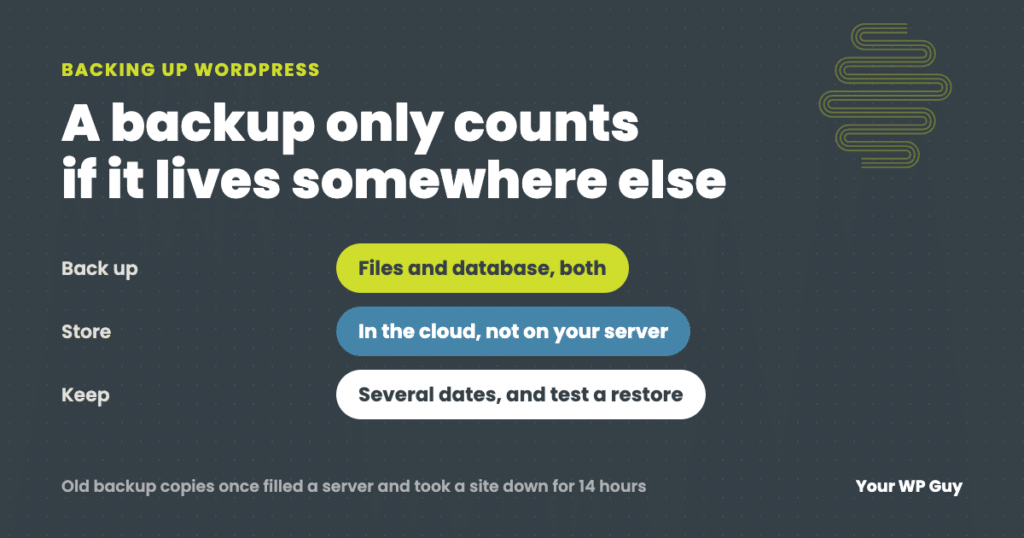
How to Back Up a WordPress Site (the Way We Do It for Clients)
The short answer A WordPress backup has two parts: your files (themes, plugins and uploads) and your database (posts, pages, settings and orders). The easiest way to back up both is a plugin. We run UpdraftPlus Premium on client sites, and the free version of UpdraftPlus covers what most sites need. Install it, schedule automatic…
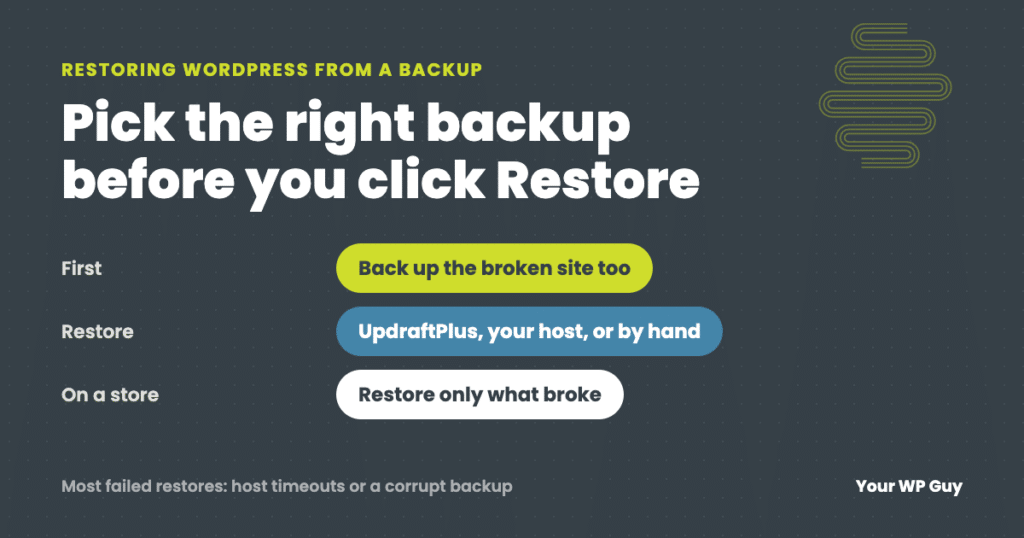
How to Restore WordPress From a Backup (and What to Do When It Fails)
The short answer To restore WordPress from a backup, first pick the right backup: the last one from before the problem started. Then restore it with whatever made it. In UpdraftPlus, go to Settings, then UpdraftPlus Backups, find the backup and click Restore. Other backup plugins work much the same way. Hosting backups are restored…

What Is the WordPress Database and How Does It Work?
Considering there are over 1.5 billion websites worldwide, it’s never been more important to have an exciting website. However, the pressure of building a site that holds a candle to the competition, while also keeping track of updates can feel overwhelming. Thankfully we have an amazing platform called WordPress that we can utilize. What we…