
WordPress Maintenance Mode: Fix a Stuck Site or Turn It On Safely
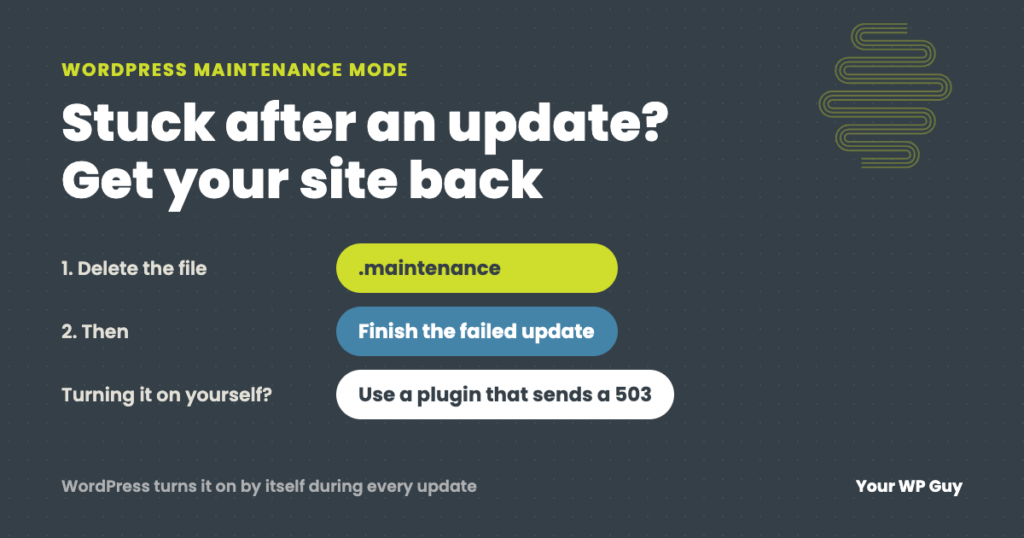
The short answer WordPress puts your site in maintenance mode by itself for a few seconds every time it updates. If an update hangs, the site gets stuck showing “Briefly unavailable for scheduled maintenance. Check back in a minute.” To fix it, delete the .maintenance file in your site’s main folder, then finish the update…
Read MoreWordPress White Screen of Death (or Critical Error): How to Fix It
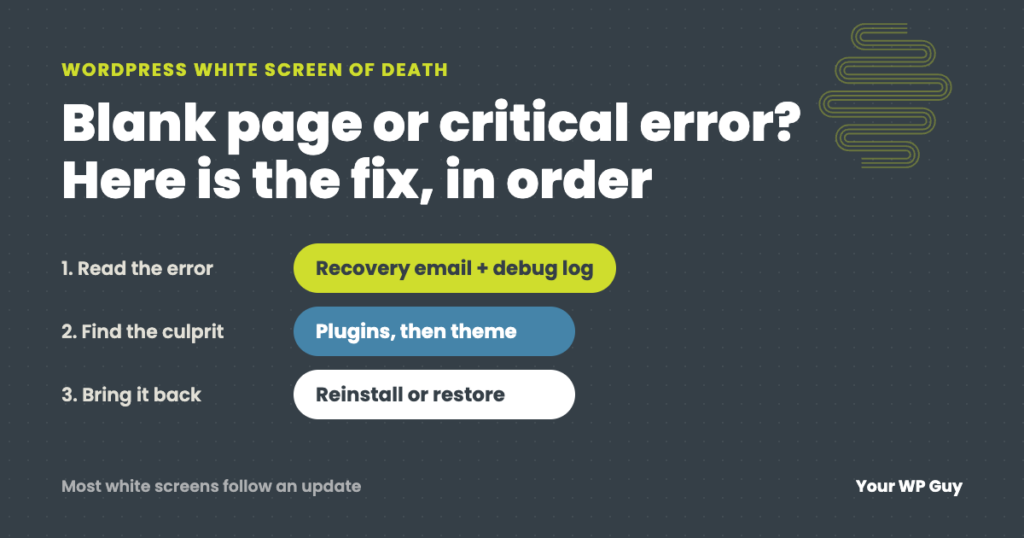
The short answer The WordPress white screen of death is a blank page, or the message “There has been a critical error on this website,” shown when PHP hits an error it cannot recover from. A plugin, a theme or a recent update is usually the cause. Check your email for WordPress’s recovery link, then…
Read MoreBest WordPress Security Plugins: What We Use on 105+ Sites
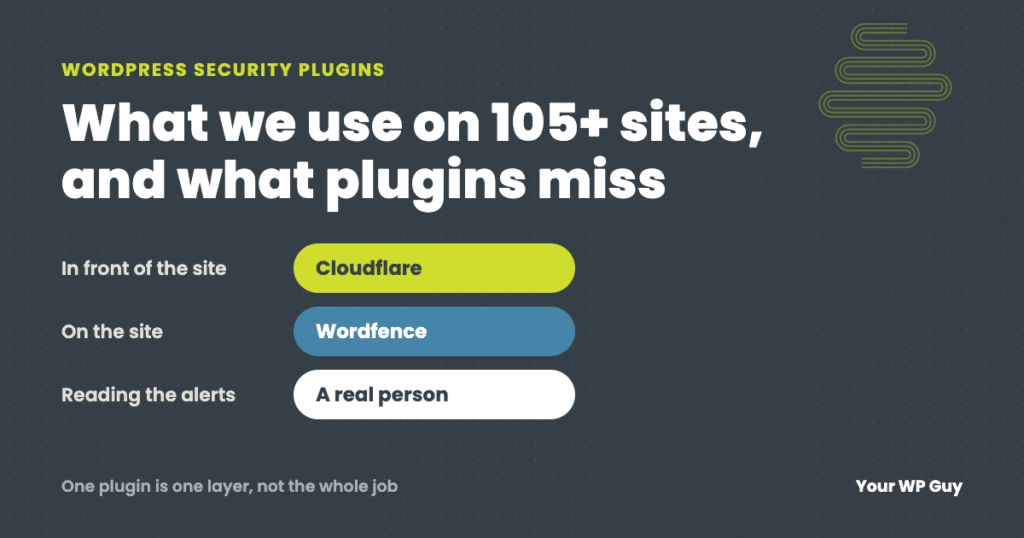
The short answer For most WordPress sites, the best security plugin is Wordfence, with Cloudflare in front of the site. Wordfence gives you a firewall, malware scanning and login protection in one plugin. Cloudflare stops bad traffic before it reaches your server. Run one all-in-one security plugin, not two. A plugin is only one layer,…
Read MoreWebsite Maintenance Cost: What Small Businesses Really Pay
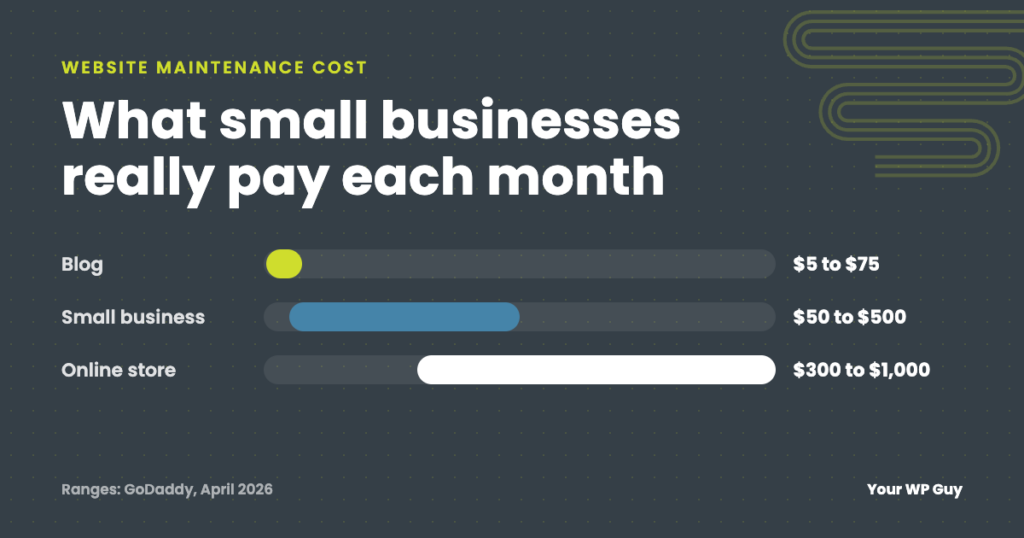
Most small business websites cost $50 to $500 a month to maintain. See named, dated price ranges, what drives the cost, and how to budget for it.
Read MoreCard Testing Attack Case Study: Stopped Before a Dollar Was Lost
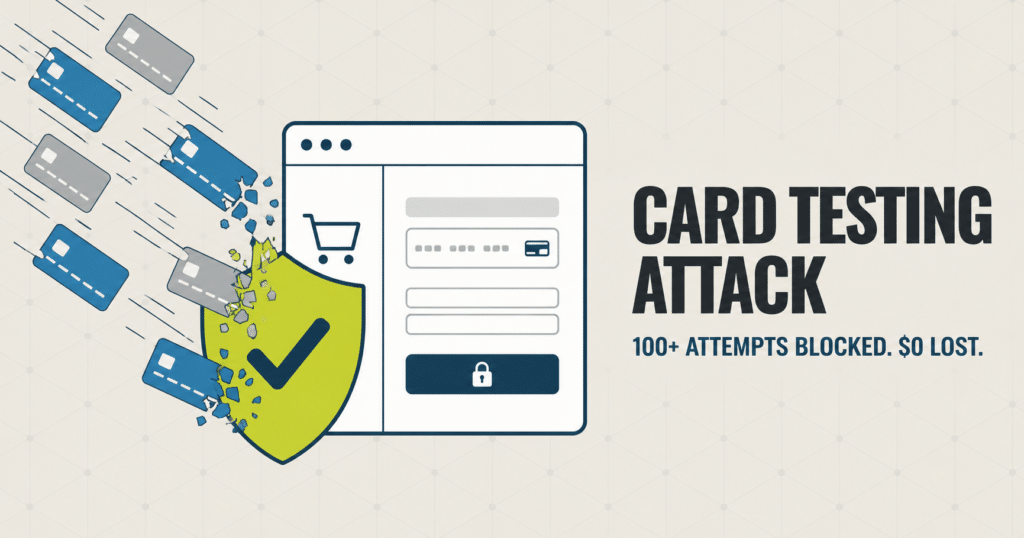
Over 100 stolen card numbers hit a client checkout in a single week. Here is how we spotted the card testing attack, what it could have cost, and the fix that shut it down.
Read More“Unable to Contact Your Store’s REST API”; When Your Security Plugin Is Blocking Your Payment Processor

A payment gateway reporting invalid WooCommerce REST API credentials, even when they test fine, often means Wordfence is silently blocking the provider’s server. Here’s how to find the block in two minutes and fix it for good.
Read MoreCase Study: The Invisible WordPress Outage Every Monitor Called “Up”
A WordPress site returned a healthy 200 status on every page for 33 hours while completely broken, undetected by uptime monitoring. Here is how we found and fixed an invisible outage in under three hours, and the critical vulnerability the update was patching.
Read MoreUnknown Named Parameter Error in wp-cron.php: The 2 Minute Fix
A wp-cron.php fatal error citing an unknown named parameter usually means an old cron event from a plugin you removed years ago. Here is why PHP 8 triggers it and how to delete it for good.
Read MoreWordPress Image Optimization Case Study: The Website That Was Attacking Itself
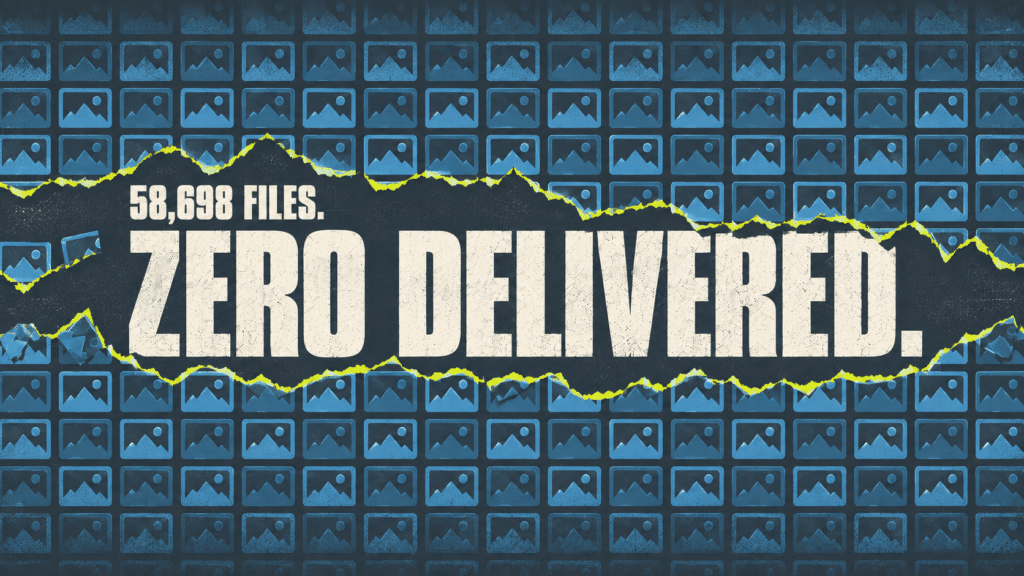
A WordPress site was quietly attacking itself, generating 40 percent of its own traffic, while 58,698 optimized images sat unused. Desktop speed went from 49 to 100 once we found all three problems.
Read MorereCAPTCHA vs Turnstile: The Case Study of an Invisible Captcha Tax

Every visitor to this site was downloading the same 332KB captcha script eight times over, a 3.6MB tax nobody could see. Here is how we found it and fixed it in two days.
Read More