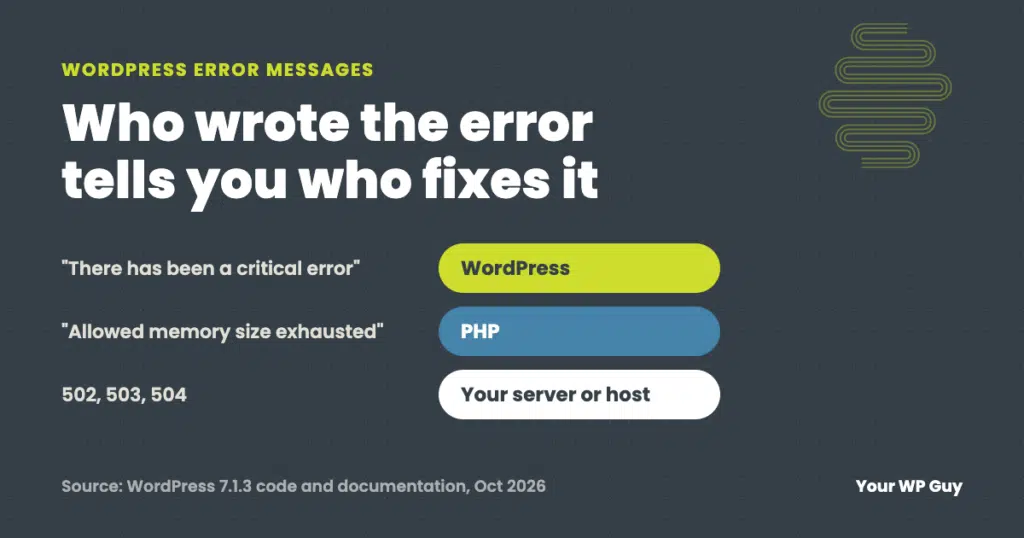
WordPress errors
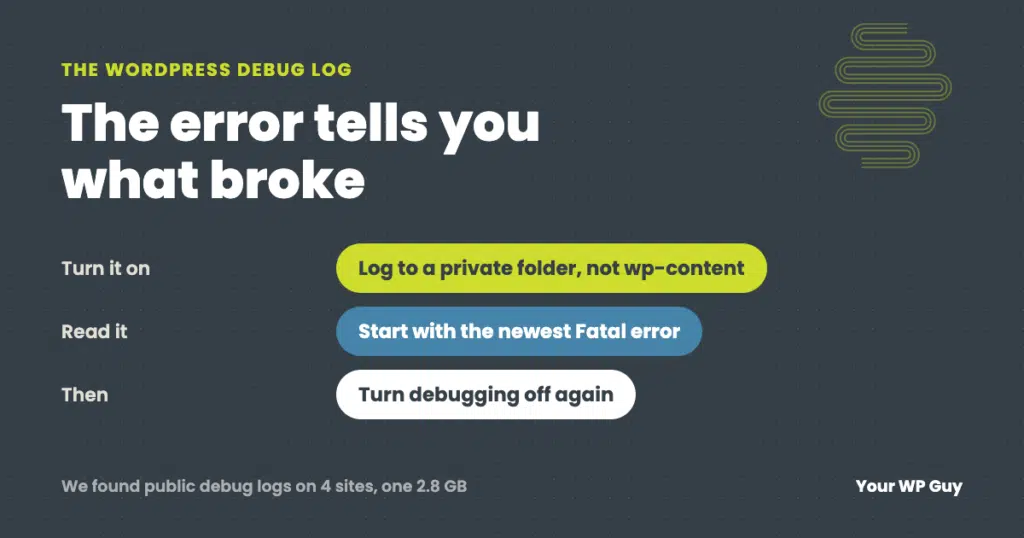
WordPress Debug Log: How to Turn It On Safely and Read Your Error Log
The short answer To turn on the WordPress debug log, add WP_DEBUG and WP_DEBUG_LOG to your wp-config.php file, and point the log at a private folder outside your website’s public files. Set WP_DEBUG_DISPLAY to false so visitors never see the errors. Then repeat whatever breaks, download the log, and read the newest lines. An AI…
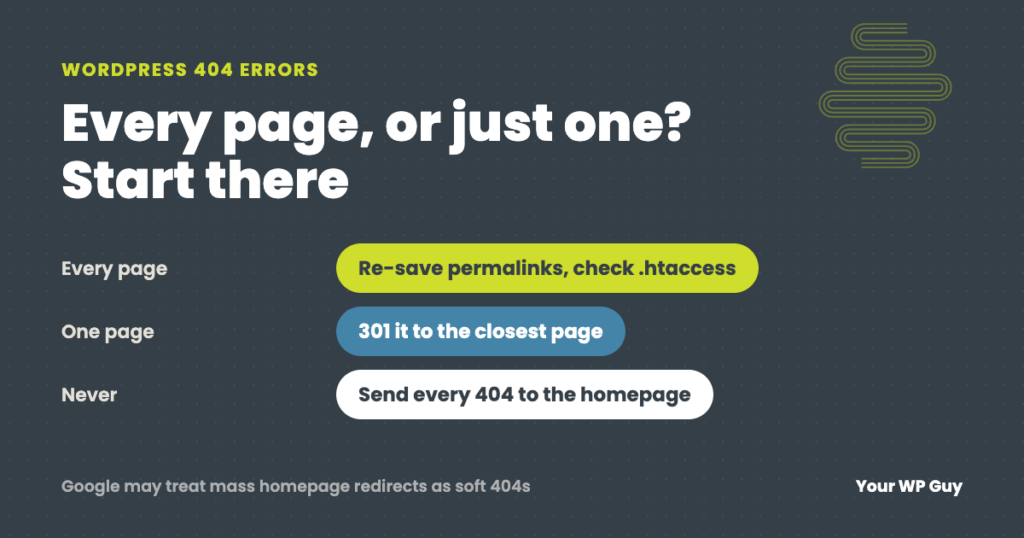
WordPress 404 Errors: Why They Happen and How to Fix Them
The short answer A WordPress 404 error means the server could not find the page that was asked for. First check whether it is every page or just one. If every page except the homepage shows a 404, the site’s rewrite rules are broken, usually because the .htaccess file is missing after a new install…