
WooCommerce checkout
How to Accept Zelle, Venmo and Cash App on WooCommerce
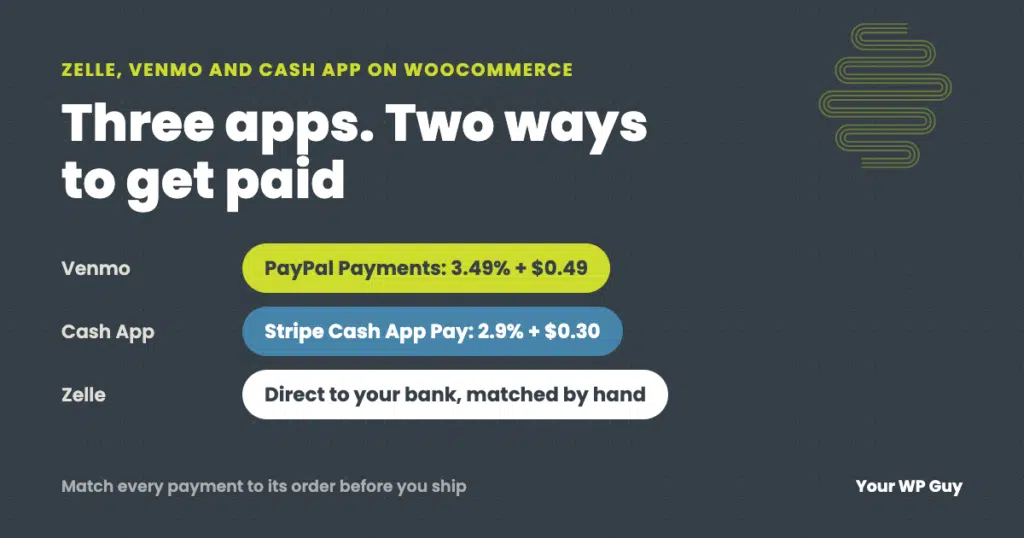
The short answer WooCommerce has no built-in Zelle, Venmo or Cash App option, but you can add all three. Venmo comes through the free PayPal Payments plugin, and Cash App Pay comes through Stripe. Both are automatic, but you pay card-level fees. Zelle has no checkout connection for stores, so it is always manual: the…
How Much Does WooCommerce Cost? Real Numbers From the Stores We Maintain
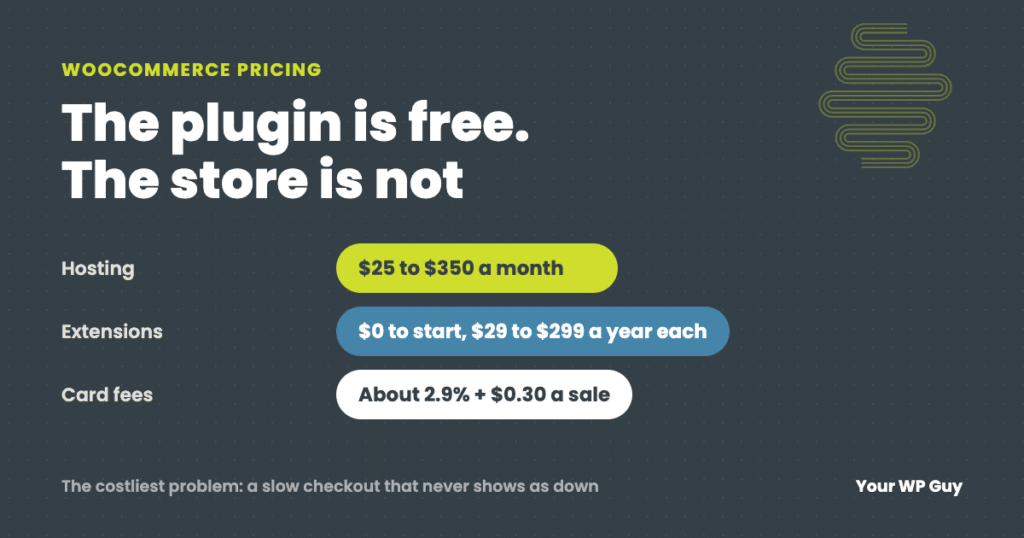
The short answer WooCommerce itself is free. There is no monthly fee and no cut of your sales. What you pay for is everything around it: hosting (WooCommerce puts most stores at $25 to $350 a month), a domain, any paid extensions ($29 to $299 a year each), card processing fees (about 2.9% plus $0.30…
How to Set Up PayPal on WooCommerce (and Keep It Working)
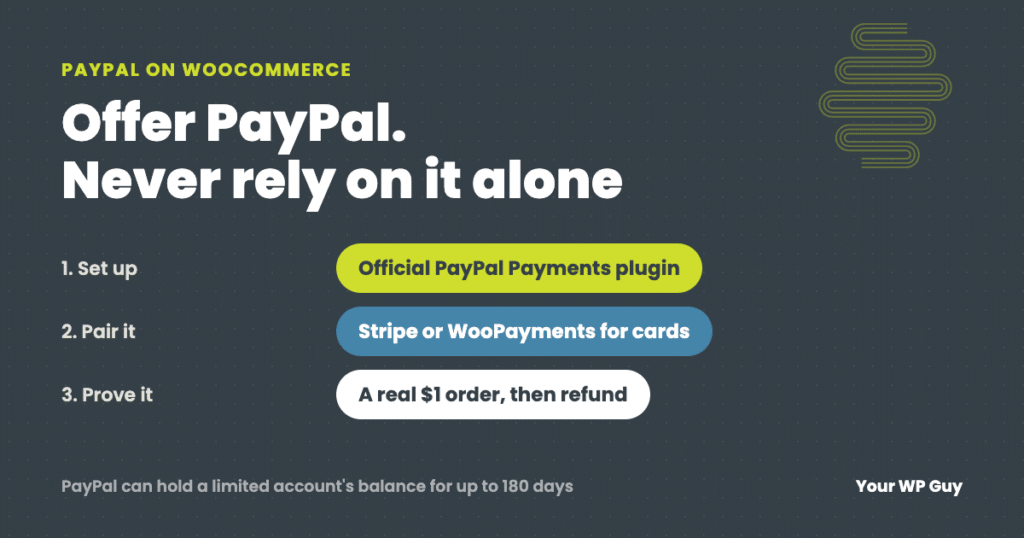
The short answer To add PayPal to WooCommerce, install the free WooCommerce PayPal Payments plugin, connect your PayPal business account, choose which buttons to show, then place a real $1 order to prove it works. Do not use the old PayPal Standard option. Most stores we set up actually run on Stripe, which covers cards,…