
Action Scheduler
How to Clean Up and Optimize Your WordPress Database (Safely)
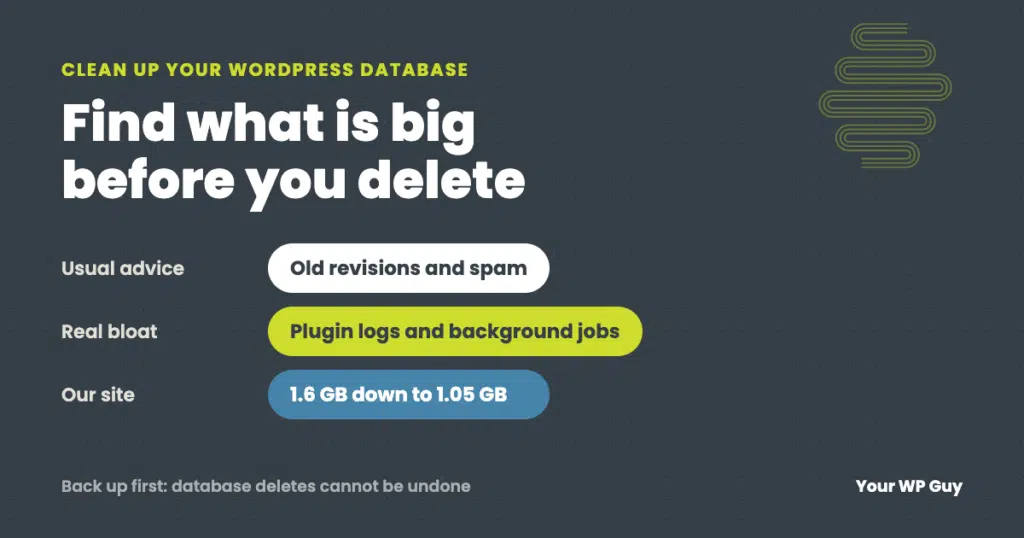
The short answer Back up the database first. Then find which tables are actually big before deleting anything, because the real bloat is rarely just old revisions. Clear the routine clutter (revisions, spam, expired temporary data), trim the settings WordPress loads on every page, cap runaway plugin logs, and remove tables left by deleted plugins.…