
Small Business

WordPress Plugin Vulnerability Report: User Feedback – Unauthenticated Stored Cross-Site Scripting – CVE-2023-39308
Plugin Name: User Feedback Key Information: Software Type: Plugin Software Slug: userfeedback-lite Software Status: Active Software Author: smub Software Downloads: 348,588 Active Installs: 100,000 Last Updated: September 7, 2023 Patched Versions: 1.0.8 Affected Versions: <=1.0.7 Vulnerability Details: Name: User Feedback <= 1.0.7 – Unauthenticated Stored Cross-Site Scripting Type: Improper Neutralization of Input During Web Page…
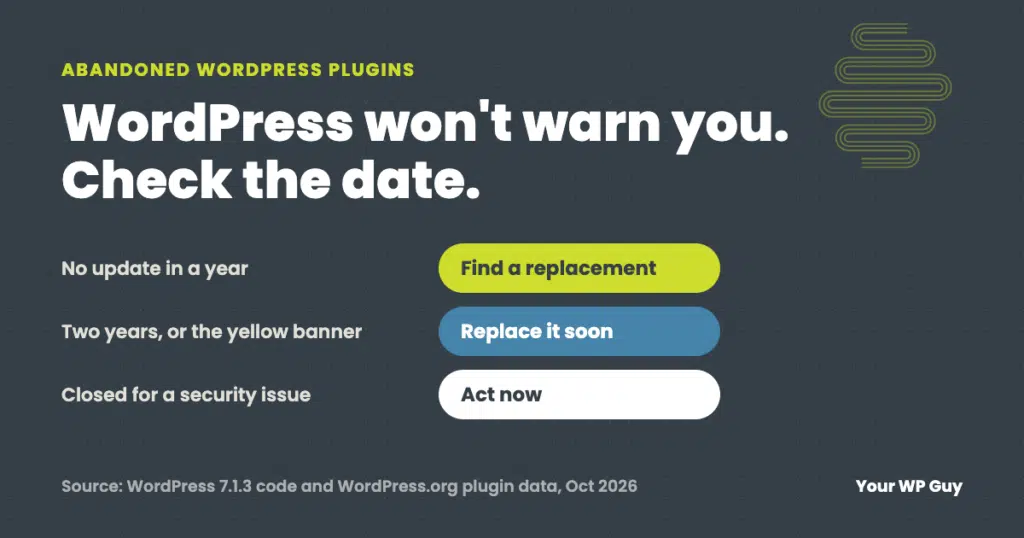
Abandoned WordPress Plugins: How to Spot Them and What to Do
The short answer An abandoned WordPress plugin is one its developer no longer updates. It may keep working for years, but any security hole found in it will never be fixed, and it can break the next time WordPress or PHP changes. WordPress does not warn you, so check each plugin’s “Last updated” date. No…

A Guide to WordPress Maintenance: Timelines, Tasks, and Triumphs for Your Business
If you’re using WordPress to showcase your business, you’re already on the right track. This powerful platform is a great tool that, when properly maintained, can help your business thrive online. But, like a Harley, a piano, or even yourself, it needs regular tune-ups to keep running at peak performance. But how often should you…

What are WordPress Translations?
Hearing about all the plugins that WordPress has to offer can sound like speaking Greek. But what if we told you your website could translate Greek at the press of a button? WordPress Translations make it possible for users to localize the content and interface of their websites. Localization is a process of adapting websites,…

The Top 5 Differences Between Managed Hosting and Maintenance Plans
Imagine that you are the owner of a small business. Woah, really? Is my Mom super proud? Anyways..back to the scenario. You have been using a shared hosting plan for your website, but you’ve been getting more and more traffic, and your site is starting to slow down. You’ve also been hearing a lot about…
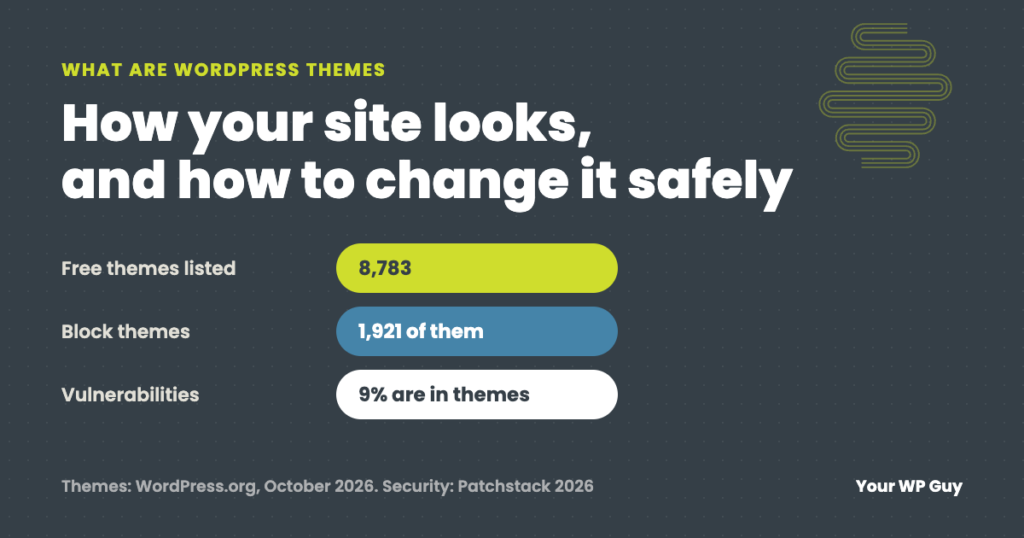
What Are WordPress Themes? (And How to Change One Safely)
The short answer A WordPress theme controls how your website looks: the layout, fonts, colors, header and footer. Plugins add features; the theme handles the design. Every site runs one active theme, and you can change it without losing your pages or posts, though some design settings will not carry over. See how we keep…
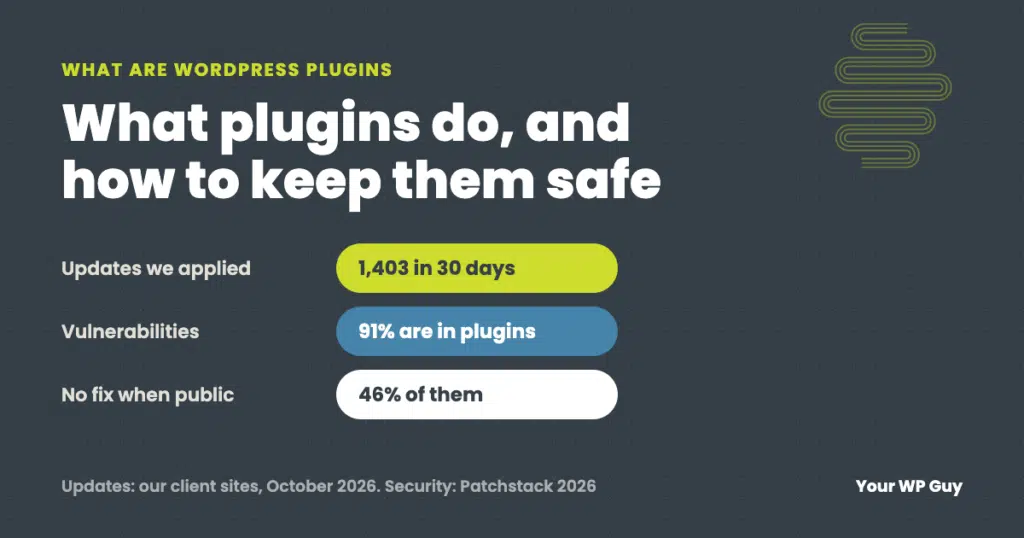
What Are WordPress Plugins? (And How Many Is Too Many)
The short answer A WordPress plugin is an add-on that gives your website a new feature without custom code: a contact form, backups, security, an online store, SEO settings. You install it from your dashboard, and it can be switched off or removed at any time. Every plugin also has to be kept updated, because…
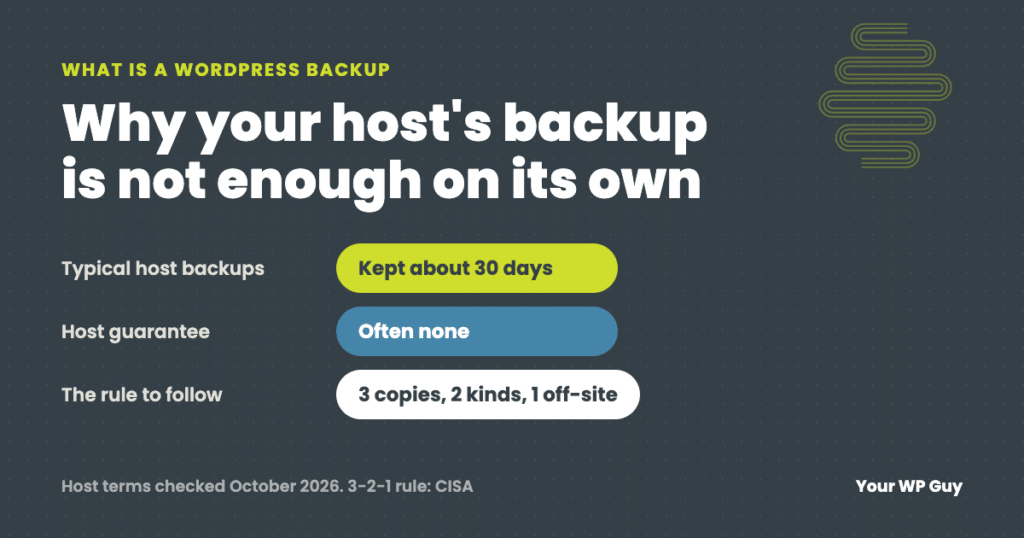
What Is a WordPress Backup? (And Why Your Host’s Is Not Enough)
The short answer A WordPress backup is a complete copy of your website, its files and its database, stored somewhere other than your website’s server. If the site is hacked, broken by an update or changed by mistake, the backup is how you put it back the way it was. Without one, there may be…

What Is WordPress Maintenance? (What It Includes and How Often)
The short answer WordPress maintenance is the ongoing work that keeps a WordPress website secure, fast and working after it is built: updating WordPress, plugins and themes, making backups, watching for security problems and downtime, and fixing what breaks. It is not a one-time job, because WordPress and its plugins change every week. See how…

What is WordPress?
The easy answer to this question is WordPress is a software anyone can use to edit and create a website. Before WordPress, it was very difficult to get a website running without the help of someone who could write code, like CSS, PHP and JavaScript. Now anyone can create a website quickly by installing the…